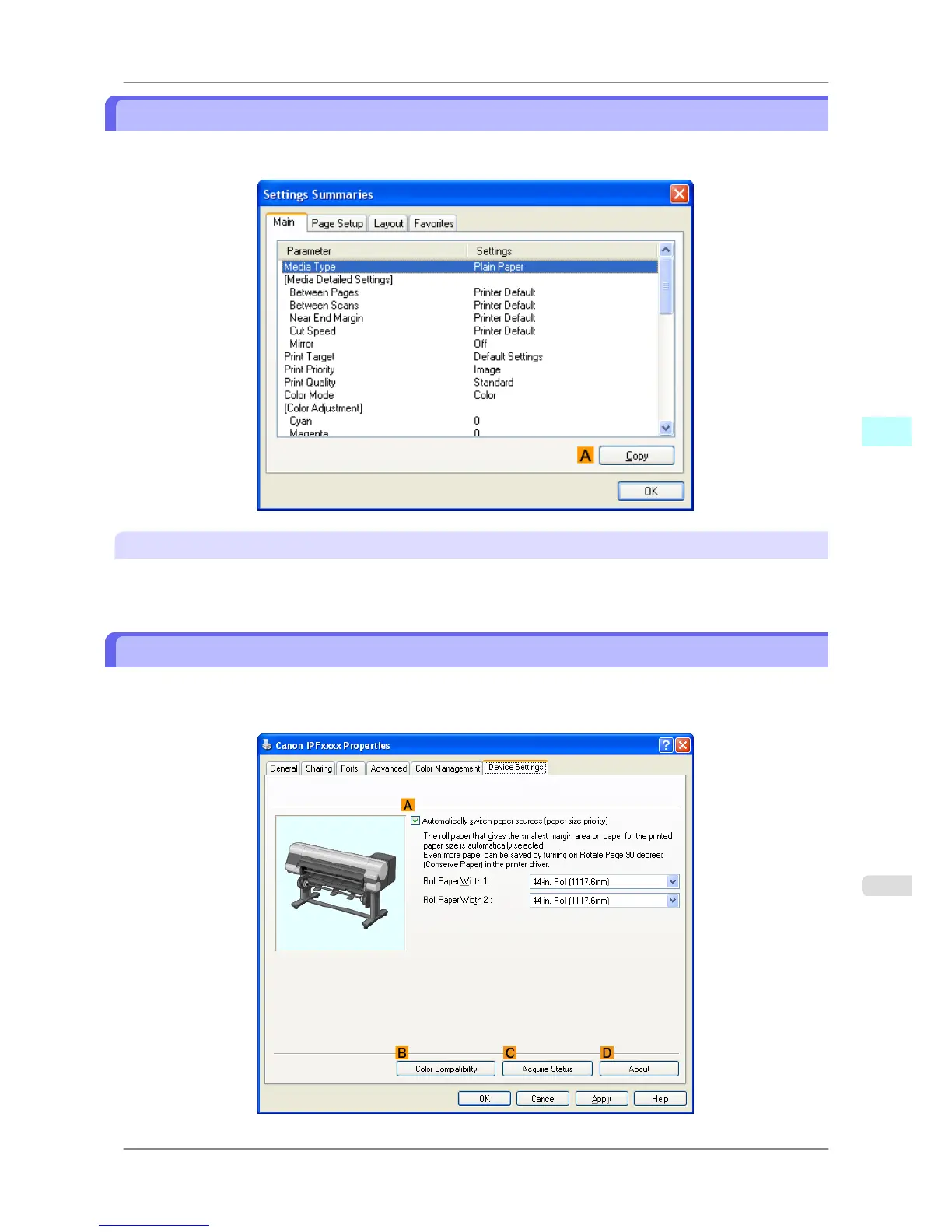
Settings Summaries Dialog Box
The Settings Summaries dialog box enables you to confirm the settings for the Main, Page Setup, Layout, and Fa-
vorites sheets.
A Copy
Click to copy the settings information to the clipboard. You can paste the settings information into a file created with a
text editor or similar application.
Device Settings Sheet
Many settings items on the printer properties sheets are controlled by Windows applications. However, the Device Set-
tings sheet is for configuring the printer, and it is an extension of the printer driver.
The following settings are available on the Device Settings sheet.
Windows Software
>
Printer Driver
>
iPF825 Settings Summaries Dialog Box
4
229














 To Next Page