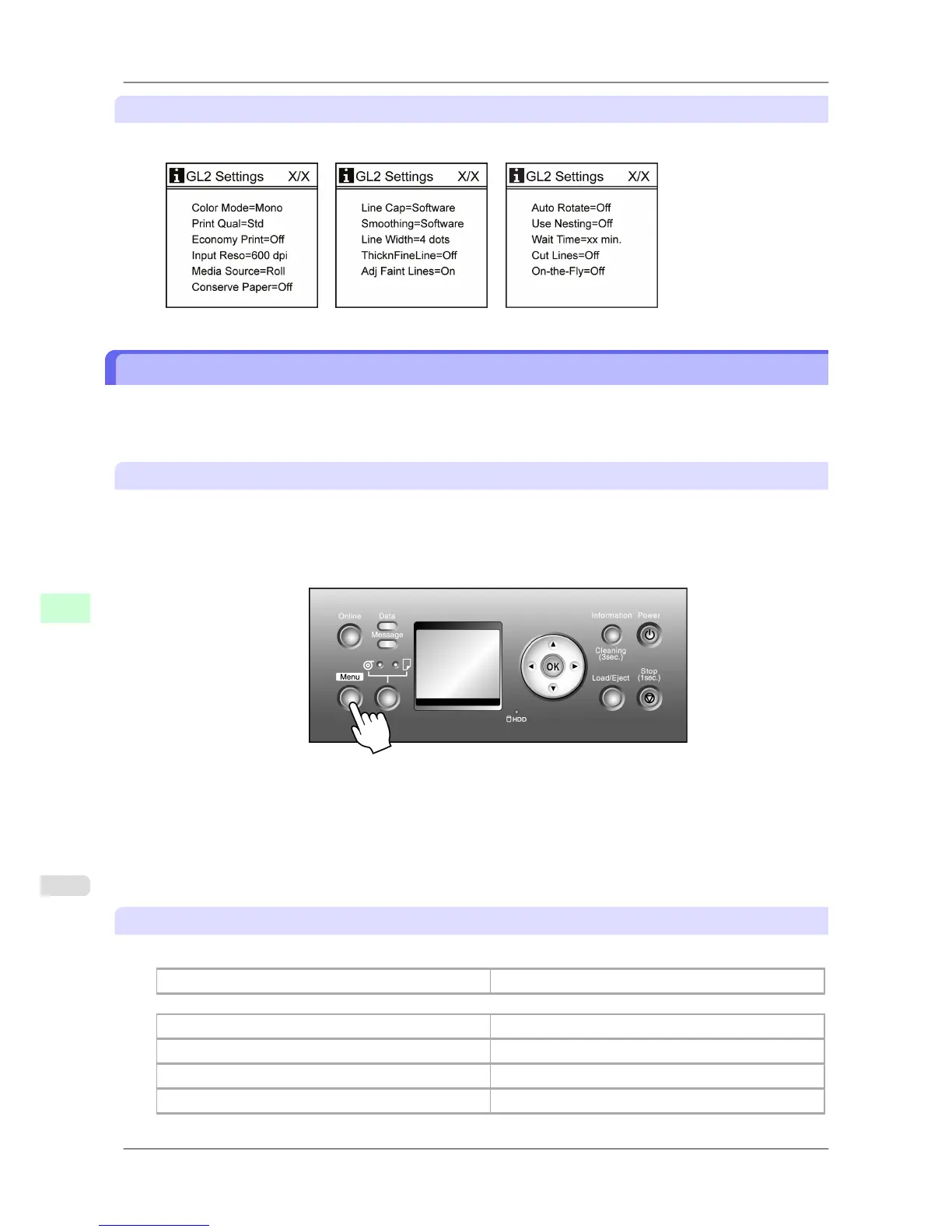
HP-GL/2 setting information
HP-GL/2 settings information is displayed on three screens.
Status Print
You can print a Status Print report indicating the current status of the printer.
With Status Print, information is printed regarding the printer firmware version, various settings, and the utilization
level of consumables.
Printing Status Print Reports
1. Load paper.
If using sheets, load paper A4/Letter-sized. You will need at least four sheets.
2. Press the Menu button to display MAIN MENU.
3. Press ▲ or ▼ to select Test Print, and then press the ▶ button.
4. Press ▲ or ▼ to select Status Print, and then press the ▶ button.
5. Press ▲ or ▼ to select Yes, and then press the OK button.
Checking the information in the Status Print report
The following information is included in the Status Print report.
Canon imagePROGRAF iPFxxxx Status Print Printer model
Firm Firmware version
Boot Boot ROM version
MIT(DBF) MIT database format version
MIT(DB) MIT database version
Printer Parts
>
Control Panel
>
Status Print iPF825
9
692














 To Next Page