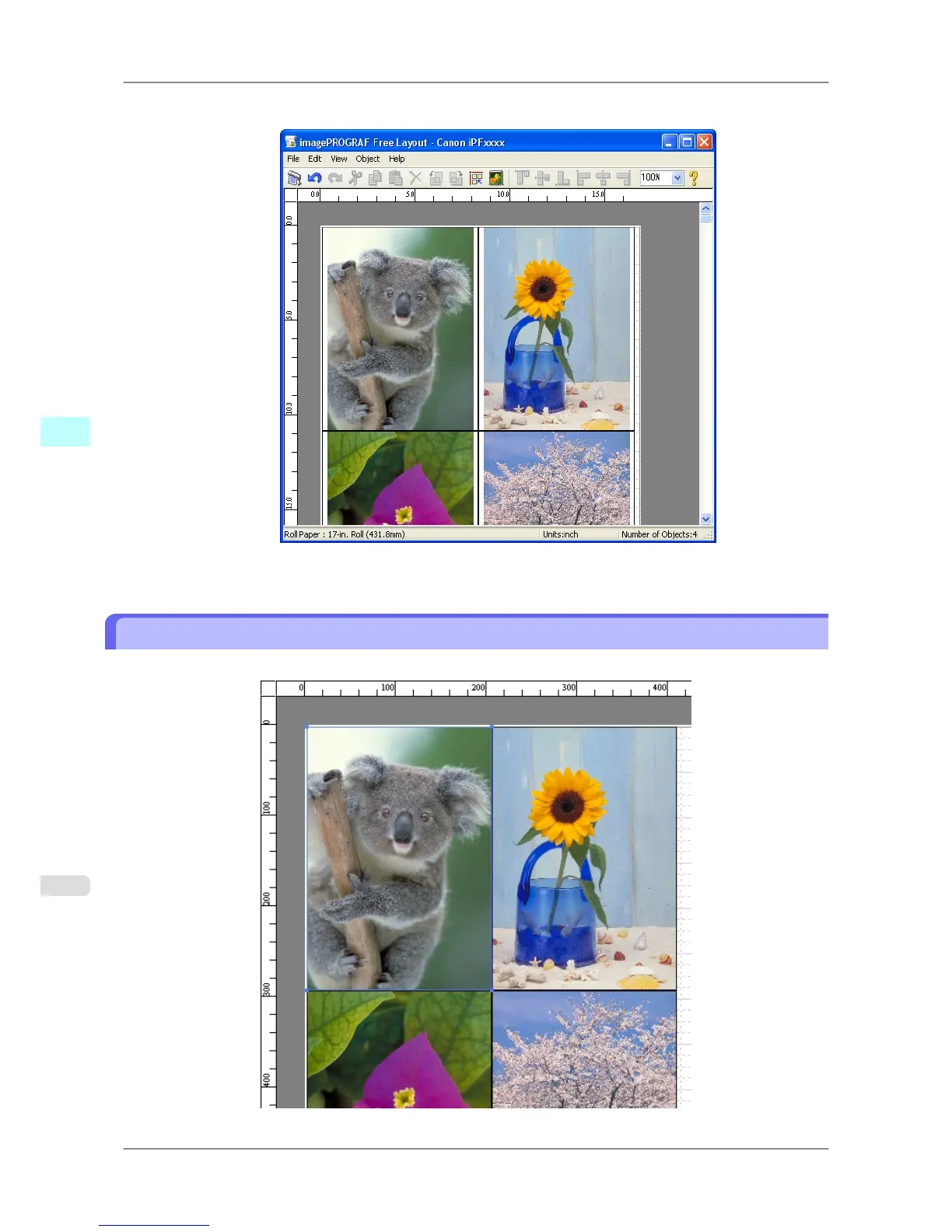
Free Layout starts, laying out the document created with application software in the layout area as an object.
7. Leaving Free Layout running, open other files with other application software and repeat the above steps.
Selecting an Object
When an object is selected, a select box (blue border) appears around the object.
Windows Software
>
Free Layout
>
Selecting an Object iPF825
4
260














 To Next Page