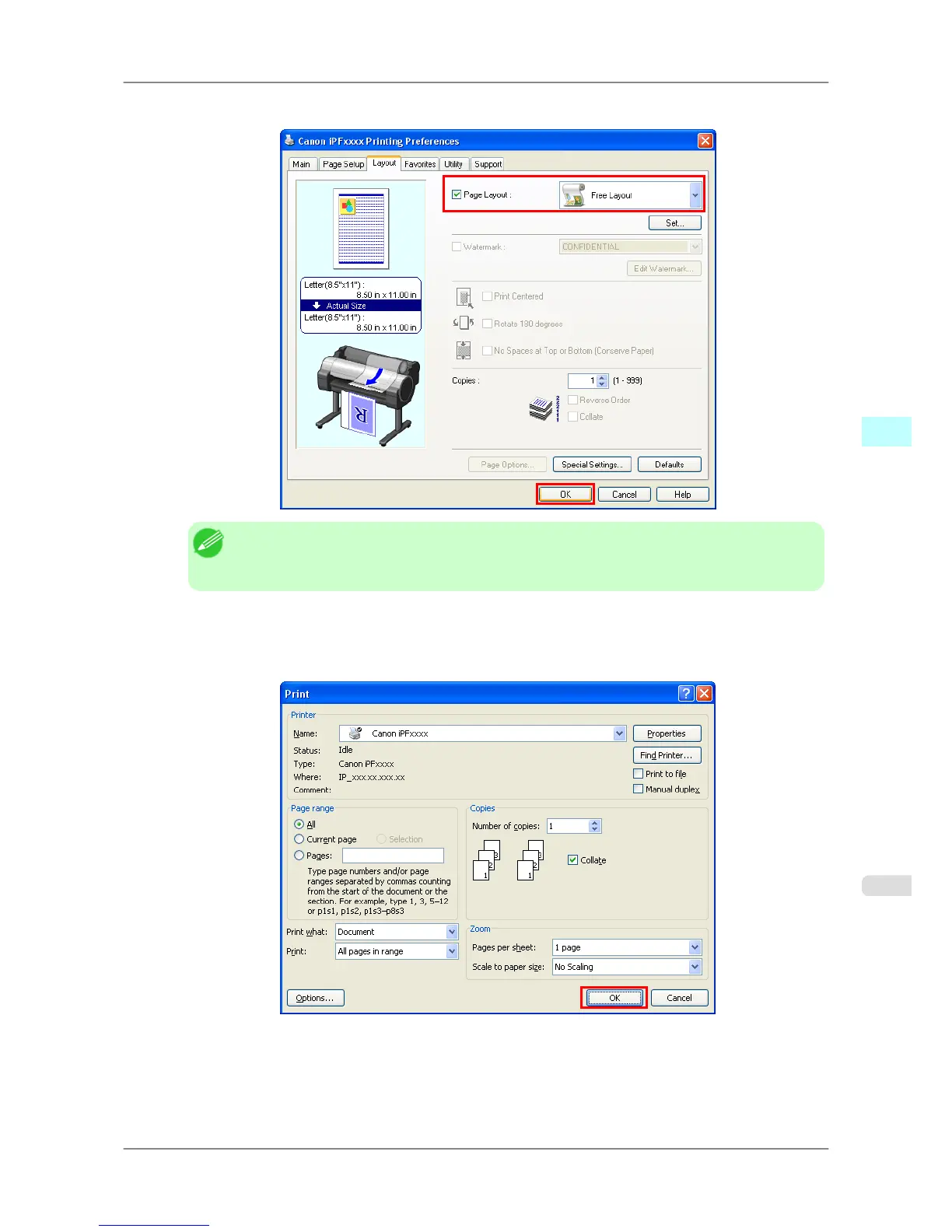
4. In the Layout sheet, click on the Page Layout check box and select Free Layout from the list.
Note
• Your printer is depicted in the lower-left area of this screen.
• When you select Free Layout, all other setting items will be disabled.
5. Click the OK button to save the settings.
6. In the Print dialog box, select the pages to print and the number of copies, and click the OK button.
Windows Software
>
Free Layout
>
iPF825 Laying out a Document Created with Multiple Application Programs on One Page
4
259














 To Next Page