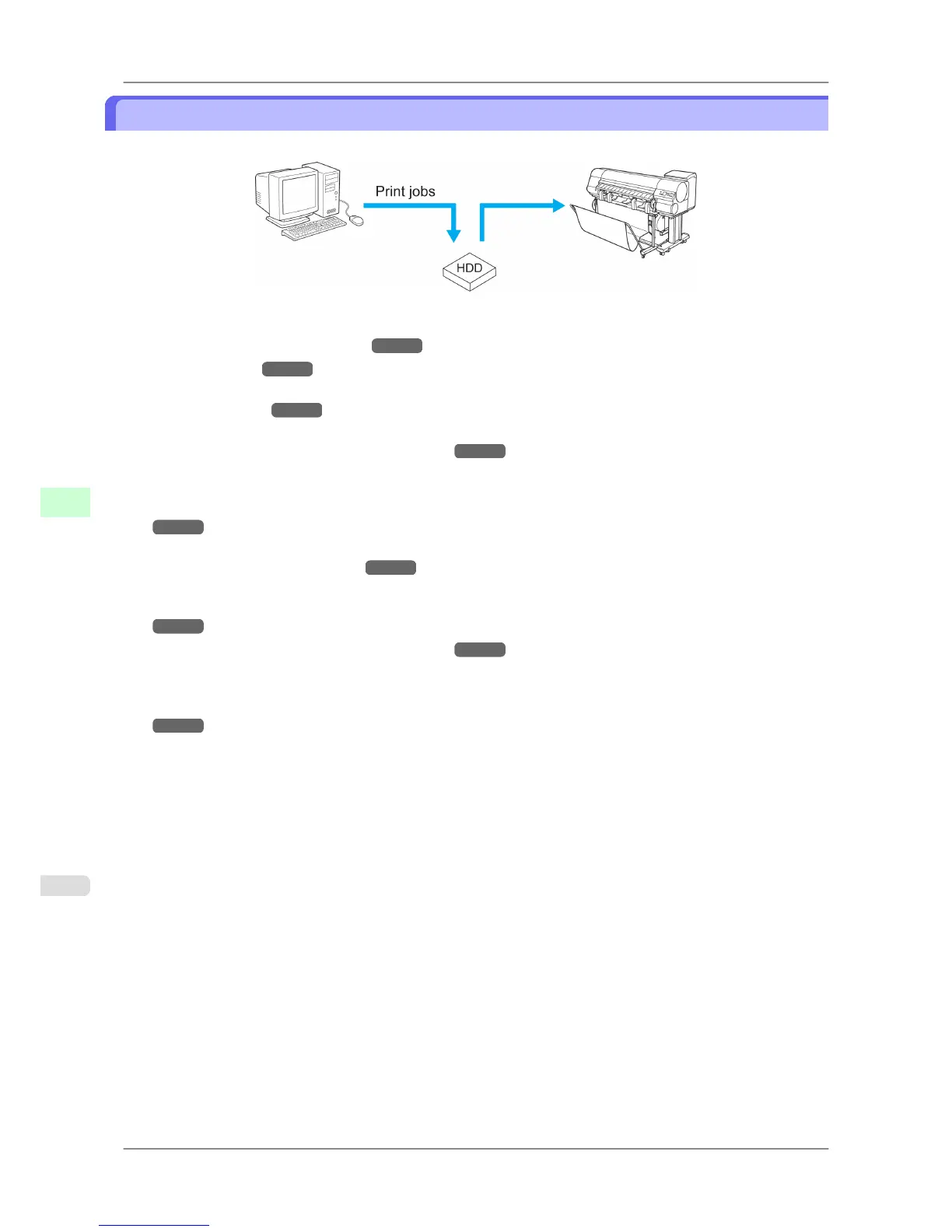
Saving Print Jobs
You can save print jobs on the printer's hard disk.
Save print jobs on the printer's hard disk as follows.
• Using the printer driver (Windows)
→P.533
• Using HDI Driver →P.334 (Windows)
See "Output Method Setting."
• Using Free Layout →P.244 (Windows)
See the section on the Output Method dialog box.
• Using Color imageRUNNER Enlargement Copy →P.272 (Windows)
See the section on the Output Method button on the Output Settings sheet.
• Using imagePROGRAF Preview (Windows)
Printer
driver settings will be used for the format of saved print jobs. (See "Using the printer driver (Windows).")
→P.533
• Using the printer driver (Mac OS)
→P.534
• Using Free Layout (Mac OS)
Printer
driver settings will be used for the format of saved print jobs. (See "Using the printer driver (Mac OS).")
→P.534
• Using Color imageRUNNER Enlargement Copy →P.485 (Mac OS)
See the section on the Output Method button in the Output Settings pane.
• Using imagePROGRAF Preview (Mac OS)
Printer
driver settings will be used for the format of saved print jobs. (See "Using the printer driver (Mac OS).")
→P.534
However, the document name will be imagePROGRAF.
Print Jobs
>
Basic Print Job Operations
>
Saving Print Jobs iPF825
6
532














 To Next Page