Printing with Selecting the Layout
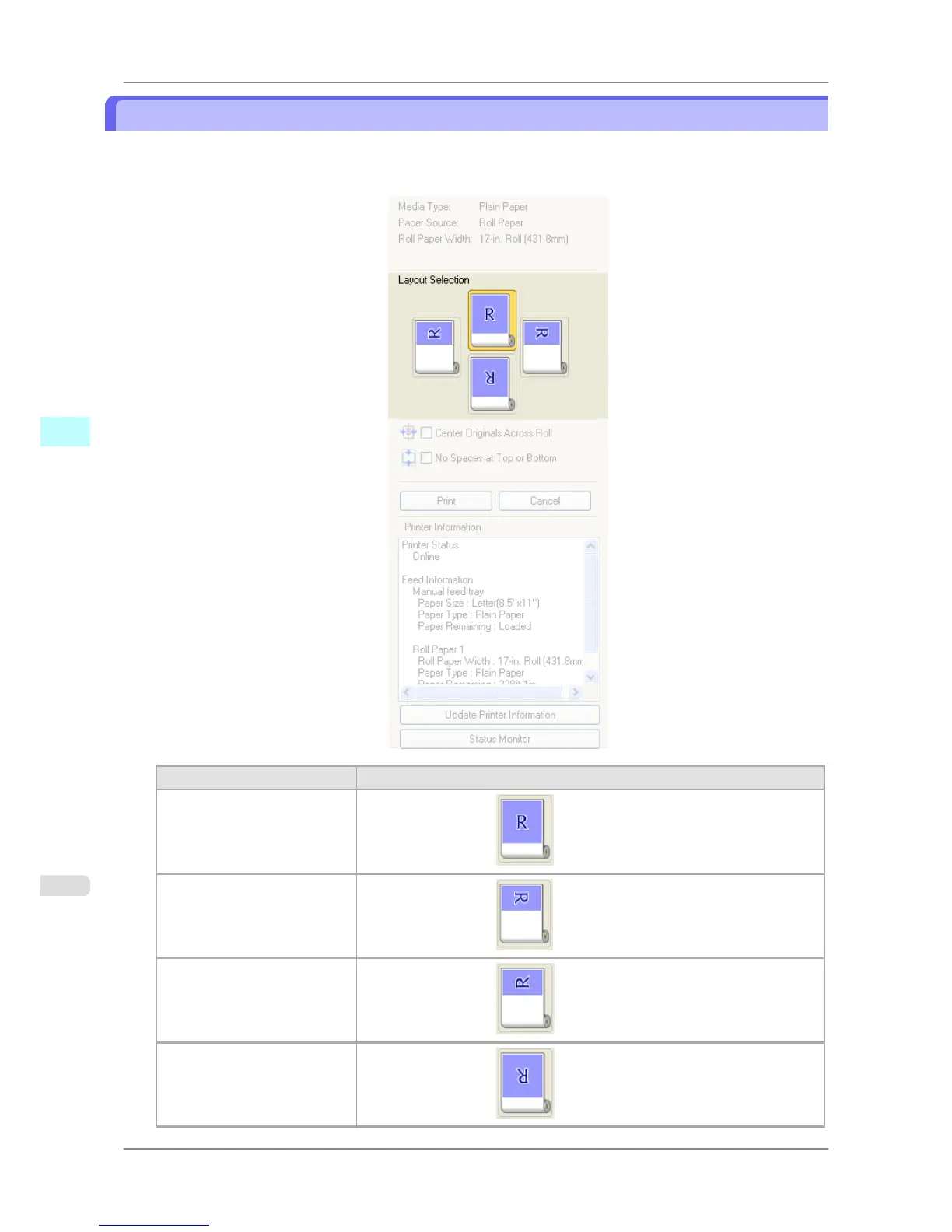
You can print which conserves paper by selecting the layout.
1. In Layout Selection, click the layout button to use.
Button Details
Upper Button
Turn at the position of
.
Right Button
Turn at the position of
.
Left Button
Turn at the position of .
Lower Button
Turn at the position of .
Windows Software
>
Preview
>
Printing with Selecting the Layout iPF825
4
240














 To Next Page