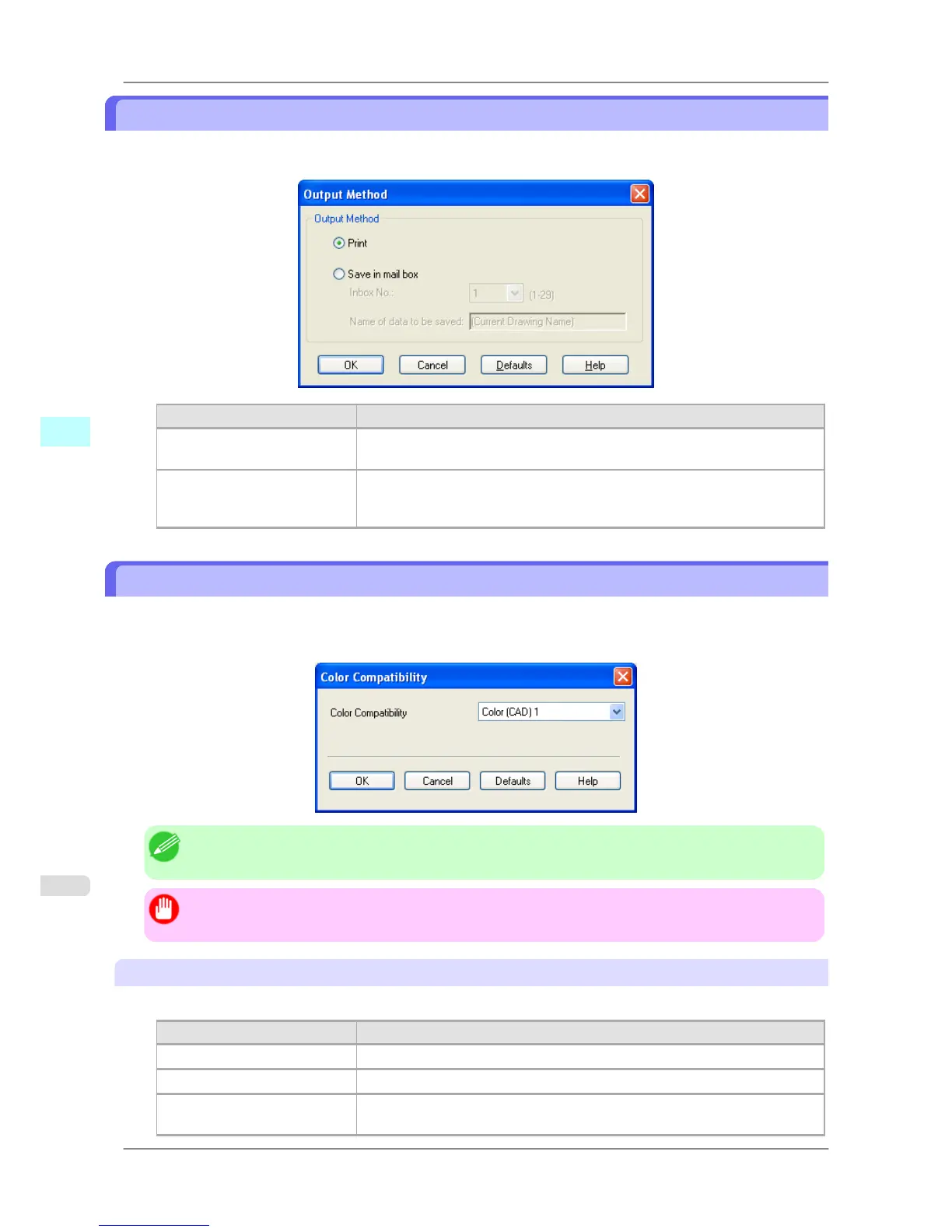
Output Method Dialog Box
Output Method dialog box appears when you click Output Method button on the Main sheet in the Custom Proper-
ties dialog box. You can specify the output method for HDI Driver.
Setting Details
Print Normal printing. The print job data is stored temporarily in the box as the job
prints
Save in mail box The print data is saved in the mail box on the HDD without printing.
Sets the number of the destination mail box for saving. The name of the data to
be saved is displayed.
Color Compatibility Dialog Box
Color Compatibility dialog box appears when you click the Color Compatibility button on the Main sheet in the
Custom Properties dialog box. You can set color for when Color (CAD) is selected in Color Mode.
You can print with color approximating the specified model by selecting Color Compatibility for printing.
Note
• Color (CAD) is displayed by selecting the Main sheet, and then Line Drawing/Text in Print Priority.
Important
• The color and quality of the specified model cannot be perfectly matched.
Color Compatibility
Color settings and compatible models are listed below.
Color settings Compatible models
Color (CAD) 1 Standard
Color (CAD) 2 Color (CAD) Light
Color (CAD) 3 Canon BJ-W3000/W3050 (BJ-W3000/W3050 are not sold domestically in Ja-
pan.)
Windows Software
>
HDI Driver
>
Output Method Dialog Box iPF825
4
362














 To Next Page