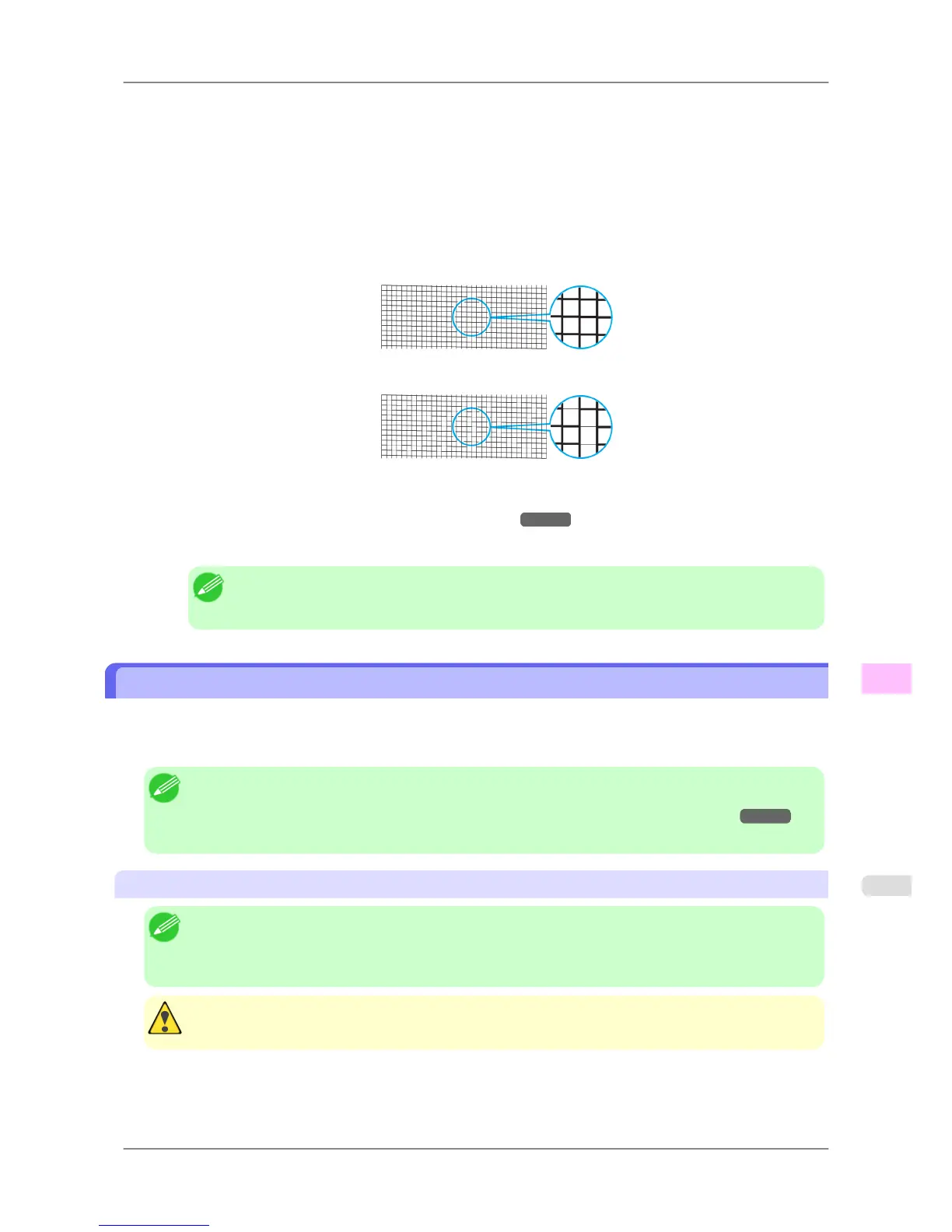
4. Press ▲ or ▼ to select Nozzle Check, and then press the ▶ button.
5. Press ▲ or ▼ to select Yes, and then press the OK button.
The printer goes online and prints a test pattern.
6. Check the printing results.
The
Printhead L prints the test pattern for nozzle checking on the top line in each color, and the Printhead R
prints the test pattern on the bottom line.
If the horizontal lines are not faint or incomplete, the nozzles are clear.
If some sections of the horizontal lines are faint or incomplete, the nozzles for those colors are clogged.
If horizontal lines are faint or incomplete, follow the steps below and check again for nozzle clogging.
1. Clean the Printhead. (See "Cleaning the Printhead.") →P.755
2. Print a test pattern to check the nozzles.
Note
• If you repeat these steps several times but the horizontal lines are still faint or incomplete, contact
your Canon dealer.
Cleaning the Printhead
Cleaning the Printhead may help clear nozzles that are clogged.
Choose one of two Printhead cleaning modes ( Head Cleaning A or Head Cleaning B ), depending on the problem to
resolve.
Note
• You
can specify a number of pages in the printer's Noz. Check Freq. menu for automatic nozzle check-
ing and cleaning every time you finish printing that quantity. (See "Main Menu Settings.")
→P.679
• You can start Head Cleaning A by holding down the Information button for three seconds or more.
Cleaning the Printhead
Note
• If printing does not improve after Head Cleaning A, try Head Cleaning B. If this does not solve the
problem, repeat Head Cleaning B one or two times. If this still does not improve printing, the Printhead
may have reached the end of its useful life. Contact your Canon dealer.
Caution
• Do not remove the Maintenance Cartridge or Ink Tank during cleaning.
Maintenance
>
Printheads
>
iPF825 Cleaning the Printhead
11
755














 To Next Page