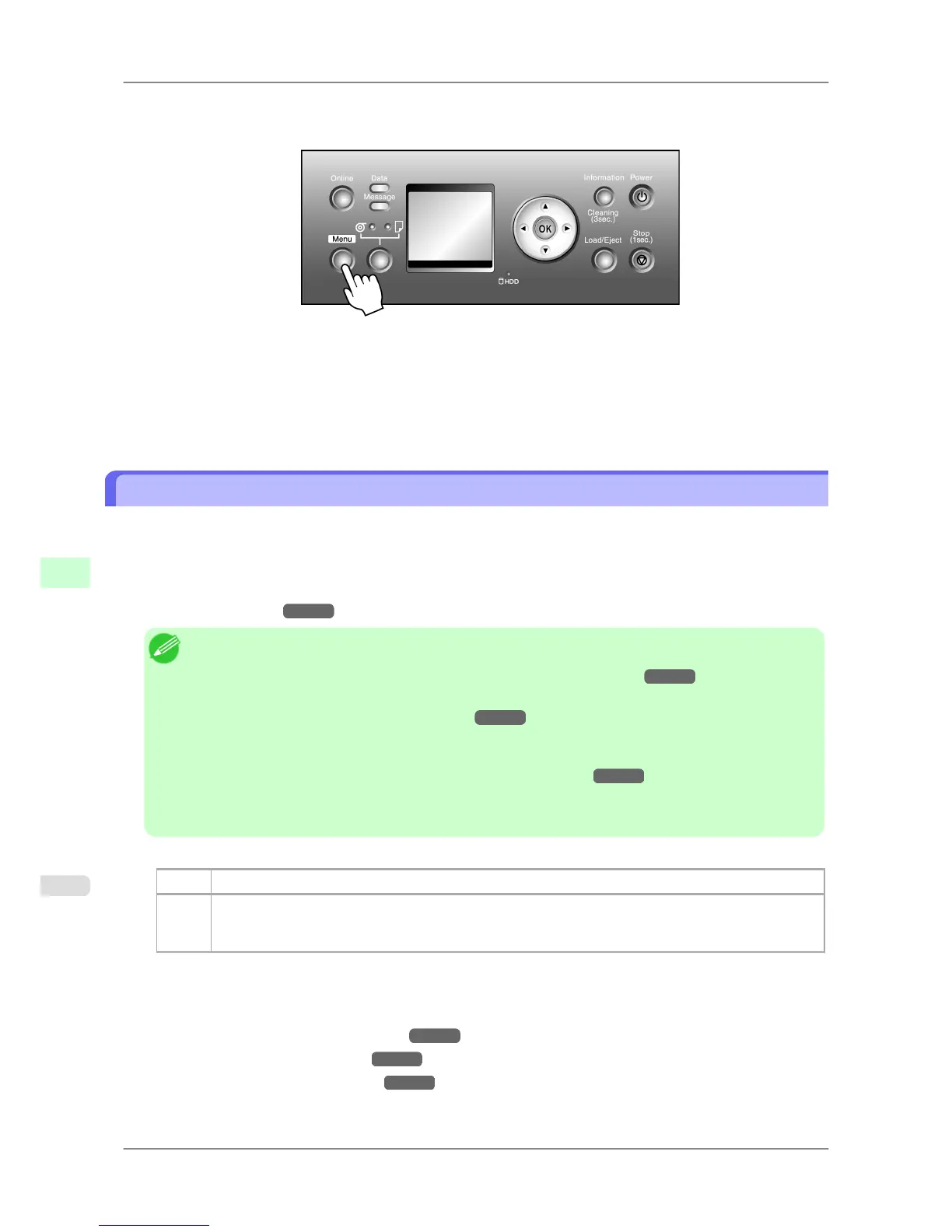
Follow these steps to change the Feed Priority setting.
1. Press the Menu button to display MAIN MENU.
2. Press ▲ or ▼ to select Paper Details, and then press the ▶ button.
3. Press ▲ or ▼ to select the type of paper, and then press the ▶ button.
4. Press ▲ or ▼ to select Feed Priority, and then press the ▶ button.
5. Press ▲ or ▼ to select Automatic, Band Joint or Print Length and then press the OK button.
Auto Band Adjustment (Auto Band Adj.)
If printed images are affected by banding in different colors, adjust the amount that paper is fed.
Auto Band Adj. offers two modes, Standard Adj. and Advanced Adj.. Use Advanced Adj. if Standard Adj. does
not eliminate banding, or when using paper other than genuine Canon paper or paper for purposes other than checking
output.
Always check the Feed Priority setting before using Auto Band Adj.. (See "Selecting a Feed Amount Adjustment
Method (Feed Priority).") →P.635
Note
• When
using highly transparent media not compatible with Auto Band Adj., you must adjust the feed
amount manually. (See "Manual Band Adjustment (Manual Band Adj).")
→P.637
• If
additional fine-tuning is necessary after Auto Band Adj., use Fine Band Adj.. (See "Banding Ad-
justment During Printing (Fine Band Adj.).")
→P.639
• To
adjust the measurement scale and ensure accuracy (so that lines in CAD drawings are printed at ex-
actly the right length, for example), specify the amount of paper stretching or shrinkage when adjusting
the feed amount. (See "Adjusting Line Length (Adjust Length).")
→P.640
• This may take some time, depending on the type of paper.
• Use paper of the same type and size for adjustment as you will use for printing.
Paper to Prepare
Rolls An unused roll at least 10 inches wide
Sheets Standard Adj. : One sheet of unused paper of at least A4/Letter size
Advanced Adj. : Two sheets of unused paper of at least A4/Letter size (or one sheet when using A2 or
larger)
Execute Auto Band Adj. as follows.
1. Load paper.
• Attaching the Roll Holder to Rolls →P.584
• Loading Rolls in the Printer →P.588
• Loading Sheets in the Printer →P.616
Adjustments for Better Print Quality
>
Adjusting the feed amount
>
Auto Band Adjustment (Auto Band Adj.) iPF825
8
636














 To Next Page