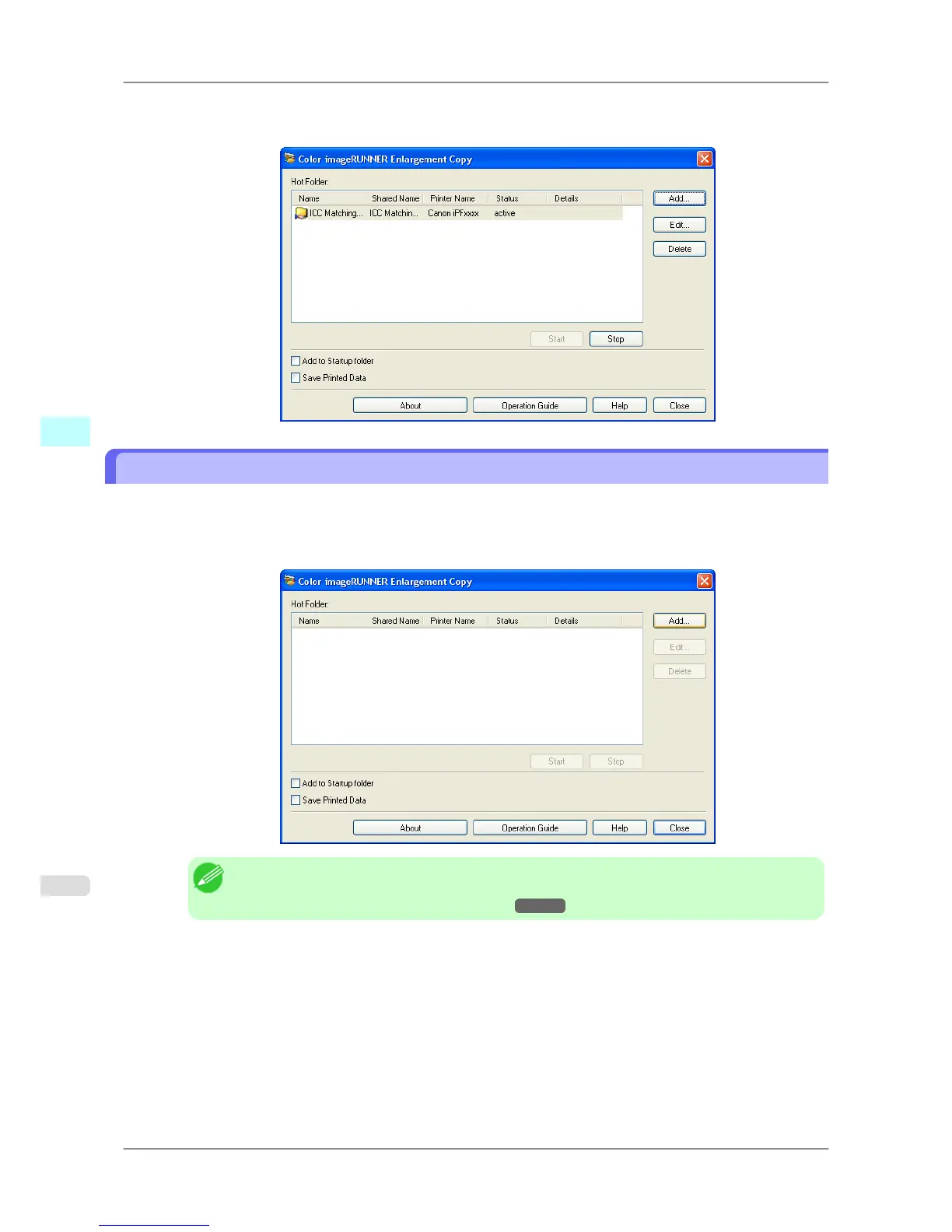
The hot folder you have created appears in the Hot
Folder list in the Color imageRUNNER Enlargement
Copy dialog box.
Specifying an Existing Shared Folder as a Hot Folder
1. Share the folder you want to specify as a hot folder.
2. Open the Color imageRUNNER Enlargement Copy dialog box, and then click the Add button.
Note
• For the step to open the Color imageRUNNER Enlargement Copy dialog box, see "Starting
Color imageRUNNER Enlargement Copy." →P.272
Windows Software
>
Color imageRUNNER Enlargement Copy
>
Specifying an Existing Shared Folder as a Hot Folder iPF825
4
280














 To Next Page