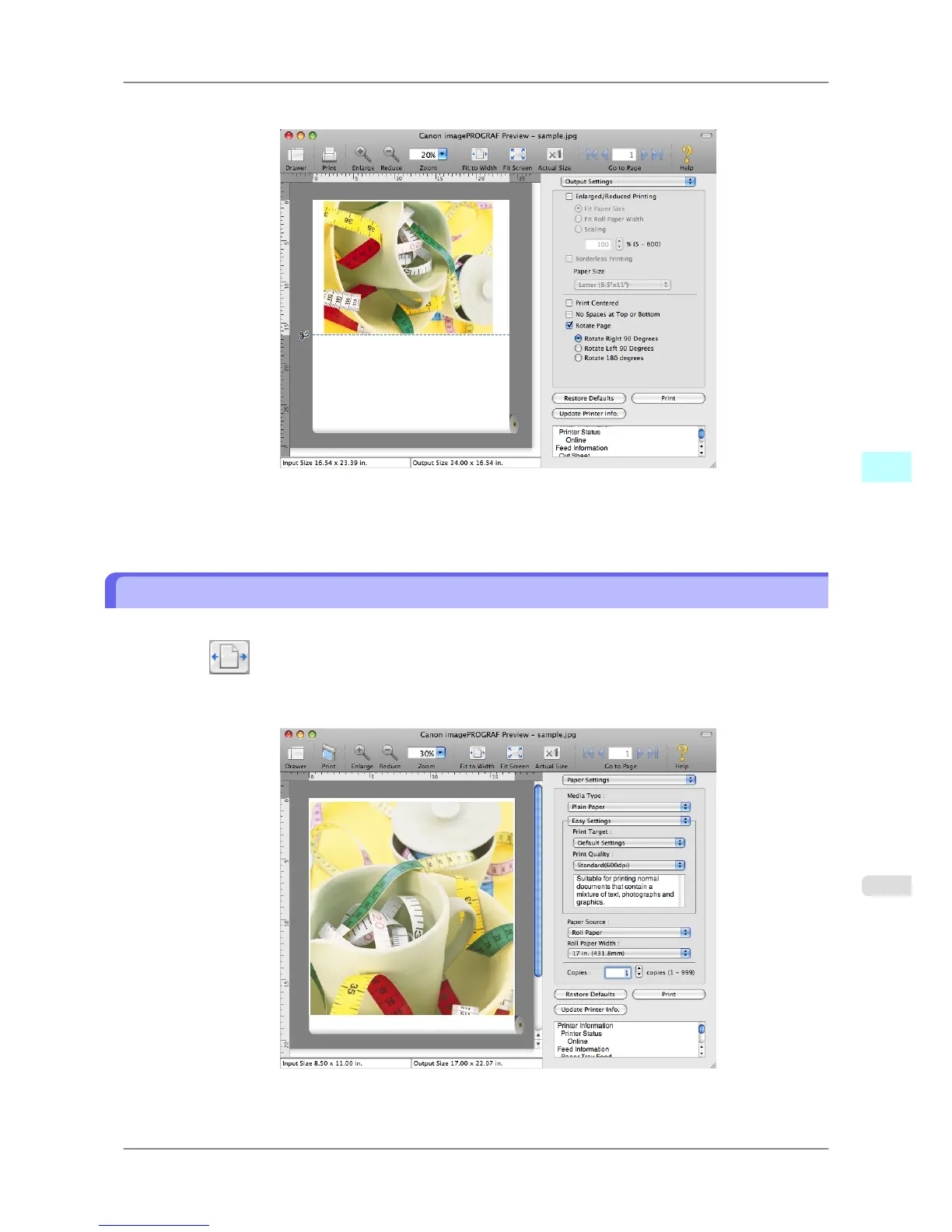
3. Select Rotate Right 90 Degrees or Rotate Left 90 Degrees.
4. Click the Print button.
Printing on rotating 90 degrees begins.
Display with Fitting to the Width of the Paper
In the preview area, you can display to the width of the paper.
1. Select Fit Roll Paper Width from the tool bar.
2. Fitting to the width of the paper, it is displayed.
Mac OS X Software
>
Preview
>
iPF825 Display with Fitting to the Width of the Paper
5
451














 To Next Page