Editing a Hot Folder (Setting Print Conditions)
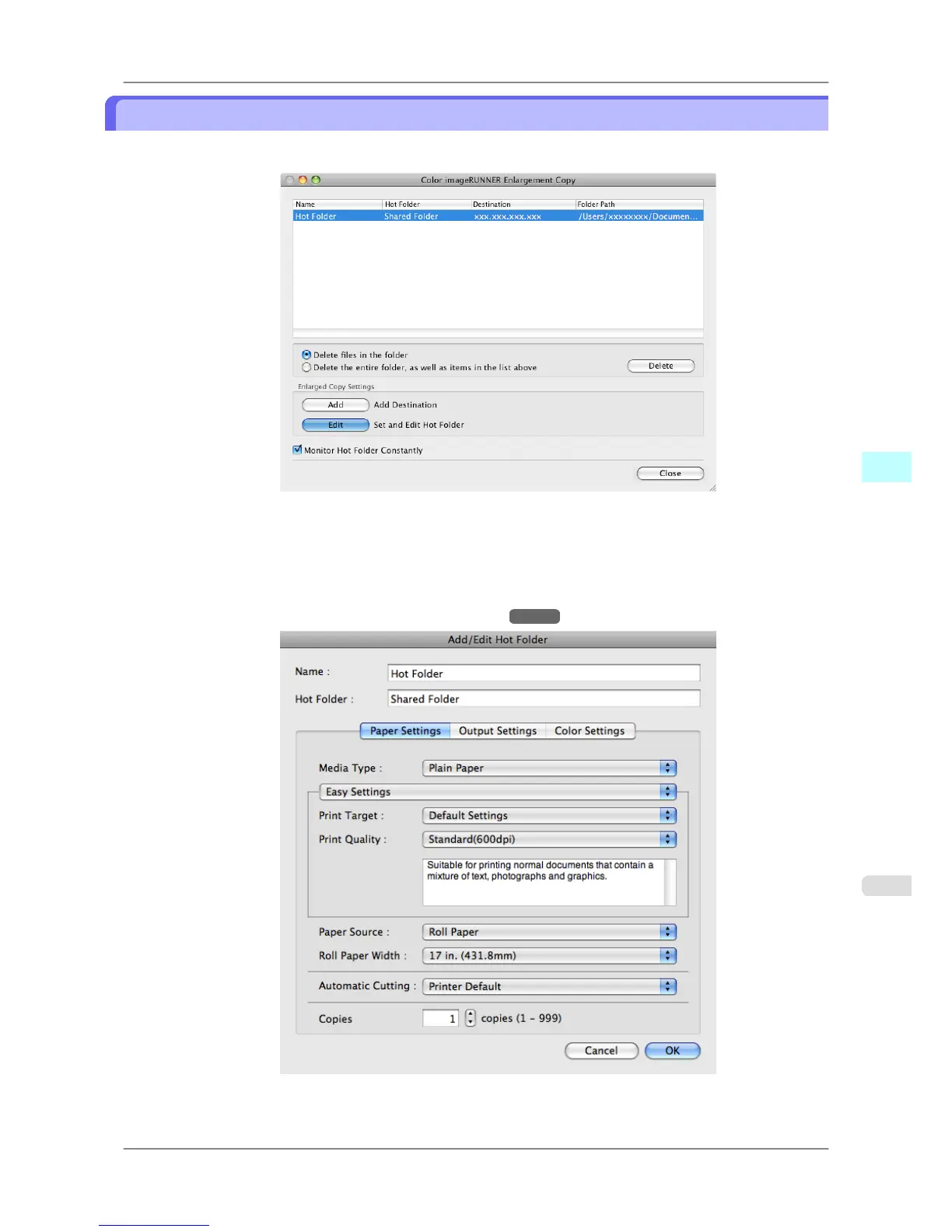
1. Open the Color imageRUNNER Enlargement Copy dialog box.
2. Select the Hot Folder from the Hot Folder list.
3. From Enlarged Copy Settings, click Edit button to open the Add/Edit Hot Folder dialog box.
4. Make the necessary settings in the Paper Settings Panel →P.494 .
Mac OS X Software
>
Color imageRUNNER Enlargement Copy
>
iPF825 Editing a Hot Folder (Setting Print Conditions)
5
491














 To Next Page