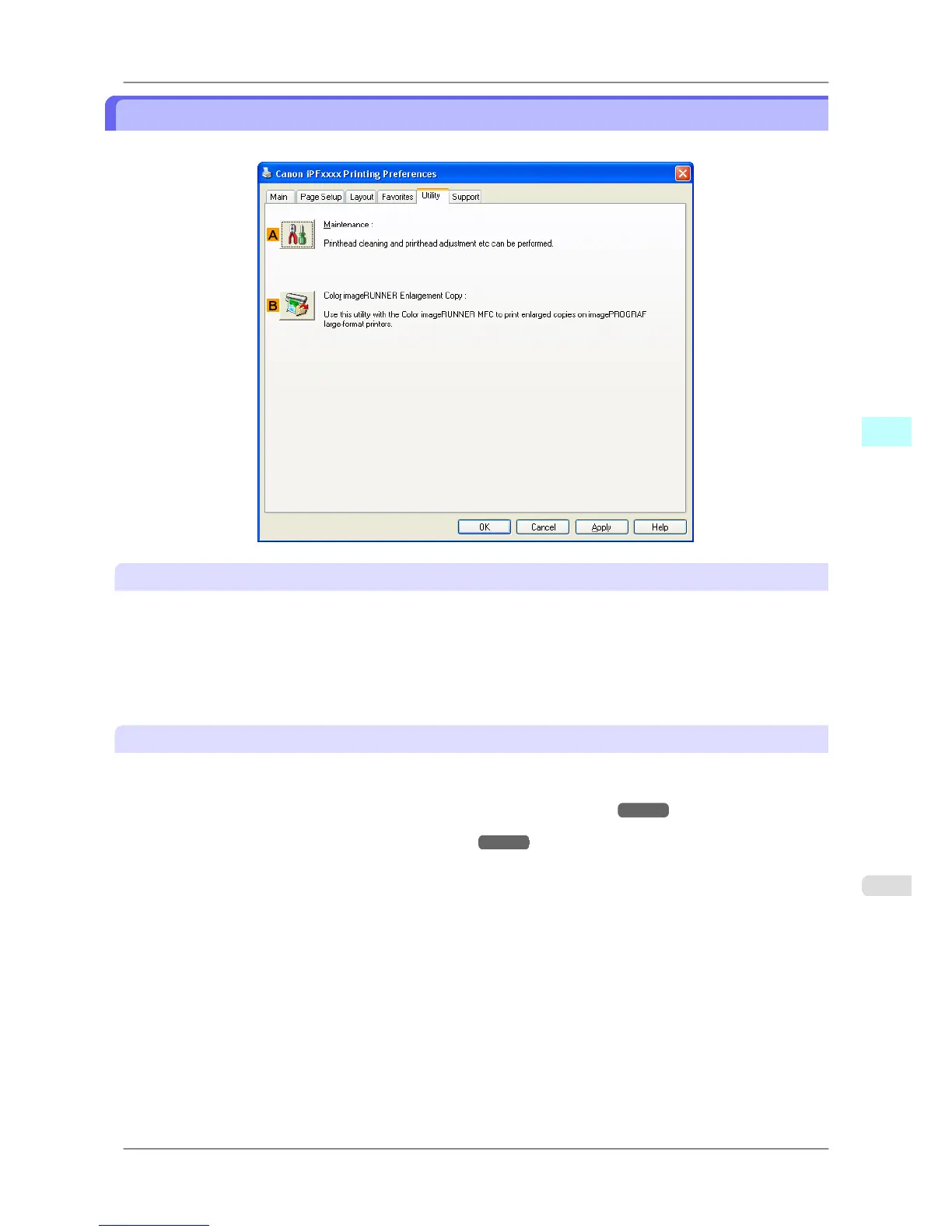
Utility Sheet
The following items can be executed on the Utility sheet. For details on the utilities, refer to the relevant utility help.
A Maintenance
Click to start the imagePROGRAF Status Monitor, which offers the following maintenance for the printer.
• Nozzle (ink ejecting outlet) check
• Nozzle (ink ejecting outlet) cleaning
• Head alignment adjustment
• Feed amount adjustment
B Color imageRUNNER Enlargement Copy
Click to launch Color imageRUNNER Enlargement Copy (iR enlargement copy), which enables you to create hot fold-
ers used for Color imageRUNNER Enlargement Copy and assign print settings to hot folders.
• Printing Enlargements of Scanned Originals from a Color imageRUNNER →P.284
For details, see Color imageRUNNER Enlargement Copy →P.272 .
Windows Software
>
Printer Driver
>
iPF825 Utility Sheet
4
227














 To Next Page