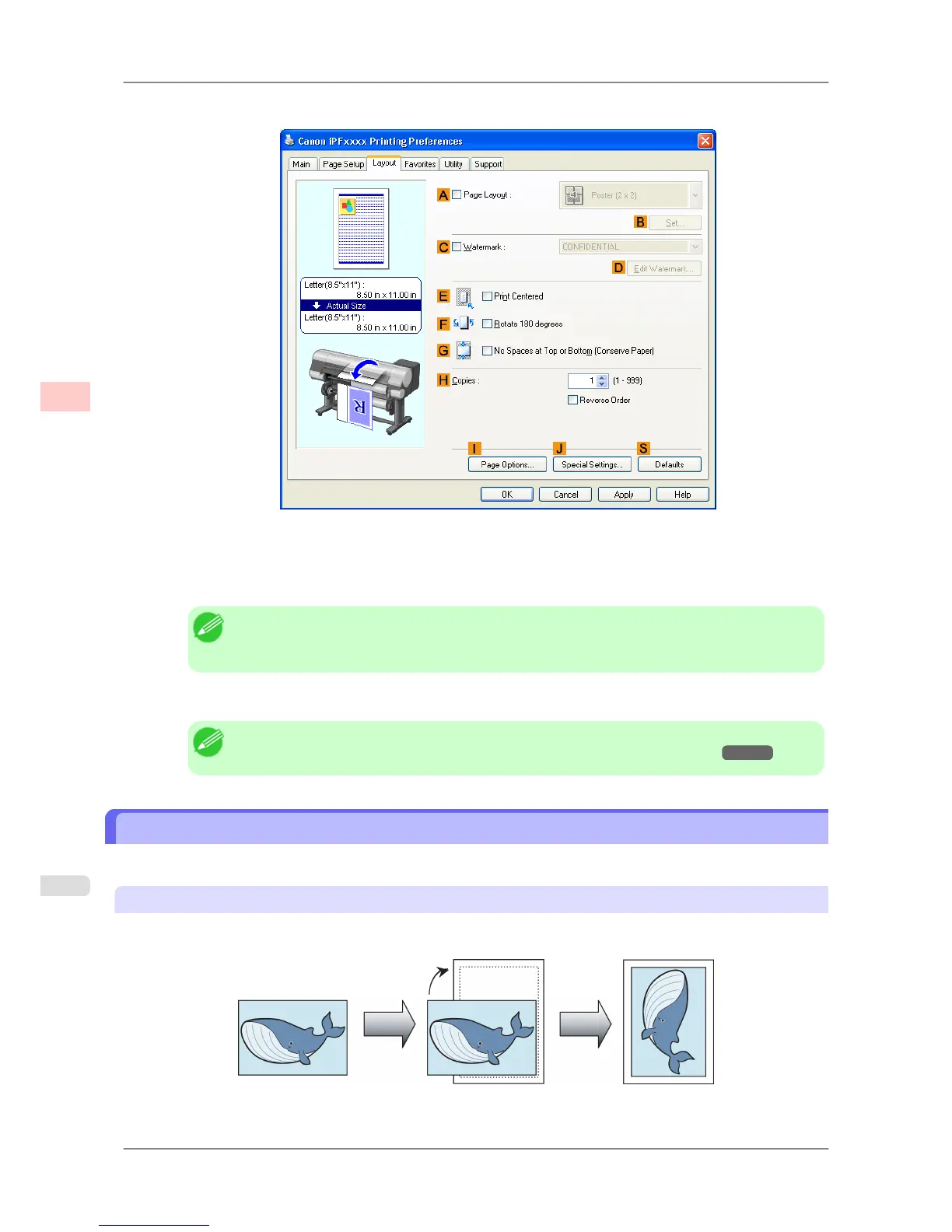
10. Click the Layout tab to display the Layout sheet.
11. Select the CWatermark check box.
12. Click FILE COPY in the Watermarks list.
Note
• Click D Edit
Watermark to open the Edit Watermark dialog box. In the Edit Watermark
dialog box, you can create custom watermarks and change the position and angle of watermarks.
13. Confirm the print settings and print as desired.
Note
• For tips on confirming print settings, see "Confirming Print Settings (Windows)
→P.196 "
Making the Original Orientation Match the Paper Orientation
You can specify the original orientation to match the orientation of the paper for printing.
Orientation
Paper is usually loaded in the printer in portrait orientation. When you have an original in landscape orientation, you
can specify the printing orientation so that the original is printed in landscape orientation.
Enhanced Printing Options
>
Other useful settings
>
Making the Original Orientation Match the Paper Orientation iPF825
3
178














 To Next Page