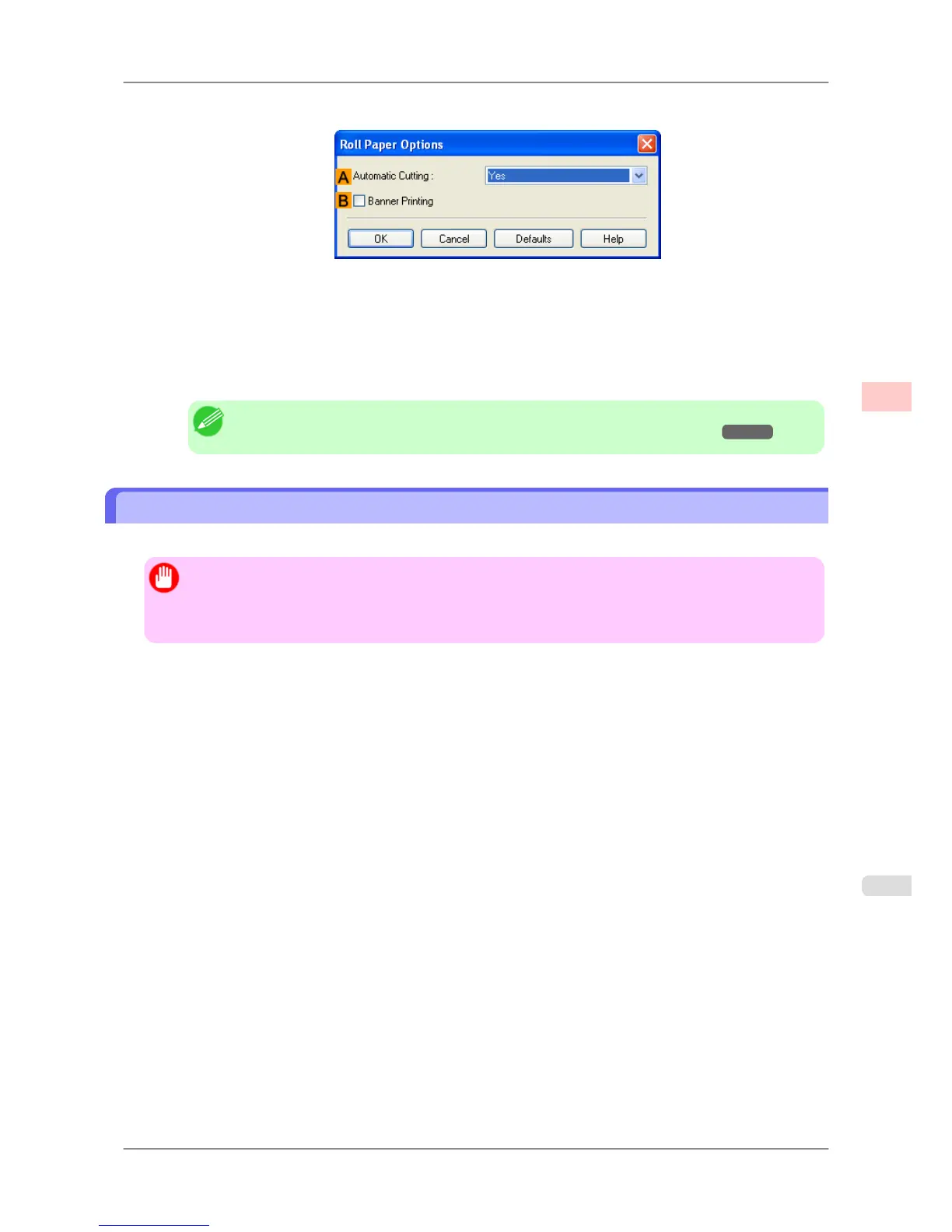
7. Click NRoll Paper Options to display the Roll Paper Options dialog box.
8. Select the BBanner Printing check box.
9. Click OK.
10. Confirm the print settings and print as desired.
Note
• For tips on confirming print settings, see "Confirming Print Settings (Windows)
→P.196 "
Printing Multiple Pages Continuously (Mac OS X)
This topic describes how to print multiple pages as a single continuous image, without margins between pages.
Important
• This feature is only available with rolls. It cannot be used when printing on sheets.
• During banner printing, settings for conserving paper, number of copies, borderless printing, enlargement
or reduction, and other layout-related settings are disregarded.
Enhanced Printing Options
>
Tiling and multiple pages per sheet
>
iPF825 Printing Multiple Pages Continuously (Mac OS X)
3
133














 To Next Page