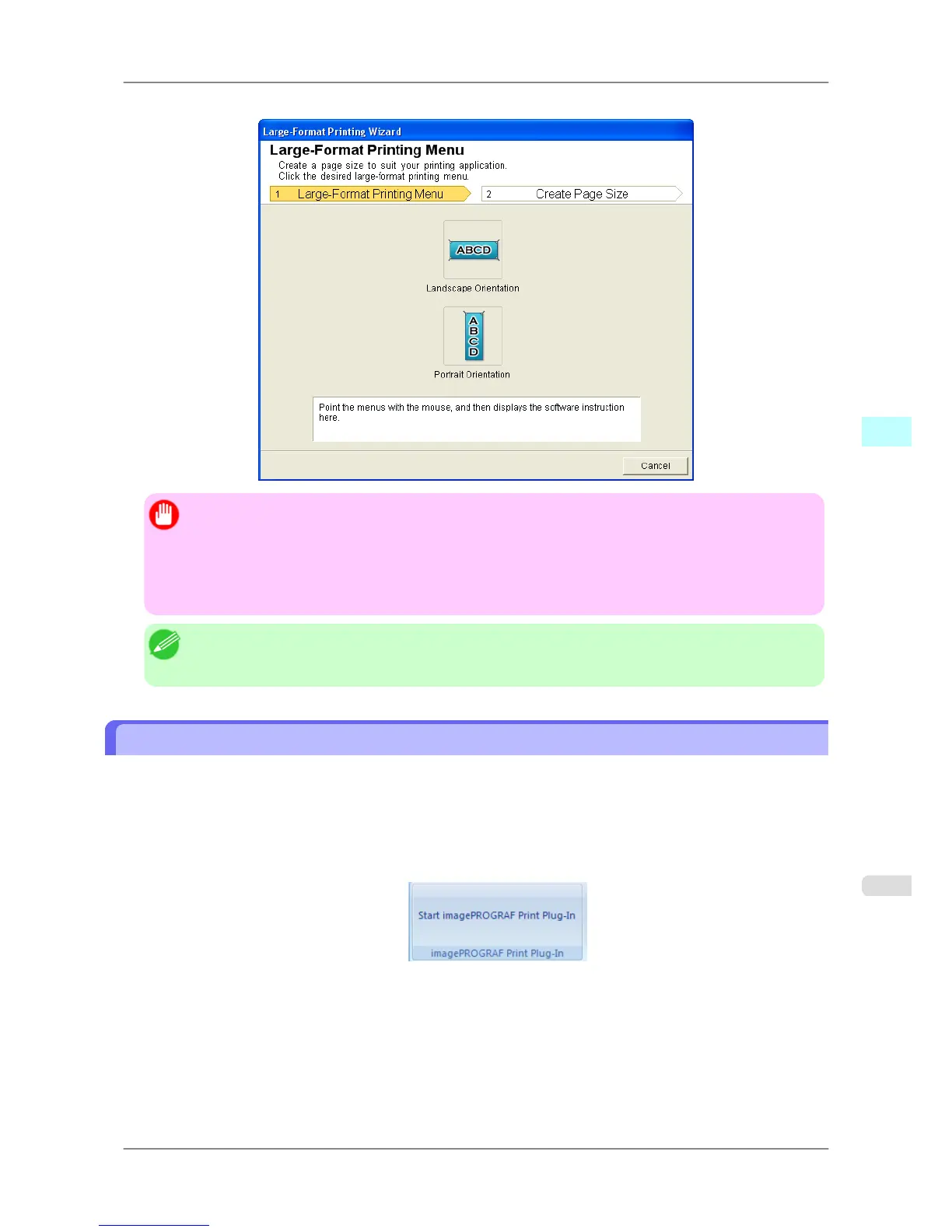
Large-Format Printing Wizard dialog box
Important
• If
you want to change the display to another file or application while the Large-Format Printing Wiz-
ard is open, close the Large-Format Printing Wizard dialog box. Otherwise, you may not be able to
change displays or operate the toolbar/ribbon.
• The layout may collapse if you create a form using existing data. If that is the case, modify the data
again.
Note
• If
you open a password protected document as read-only, the Large-Format Printing Wizard cannot be
run. Remove the password protection.
Print Matching Roll Width (PowerPoint)
Prints to the edge of the roll width. You can print large exhibits and posters, and also print Portrait and Landscape orien-
tations made in Large-Format Printing Wizard.
1. Start Microsoft PowerPoint.
2. If Start imagePROGRAF Print Plug-In is displayed, click it.
Windows Software
>
Print Plug-In for Office
>
iPF825 Print Matching Roll Width (PowerPoint)
4
311














 To Next Page