Icon Contents
Menu
Displays the About, Help, and Special Settings dialog boxes. (See "Configur-
ing Special Settings.")
→P.332
Printer list
Select Printer.
If you select Show All Printers, the imagePROGRAF printers will be dis-
played again. Select this when you want to display all printer drivers or update
the display.
Print Button
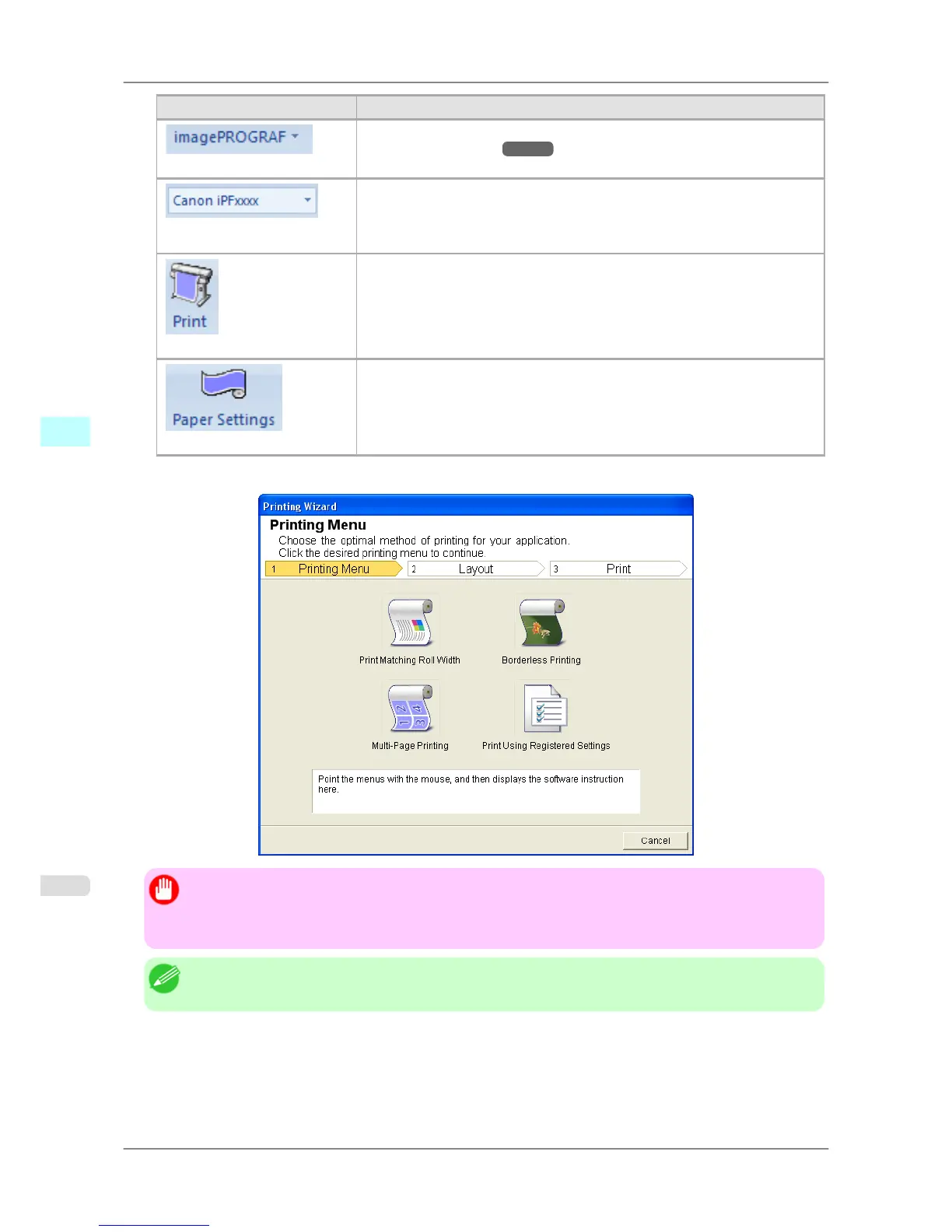
The print Wizard is displayed.
The settings Print Matching Roll Width, Borderless Printing, Multi-Page
Printing, and Print Using Registered Settings can be set.
Paper Settings Button
Large-Format Wizard is displayed.
Settings for Portrait or Landscape Orientation can be set.
Printing Wizard dialog box
Important
• If
you want to change the display to another file or application while the Printing Wizard is open, close
the Printing Wizard dialog box. Otherwise, you may not be able to change displays or operate the tool-
bar/ribbon.
Note
• If you open a password protected document as read-only, the Printing Wizard cannot be run.
Windows Software
>
Print Plug-In for Office
>
To start from Microsoft PowerPoint iPF825
4
310














 To Next Page