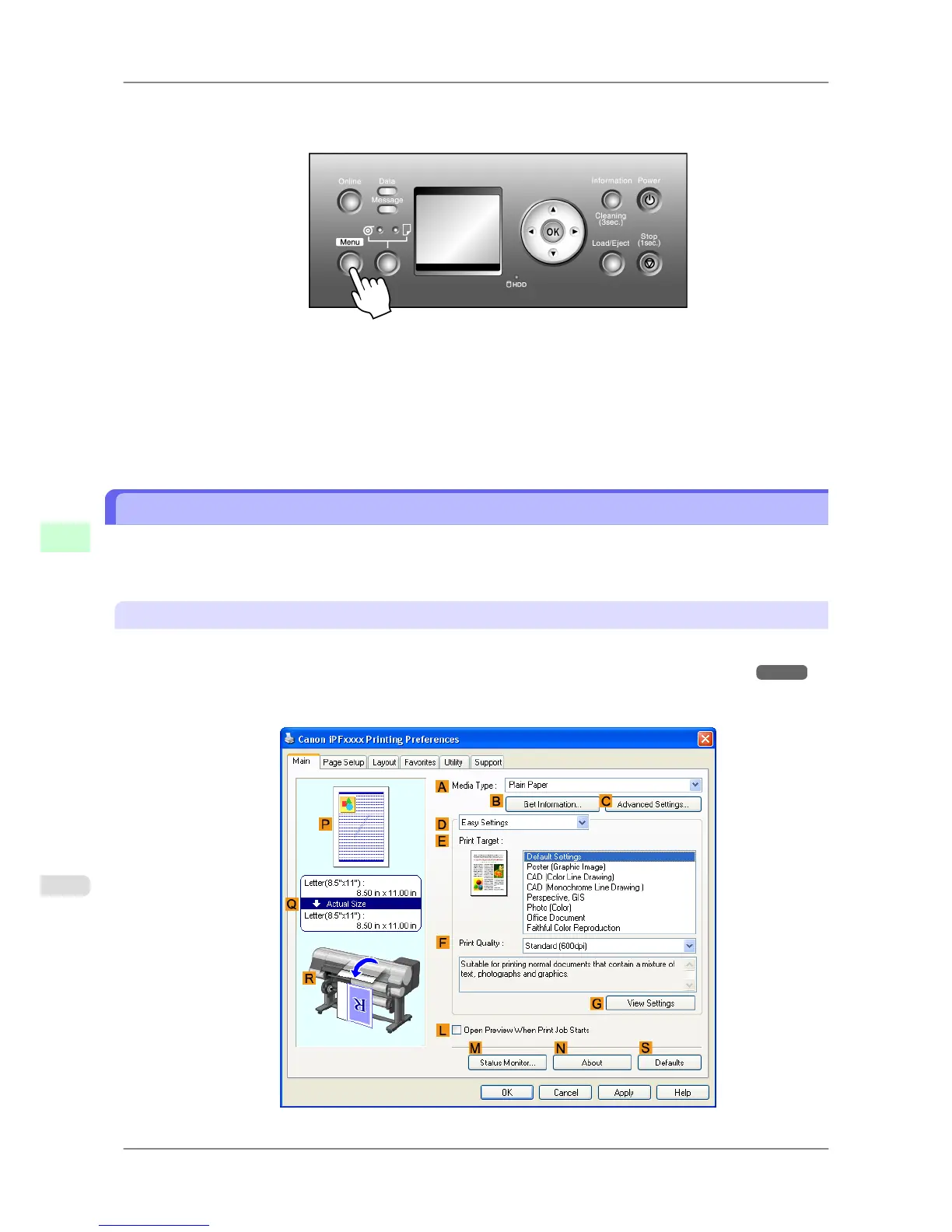
Follow these steps to activate monitoring of the remaining roll paper.
1. Press the Menu button to display MAIN MENU.
2. Press ▲ or ▼ to select Media Menu, and then press the ▶ button.
3. Press ▲ or ▼ to select ManageRemainRoll, and then press the ▶ button.
4. Press ▲ or ▼ to select the setting, and then press the OK button.
Specifying the Ink Drying Time for Rolls
When you are using paper that takes longer for ink to adhere, if the Cutter touches printed surfaces that are still wet, it
may damage the paper or cause rough cut edges. Also, ink may be transferred onto the paper surface during ejection,
soiling it. You can prevent problems by adjusting the drying time after printing before the paper is cut.
Windows
1. Display the printer driver dialog box.
(See "Accessing the Printer Driver Dialog Box from the Operating System Menu (Windows).") →P.202
2. Select the Main sheet and click CAdvanced Settings in A Media Type.
Handling Paper
>
Handling rolls
>
Specifying the Ink Drying Time for Rolls iPF825
7
604














 To Next Page