A Automatically switch paper sources (paper size priority)
When this check box is selected, printing automatically switches between roll 1 and roll 2 depending on the paper size
being printed.
Always check the warnings described in Switching the Paper Source of Roll Paper to Match the Paper
Size →P.188 before using this option.
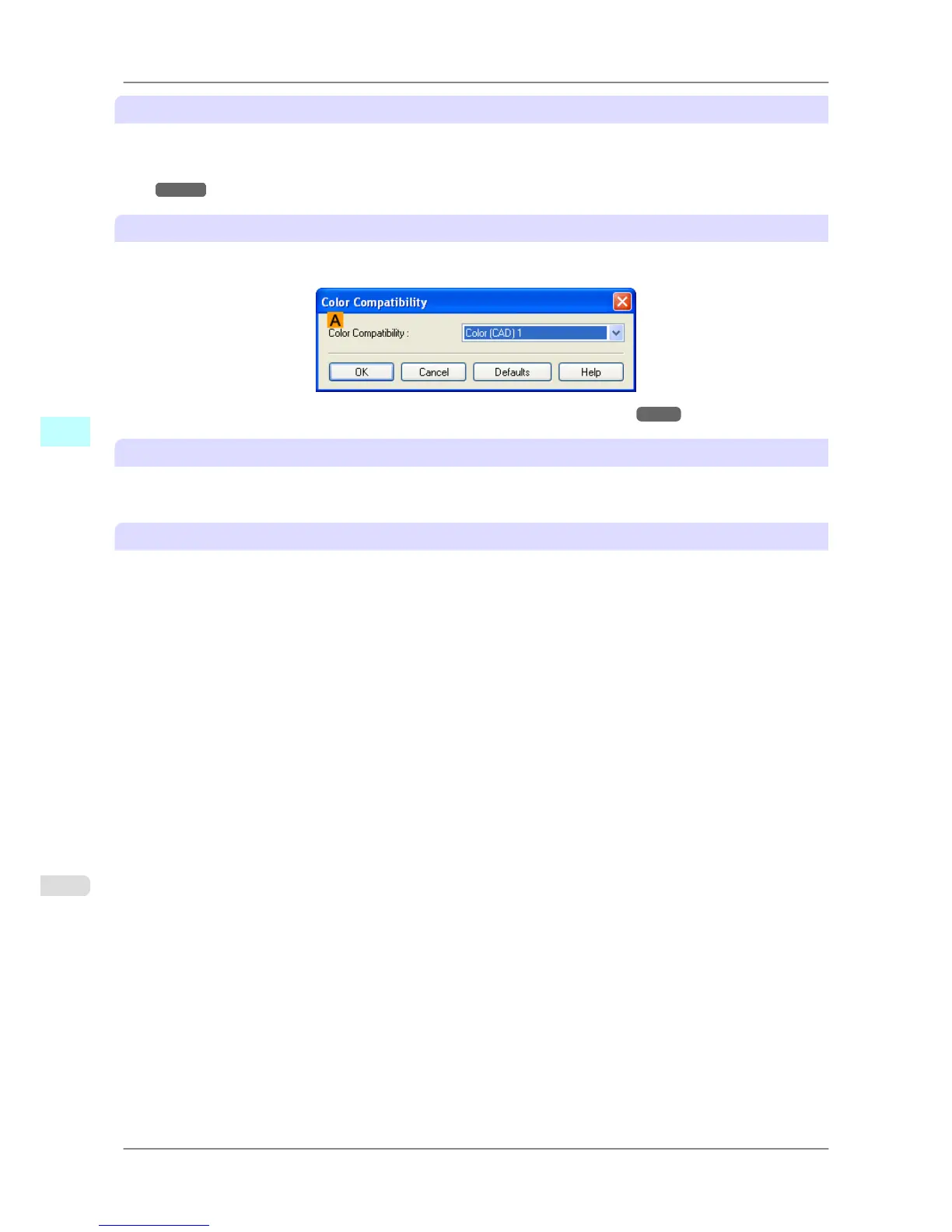
B Color Compatibility
Click to display the Color Compatibility dialog box, which enables you to adjust colors if you have selected Color
Mode > Color (CAD).
• For details on color settings, see Specifying Colors and Printing CAD Drawings →P.26 .
C Acquire Status
The paper size information is acquired from the printer, and the width of the roll paper that is actually loaded in the
printer is displayed.
D About
You can display version information for the printer driver.
Windows Software
>
Printer Driver
>
Device Settings Sheet iPF825
4
230














 To Next Page