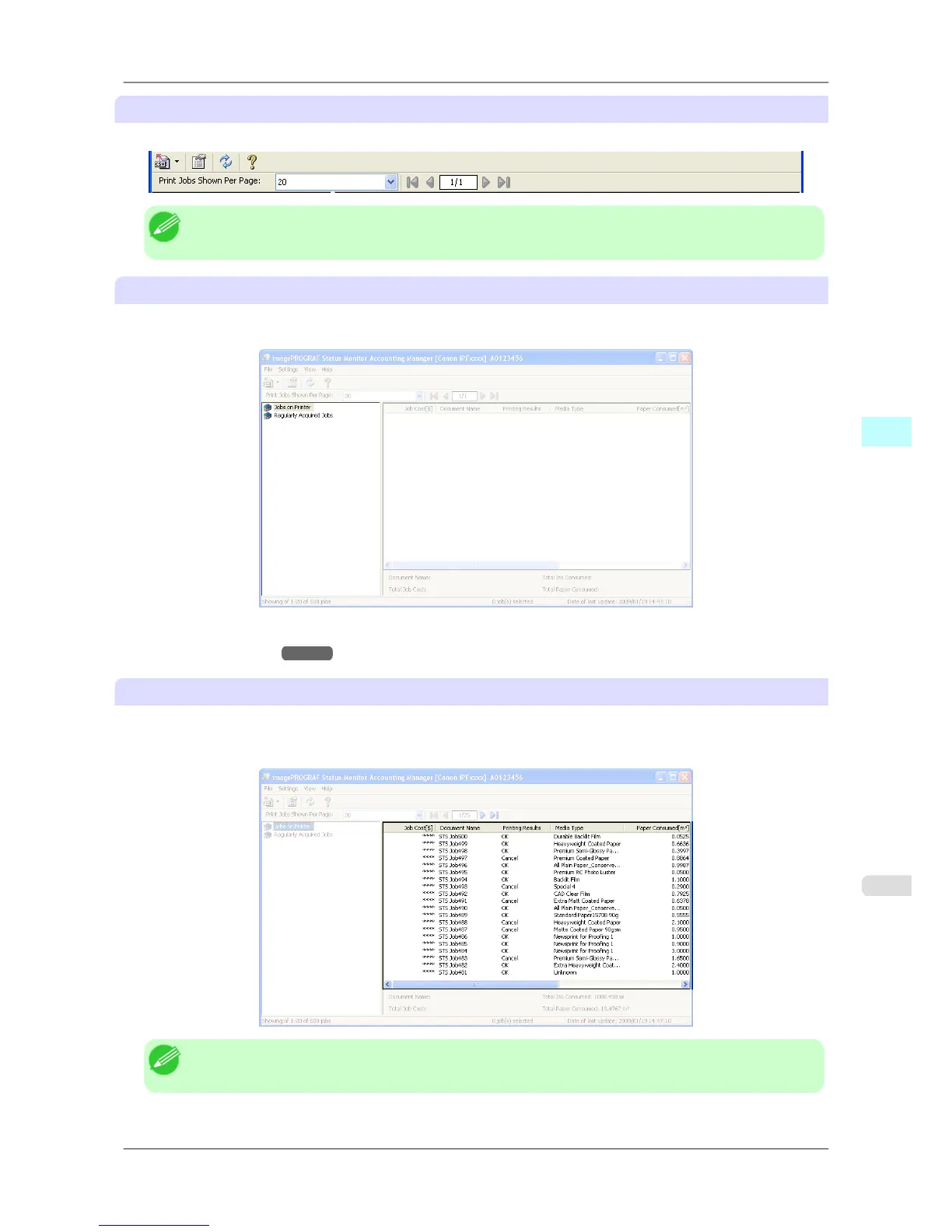
Toolbars
Provide tool buttons and pull-down menus for the main operations.
Note
• You can opt to either show or hide the toolbars in the View menu.
Listed Job Selection Area
You can use this area to select which job log is displayed.
If you are using regular data acquisition, this area allows you to view the collective job logs for each specified period.
For more information on how to select the job logs displayed, see Switching Between Displaying Jobs on Printer and
Regularly Acquired Jobs →P.378 .
Job List Area
This area lists the details of acquired jobs.
It displays a list of either the print jobs on the printers or the regularly acquired print jobs. The displayed information
includes the amounts of paper and ink consumed, the costs, the media type and the time taken for printing.
Note
• If the Unit Cost of Ink or Paper have not been set, **** is displayed in the Job Cost field.
Windows Software
>
Accounting
>
iPF825 Accounting Manager Main Window
4
371














 To Next Page