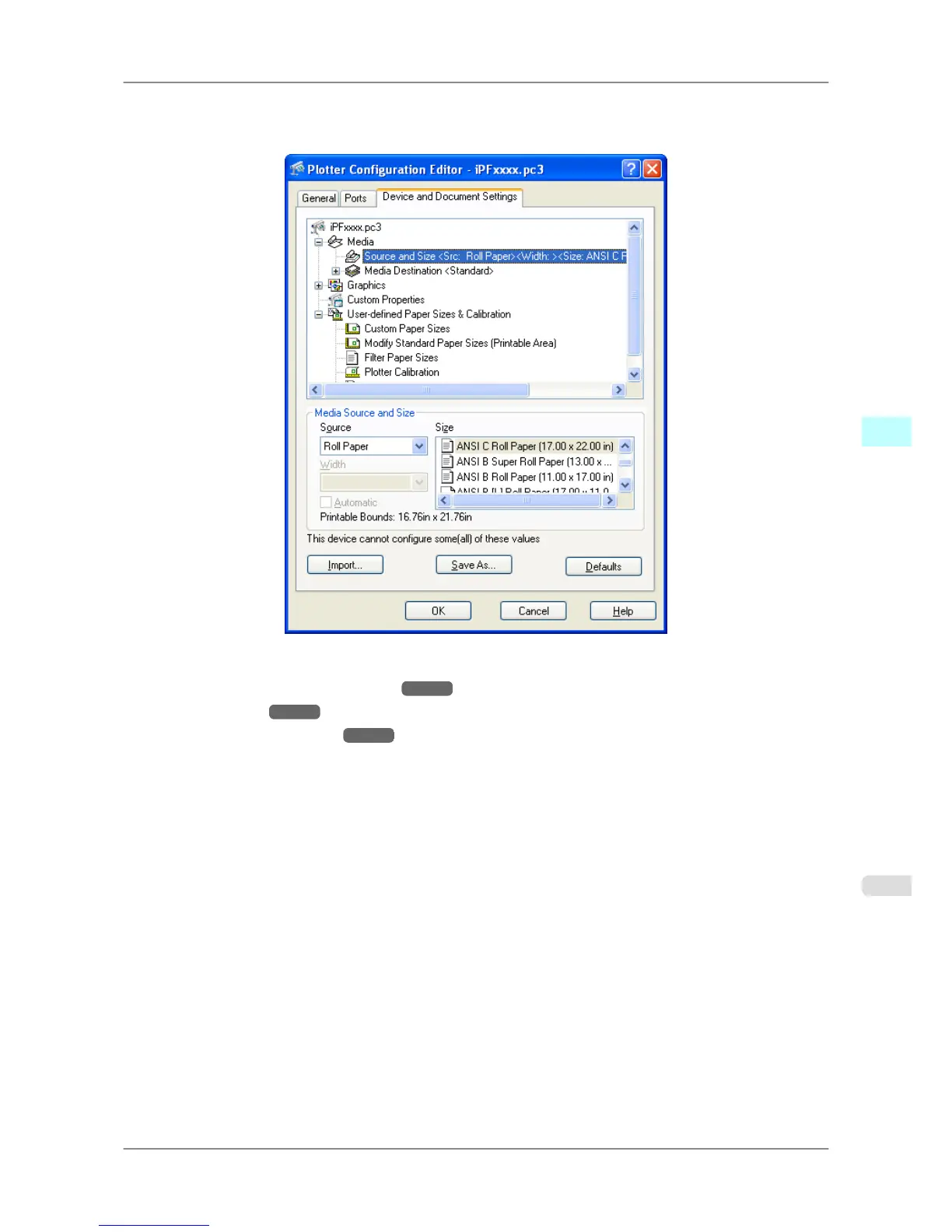
When you select an item the screen display changes so you make changes for the resolution and other graphic settings,
the media type, the color matching and Custom Properties settings, the drying time and the roll paper margin for safety
and other detailed media settings.
The available settings are as follows.
• Media Source and Media Size Settings →P.352
• Graphics Settings →P.353
• Custom Properties dialog box →P.358
Windows Software
>
HDI Driver
>
iPF825 Plotter Configuration Editor Dialog Box
4
351














 To Next Page