2. Print the saved job.
1. Press ▲ or ▼ to select Job Management, and then press the ▶ button.
2. Press ▲ or ▼ to select Stored Job, and then press the ▶ button.
3. Press ▲ or ▼ to select the box number (in the range 00–29), and then press the ▶ button.
4. Enter a password if one has been set, and then press the OK button.
5. Press ▲ or ▼ to select Job List, and then press the ▶ button.
6. Press ▲ or ▼ to select the saved job to print, and then press the ▶ button.
7. Press ▲ or ▼ to select Print, and then press the ▶ button.
8. Specify the number of copies and press the OK button.
Using RemoteUI
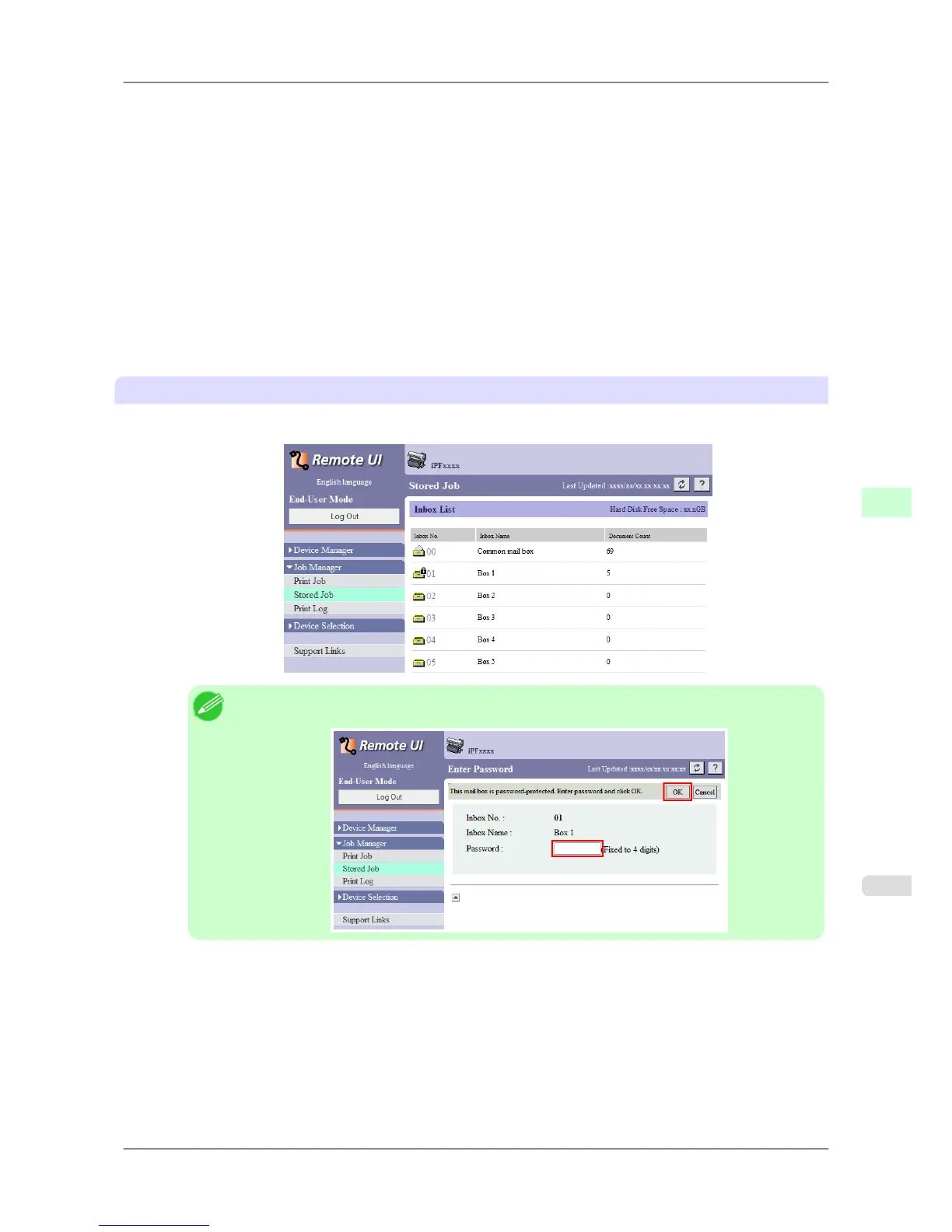
1. On the Stored Job page, choose the mail box.
Note
• Enter a password if one has been set.
Print Jobs
>
Basic Print Job Operations
>
iPF825 Printing Saved Jobs
6
539














 To Next Page