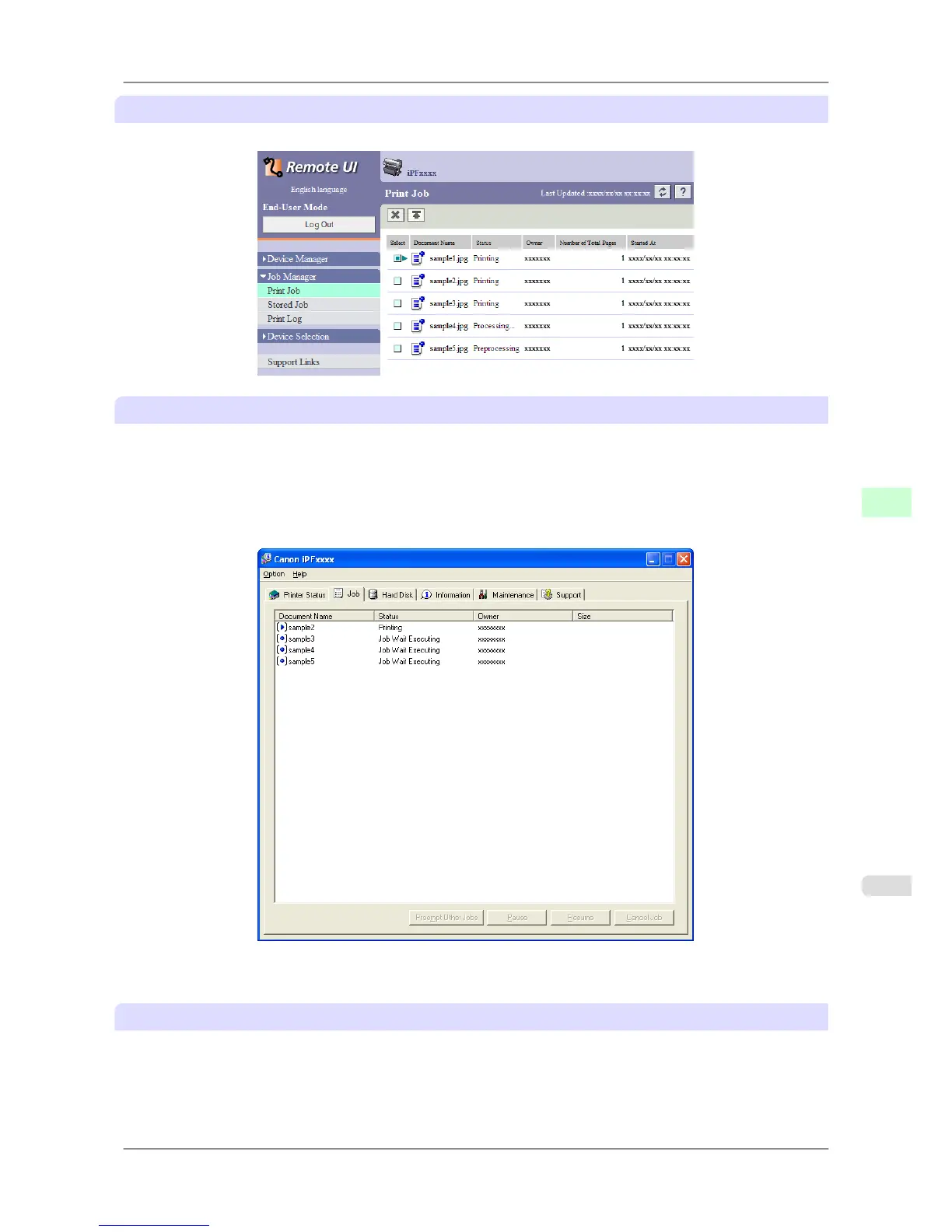
Using RemoteUI
On the Print Job page, select the job to manage and how to manage it. For details, refer to the RemoteUI help.
Using imagePROGRAF Status Monitor (Windows)
On the Job sheet, select the job and the desired function. The following functions are available.
• Preempting other jobs
• Pausing printing
• Resuming printing
• Canceling print jobs
For details, refer to the imagePROGRAF Status Monitor help file.
Using imagePROGRAF Printmonitor (Macintosh)
On the Driver pane, select the job and the desired function. The following functions are available.
• Preempting other jobs
• Pausing printing
• Resuming printing
Print Jobs
>
Basic Print Job Operations
>
iPF825 Managing Queued Jobs (Deleting or Preempting Other Jobs)
6
537














 To Next Page