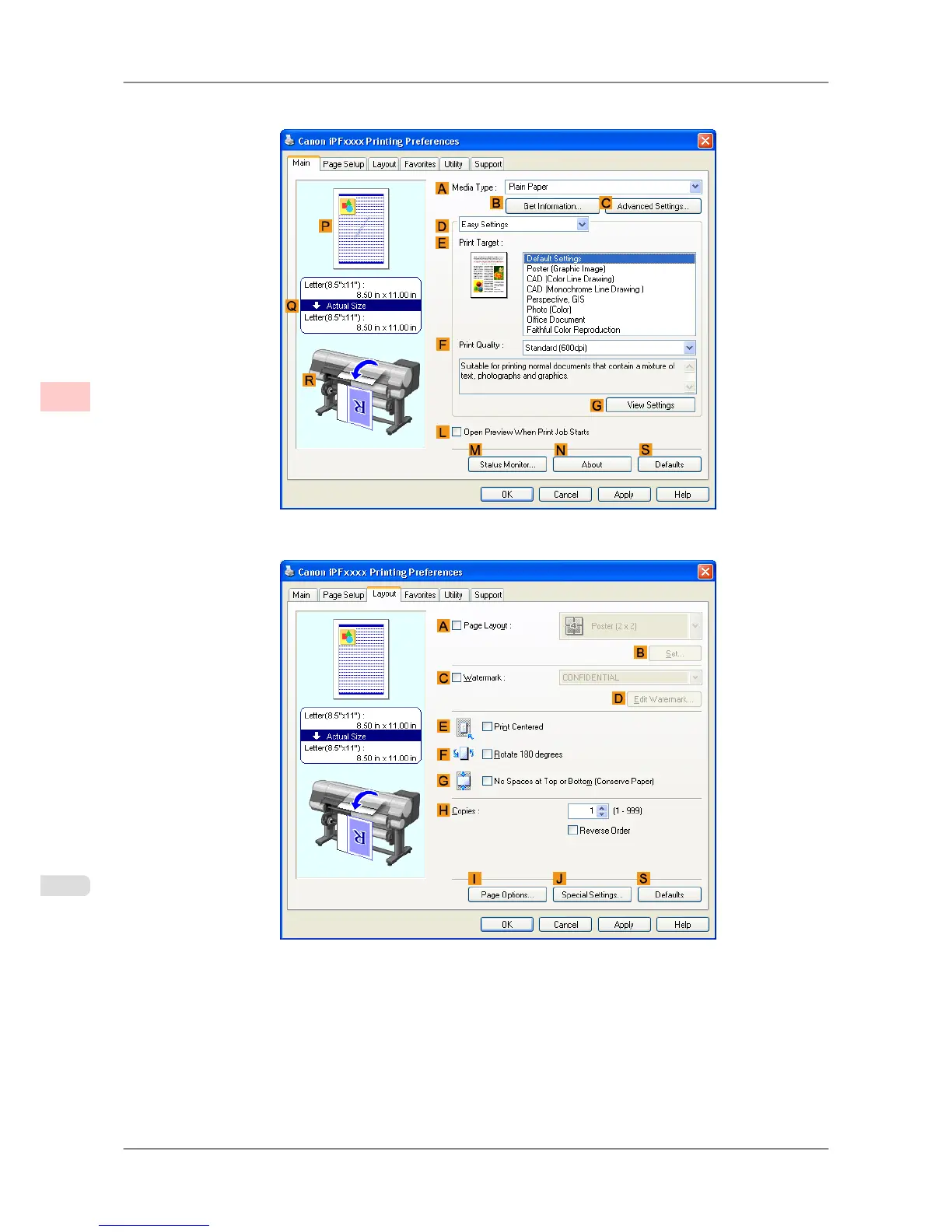
3. Make sure the Main sheet is displayed.
4. Click the Layout tab to display the Layout sheet.
5. Select the APage Layout check box.
6. Click Free Layout in the APage Layout list.
Enhanced Printing Options
>
Tiling and multiple pages per sheet
>
Printing Multiple Originals Next to Each Other (Windows) iPF825
3
128














 To Next Page