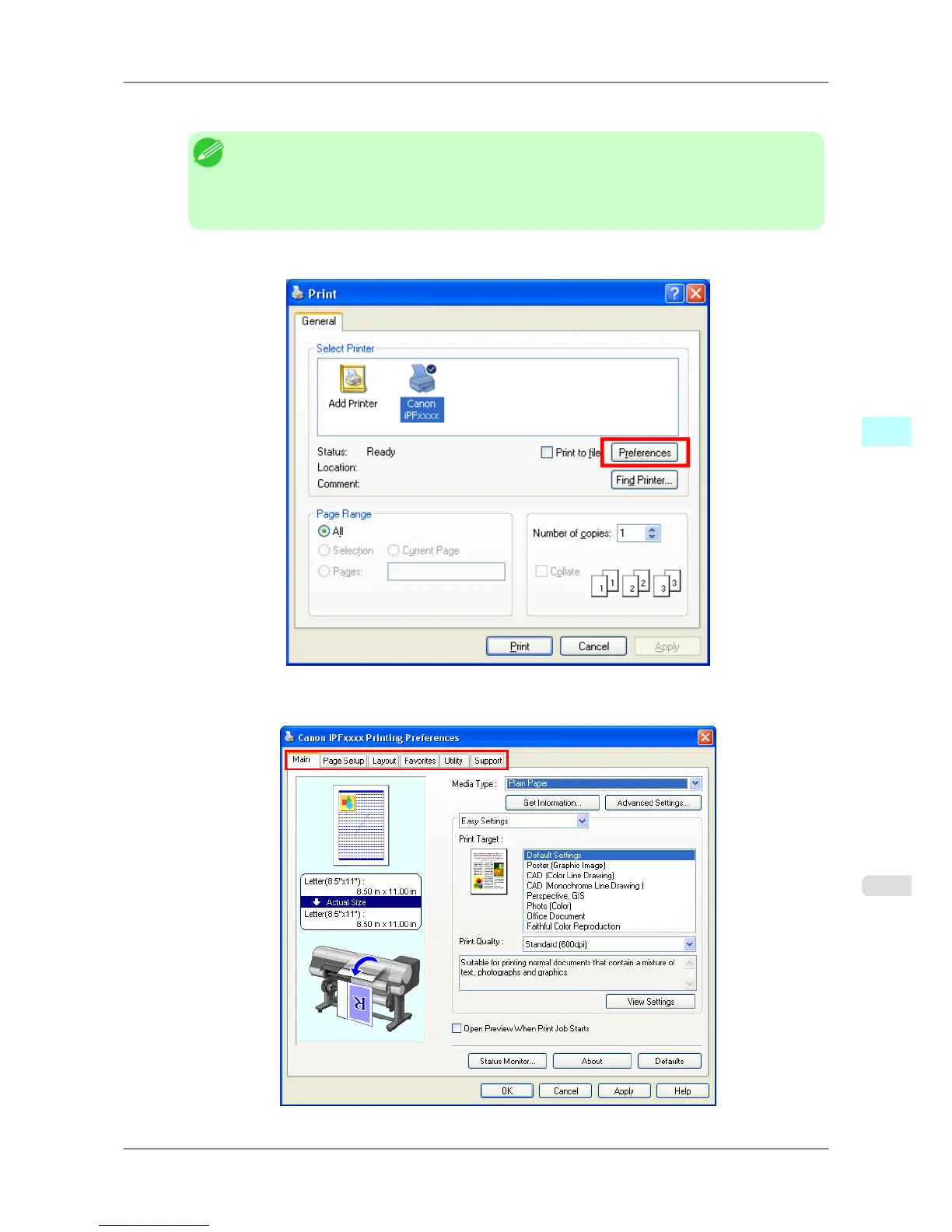
2. Select the printer, and then display the printer driver dialog box.
Note
• The
dialog box for specifying printing conditions varies depending on the source application. In
some cases, when you select the printer, a sheet for configuring the printer driver is added to the
dialog box.
In the following case, click Preferences.
• Example: Print dialog box displayed by the application software
Six sheets of print settings are displayed by the printer driver: Main, Page
Setup, Layout, Favorites, Utility,
and Support.
Windows Software
>
Printer Driver
>
iPF825 Accessing the Printer Driver Dialog Box from Applications
4
201














 To Next Page