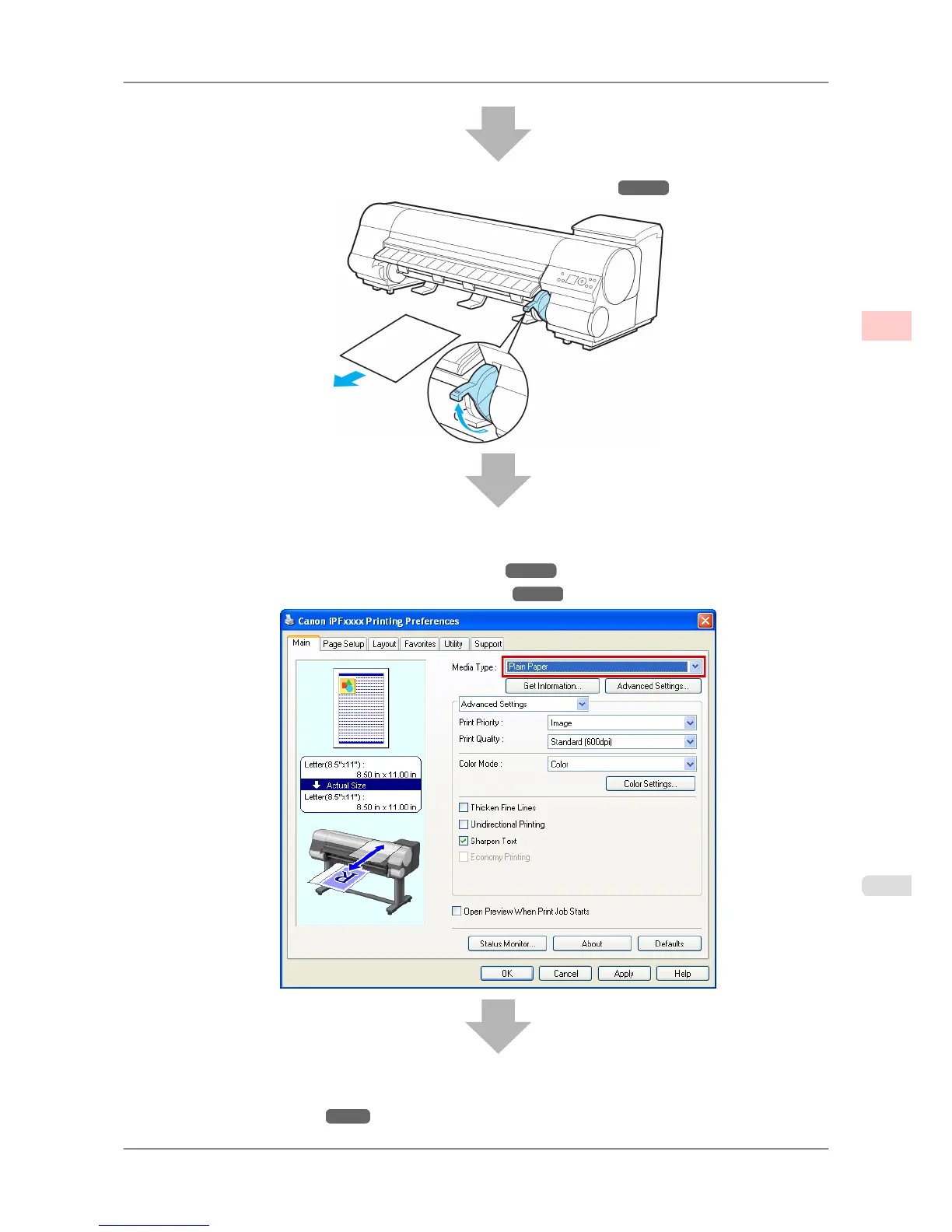
2. Remove any loaded paper that will not be used. (See "Removing Sheets.") →P.621
3. Complete settings in the printer driver for the type of paper and other details.
• Specifying Paper in the Printer Driver (Windows) →P.194
• Specifying Paper in the Printer Driver (Mac OS X) →P.405
4. Send the print job.
• Printing in Windows →P.10
Basic Printing Workflow
>
Printing procedure
>
iPF825 Loading and Printing on Sheets
1
9














 To Next Page