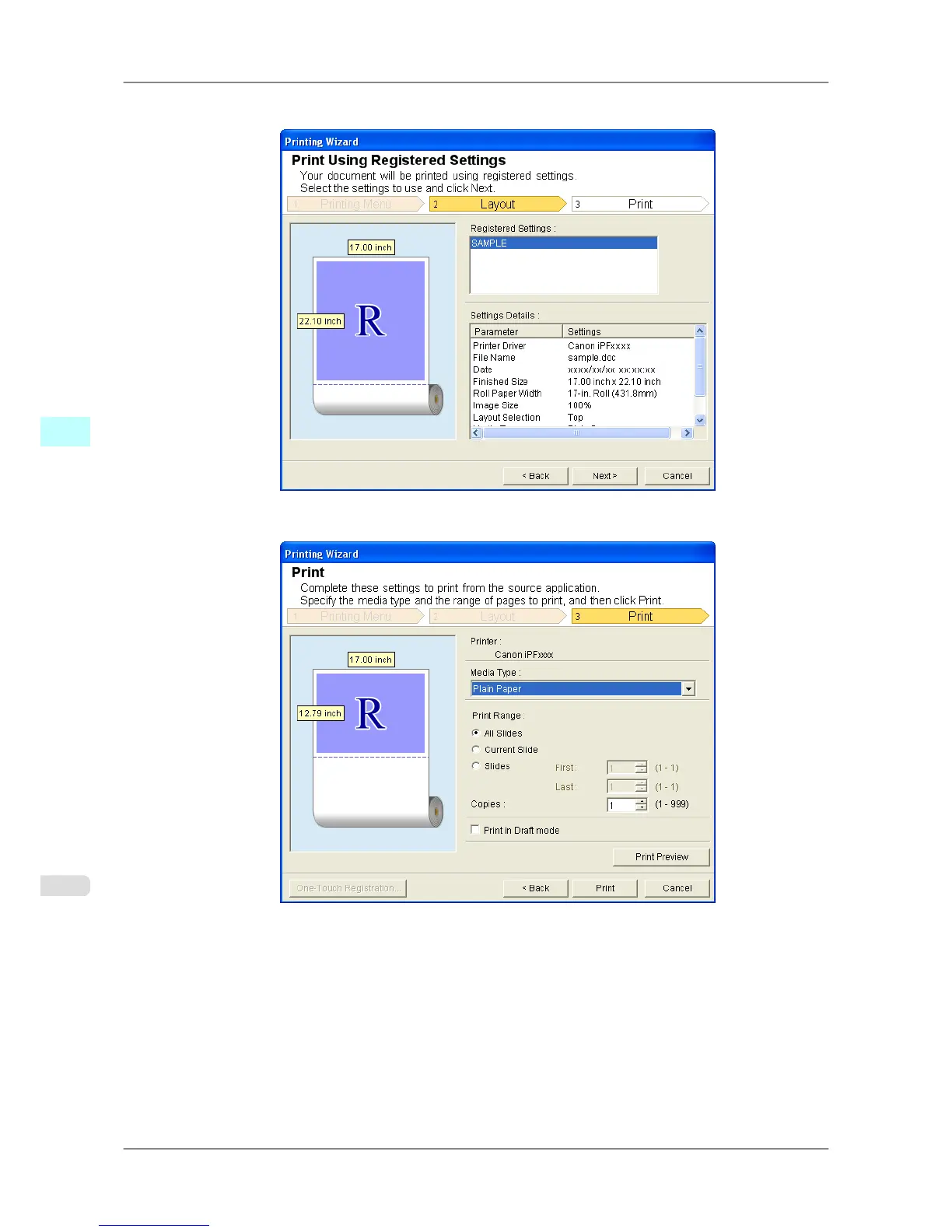
4. Click Print Using Registered Settings.
5. Click the Next button.
6. Select Media Type.
7. Select Print Range from All Slides, Current Slide, and Slides.
If Slides is selected, enter the slide number.
Windows Software
>
Print Plug-In for Office
>
Print Using Registered Settings (PowerPoint) iPF825
4
320














 To Next Page