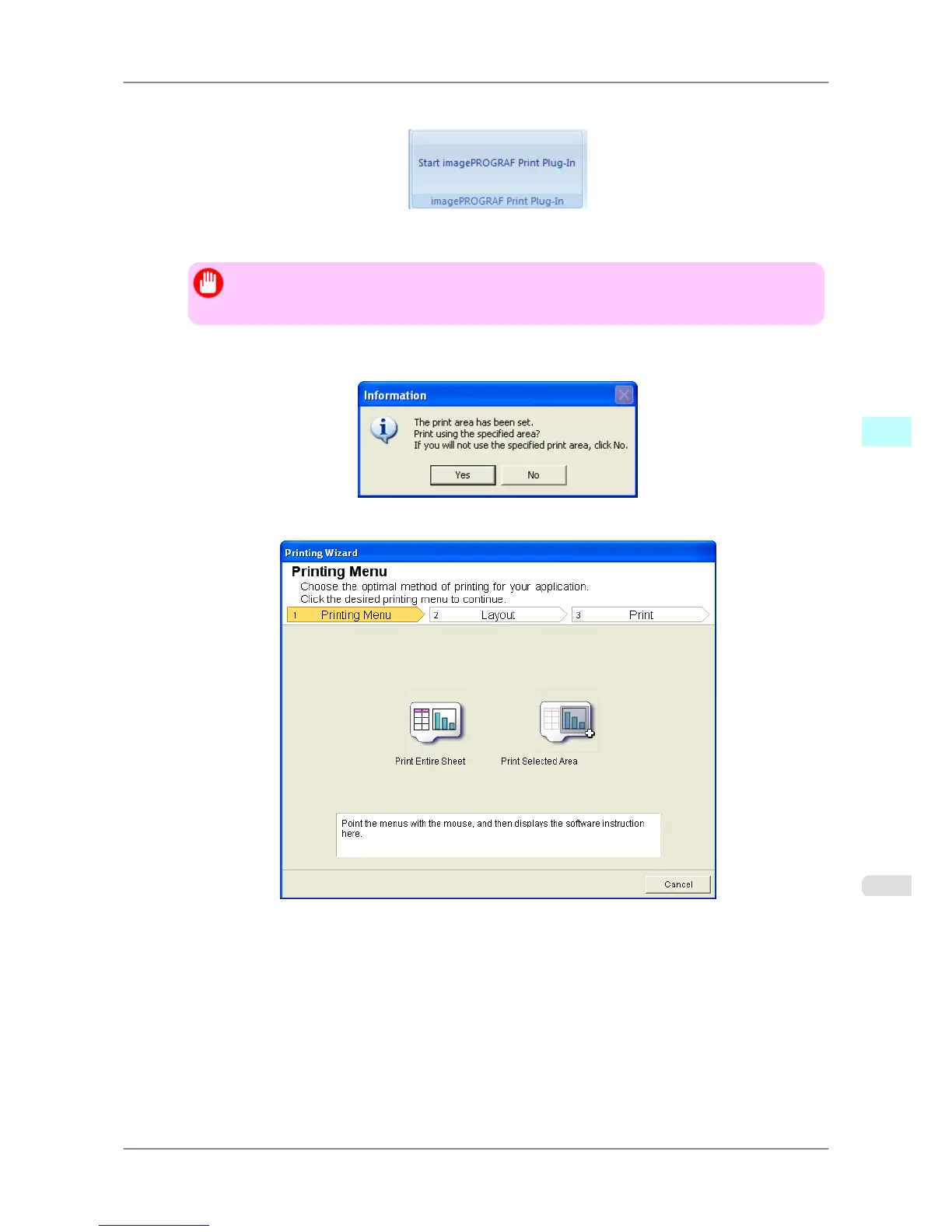
2. If Start imagePROGRAF Print Plug-In is displayed, click it.
3. Click Print from the imagePROGRAF Print Plug-In toolbar/ribbon.
Important
• When
more than one worksheet is selected, the Printing Wizard cannot be run. Select only one
worksheet and click Print again.
If a print area is set, a confirmation message dialog box will appear.
To print the entire sheet, cancel the setting of the print area.
The Printing Wizard dialog box is displayed.
Windows Software
>
Print Plug-In for Office
>
iPF825 Print Entire Sheet (Excel)
4
325














 To Next Page