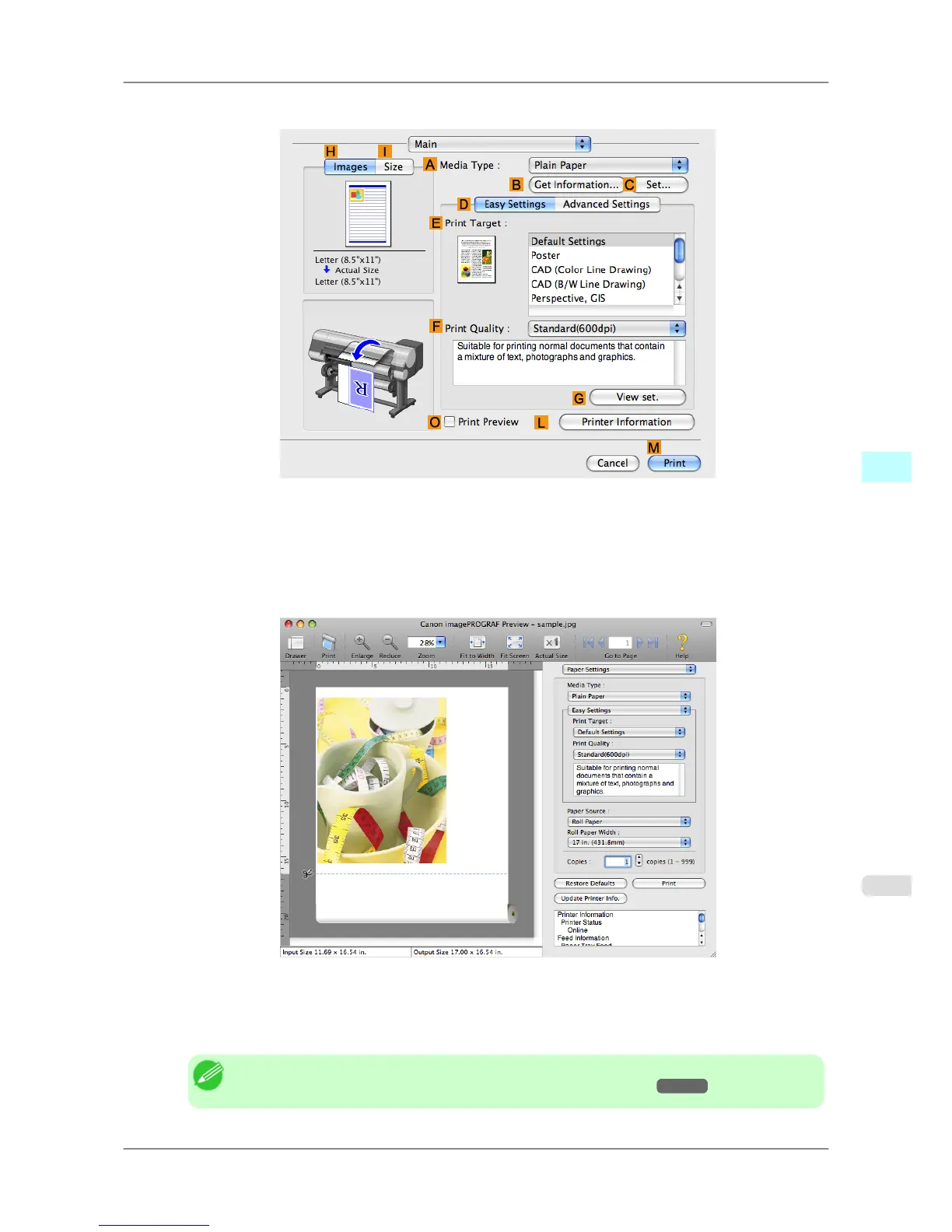
2. Access the Main pane.
3. Select the OPrint Preview check box.
4. Click MPrint.
5. The Canon imagePROGRAF Preview window is displayed.
6. Check the layout and adjust settings in the Canon imagePROGRAF Preview window as desired.
7. Print from the Canon imagePROGRAF Preview menu.
Note
• For details on imagePROGRAF Preview functions, refer to Preview
→P.428 .
Mac OS X Software
>
Printer Driver
>
iPF825 Checking the Layout in a Preview Before Printing
5
409














 To Next Page