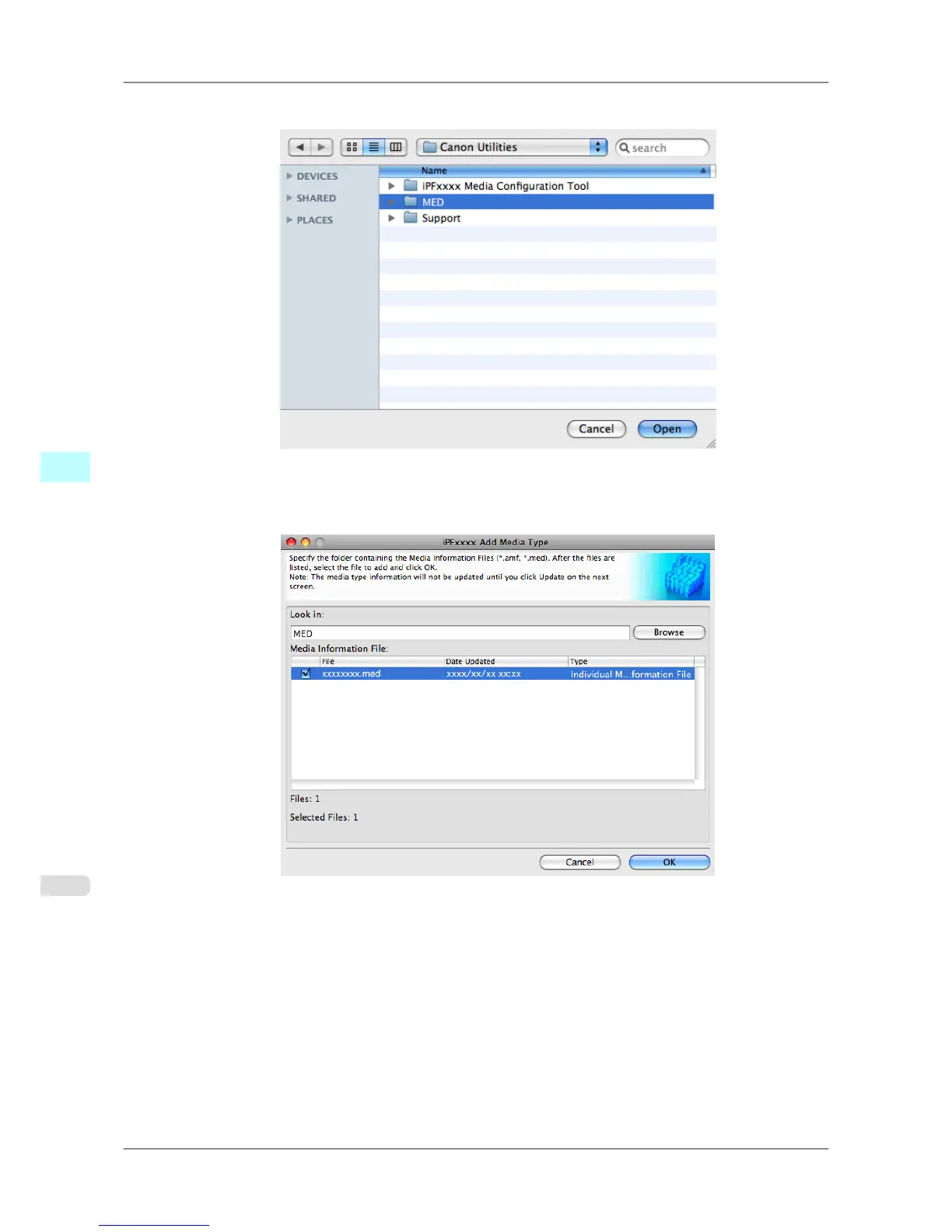
3. Select the folder that contains the media information files (.amf and .med files), and then click the Open button.
4. The
names of media information files in the folder you selected in the Open dialog box are displayed under
Media Information File in the Add Media Type dialog box. Select the check boxes of paper to add and click
the OK button.
5. Click OK when the confirmation message is displayed.
Mac OS X Software
>
Media Configuration Tool
>
Adding Media Types iPF825
5
518














 To Next Page