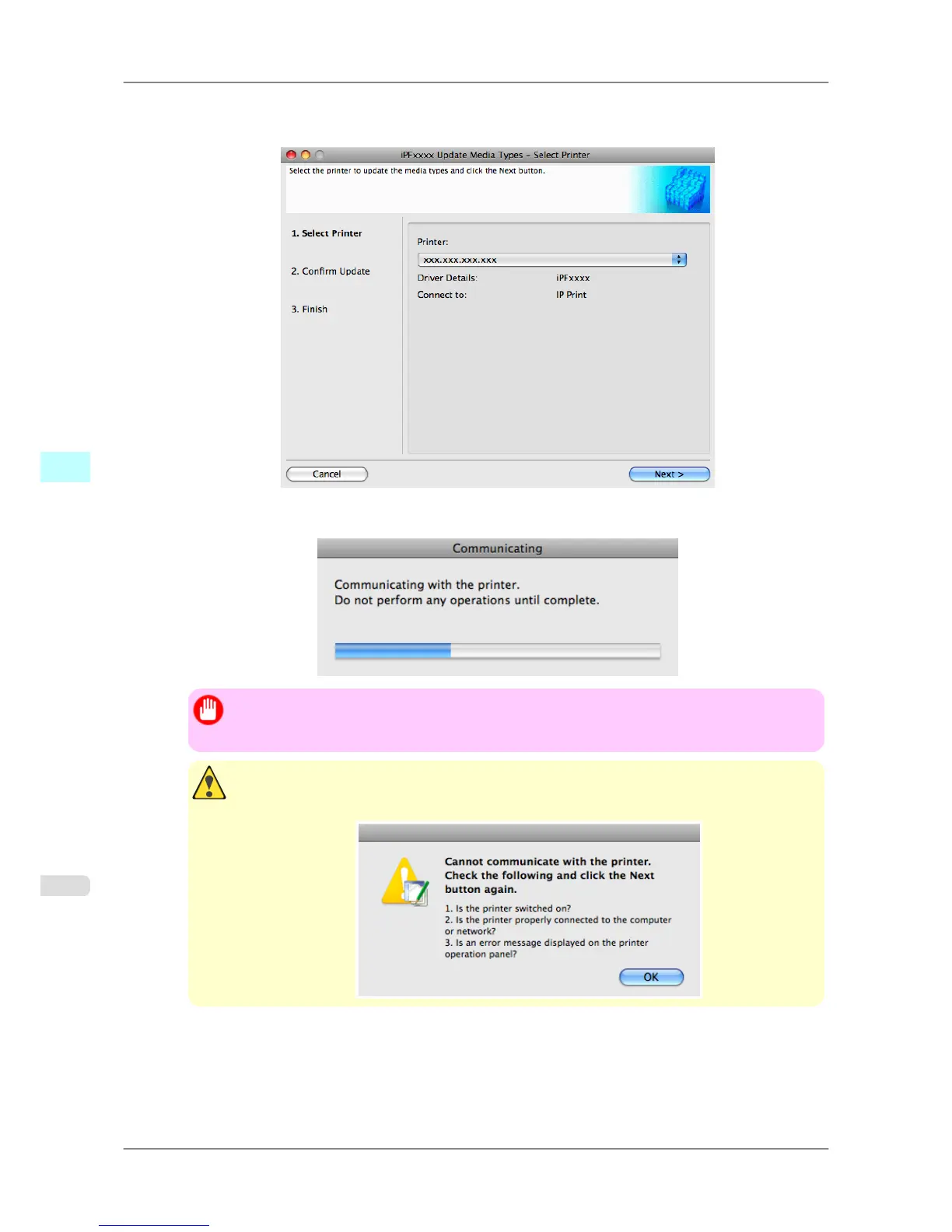
1. Confirm
the printer, where media type information is to be updated, to be displayed in Printer in the Update
Media Types - Select Printer dialog box, and then click the Next button.
2. Communication with the printer starts and the following dialog box is displayed.
Important
• Do
not attempt to print or turn the printer off while the program is communicating with the print-
er.
Caution
• When the program cannot communicate with the printer, the following warning message is dis-
played.
Mac OS X Software
>
Media Configuration Tool
>
Updating Media Types iPF825
5
526














 To Next Page