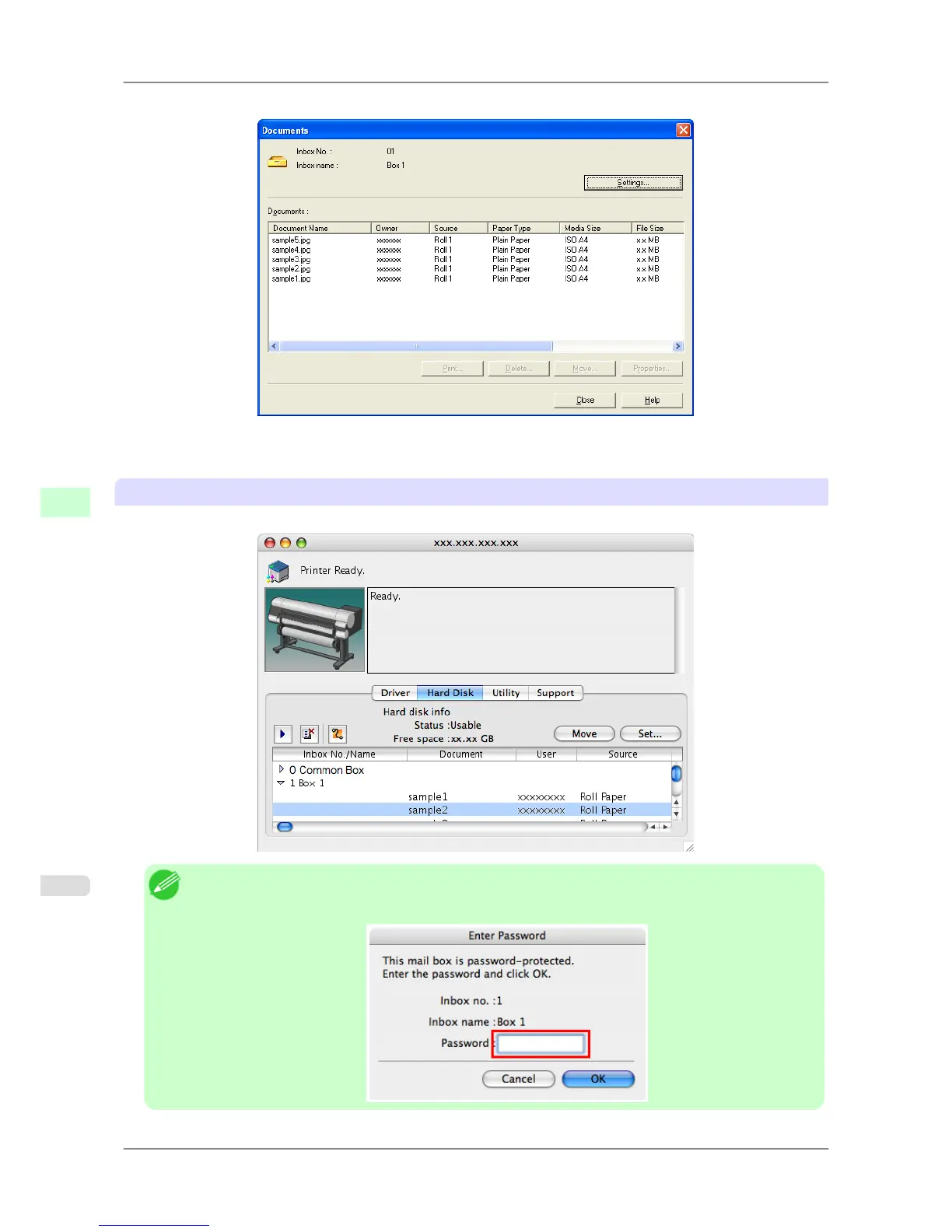
Jobs saved in that mail box are displayed in the Documents dialog box.
For details, refer to the imagePROGRAF Status Monitor help file.
Using imagePROGRAF Printmonitor (Mac OS)
On the Hard Disk pane, click ▶ next to Inbox No./Name to list saved jobs.
Note
• Enter a password if one has been set.
The password is a four-digit number.
Print Jobs
>
Advanced Print Job Operations
>
Displaying a List of Saved Jobs iPF825
6
566














 To Next Page