Note
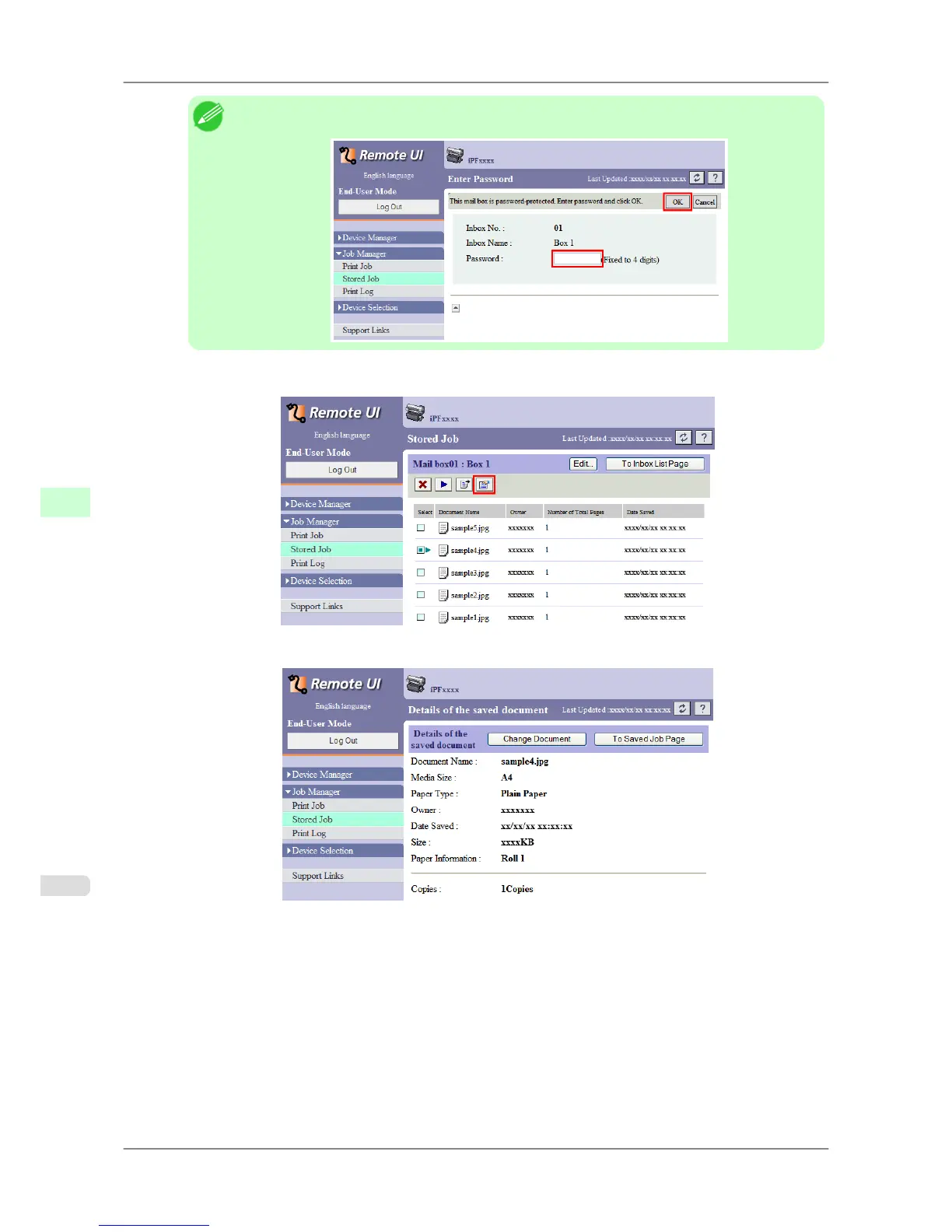
• Enter a password if one has been set.
2. Select the saved job in the list and click Details.
The Details of the saved document page is displayed.
For details, refer to the RemoteUI help.
Print Jobs
>
Advanced Print Job Operations
>
Displaying Details of Saved Jobs iPF825
6
568














 To Next Page