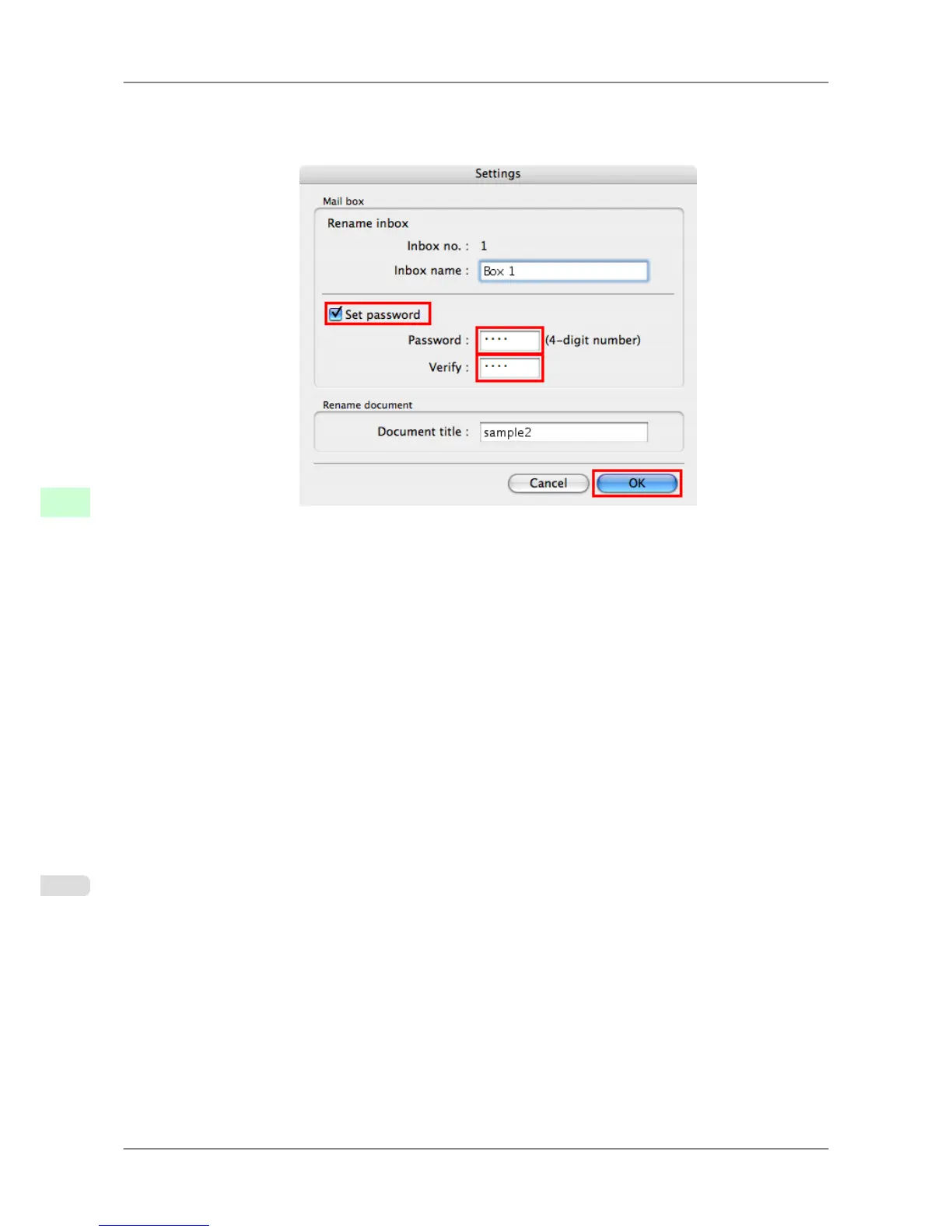
3. In the Settings dialog box, enter the new job name and click OK.
Documents
cannot be renamed unless a password has been set. In this case, specify a password. After renaming,
you can cancel the password as needed.
For details, refer to the imagePROGRAF Printmonitor help file.
Print Jobs
>
Advanced Print Job Operations
>
Renaming Saved Jobs iPF825
6
576














 To Next Page