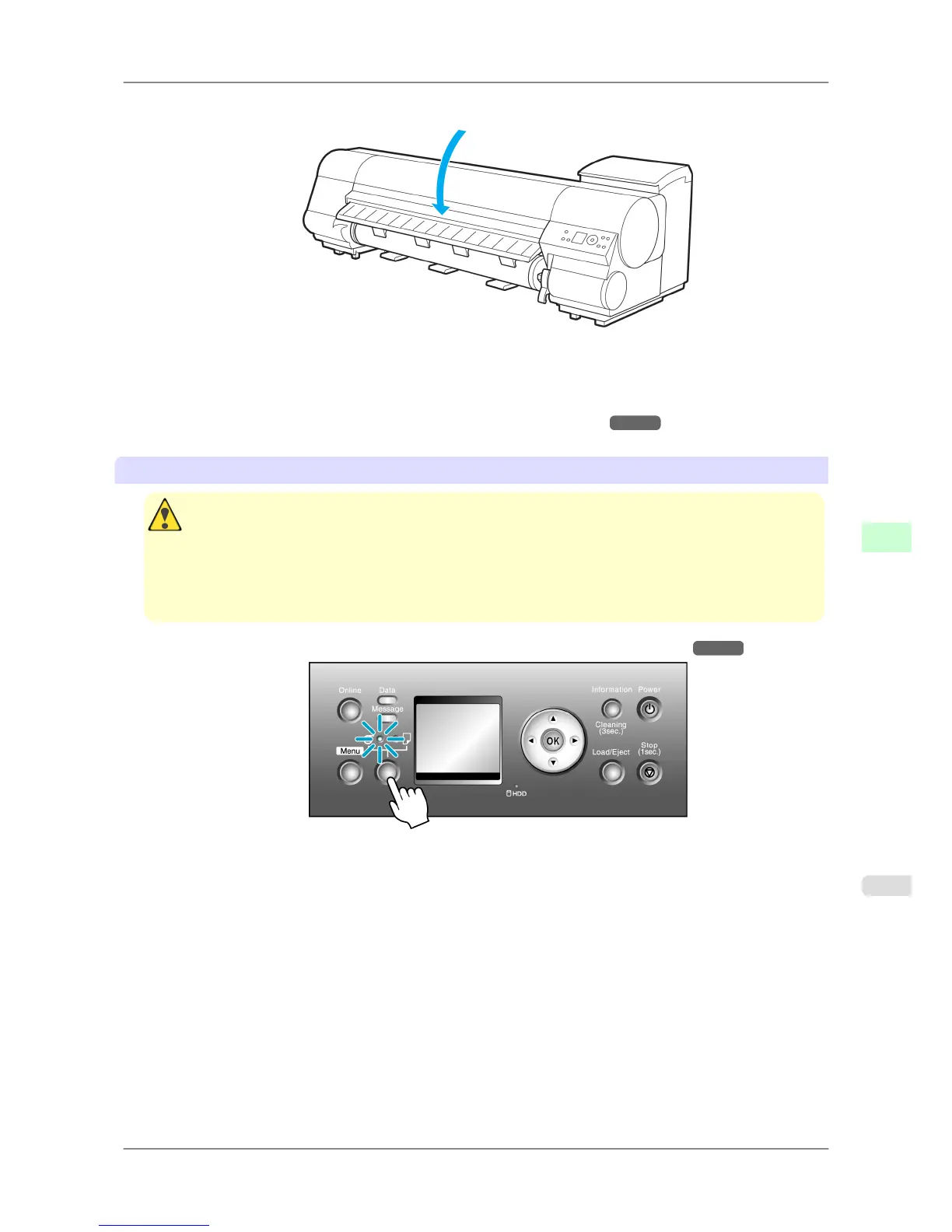
6. Close the Top Cover.
7. Press the OK button.
The paper is now advanced.
After you load a roll, the printer automatically shows a menu for selection of the type of paper on the Display Screen.
At this point, specify the type of paper. (See "Selecting the Paper Type (Roll).") →P.595
Loading rolls in the Roll 2 (Lower) holder
Caution
• Do not detach the Roll Unit in the following cases.
• During printing
Vibration from removing the Roll Unit may affect the printing quality.
• If a sheet is loaded in the printer
The sheet may be ejected, and (rarely) it may be bent.
1. Confirm that a roll is selected as the paper source. (See "Selecting the Paper Source.")
→P.594
Handling Paper
>
Handling rolls
>
iPF825 Loading Rolls in the Printer
7
591














 To Next Page