2. Select Administrator Mode and click Logon.
3. If a password has been set on the printer, enter the password.
4. Click Network in the Device Manager menu at left to display the Network page.
5. Click Edit in the upper-right corner of the TCP/IP group to display the Edit TCP/IP Protocol Settings page.
6. Refer to the TCP/IP Settings Items table to complete the settings.
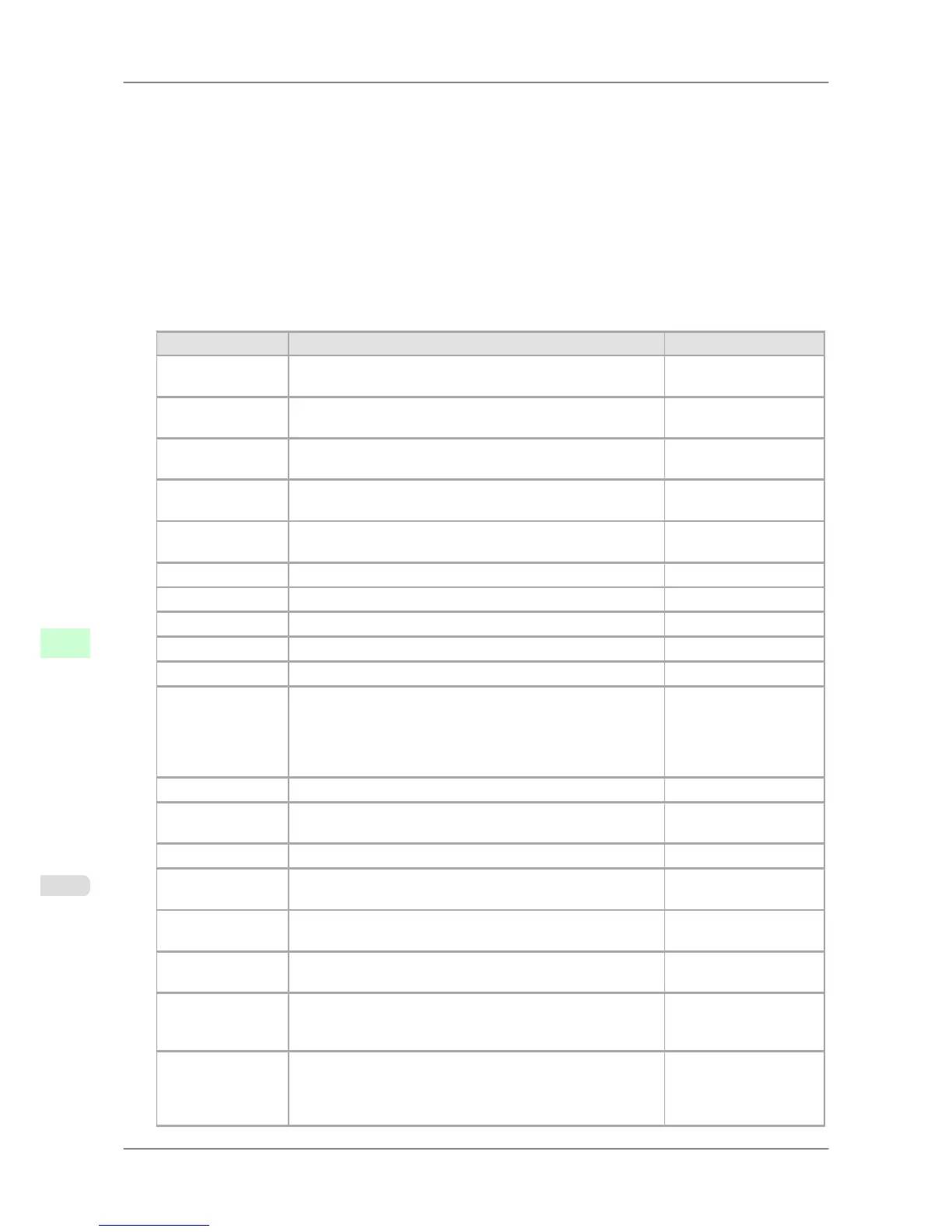
TCP/IP Settings Items
Item Details Default Setting
Use DHCP Activate this setting to use DHCP for configuring the IP ad-
dress.
Off
Use BOOTP Activate this setting to use BOOTP for configuring the IP ad-
dress.
Off
Use RARP Activate this setting to use RARP for configuring the IP ad-
dress.
Off
Enable DNS Dy-
namic Update
Activate this setting to perform DNS server registration auto-
matically.
Off
Use Zeroconf
Function
Activate this setting to use Bonjour. On
IP Address Specify the printer's IP address. 0.0.0.0
Subnet Mask Specify the printer's subnet mask. 0.0.0.0
Gateway Address Specify the printer's default gateway. 0.0.0.0
LPD Printing Activate this setting to use LDP Printing. On
IPP Printing Activate this setting to use IPP Printing. On
IPP Printer URI Specify the URI of the printer used for IPP printing using up to
252 characters.
When using a standard Windows port for IPP printing, enter an
URL less than 255 bytes for all characters for http://"IP ad-
dress"/IPP-URI.
printer
RAW Printing Activate this setting to use Raw Printing. On
RAW Mode Bi-di-
rection
Activate this setting to use Raw mode bidirectional communica-
tion.
Off
FTP Printing Activate this setting to use FTP Printing. On
SMTP Server Ad-
dress
Specify the SMTP server's IP address. 0.0.0.0
Primary DNS
Server Address
Specify the IP address of the primary DNS server. 0.0.0.0
Secondary DNS
Server Address
Specify the IP address of the secondary DNS server. 0.0.0.0
DNS Host Name Specify the printer host name, up to 63 characters (1–63 charac-
ters). Use single-byte letters, numbers, and - (hyphens). Do not
use numbers or - for the first character or - for the last character.
NB-17FBxxxxxxxxxxxx
DNS Domain
Name
Specify the printer domain name, up to 63 characters. Use sin-
gle-byte letters, numbers, - (hyphens), and . (periods). Do not
use numbers, -, or . for the first character, or - or . for the last
character.
blank
Network Setting
>
Network Setting
>
Configuring the Printer's TCP/IP Network Settings iPF825
10
718














 To Next Page