Caution
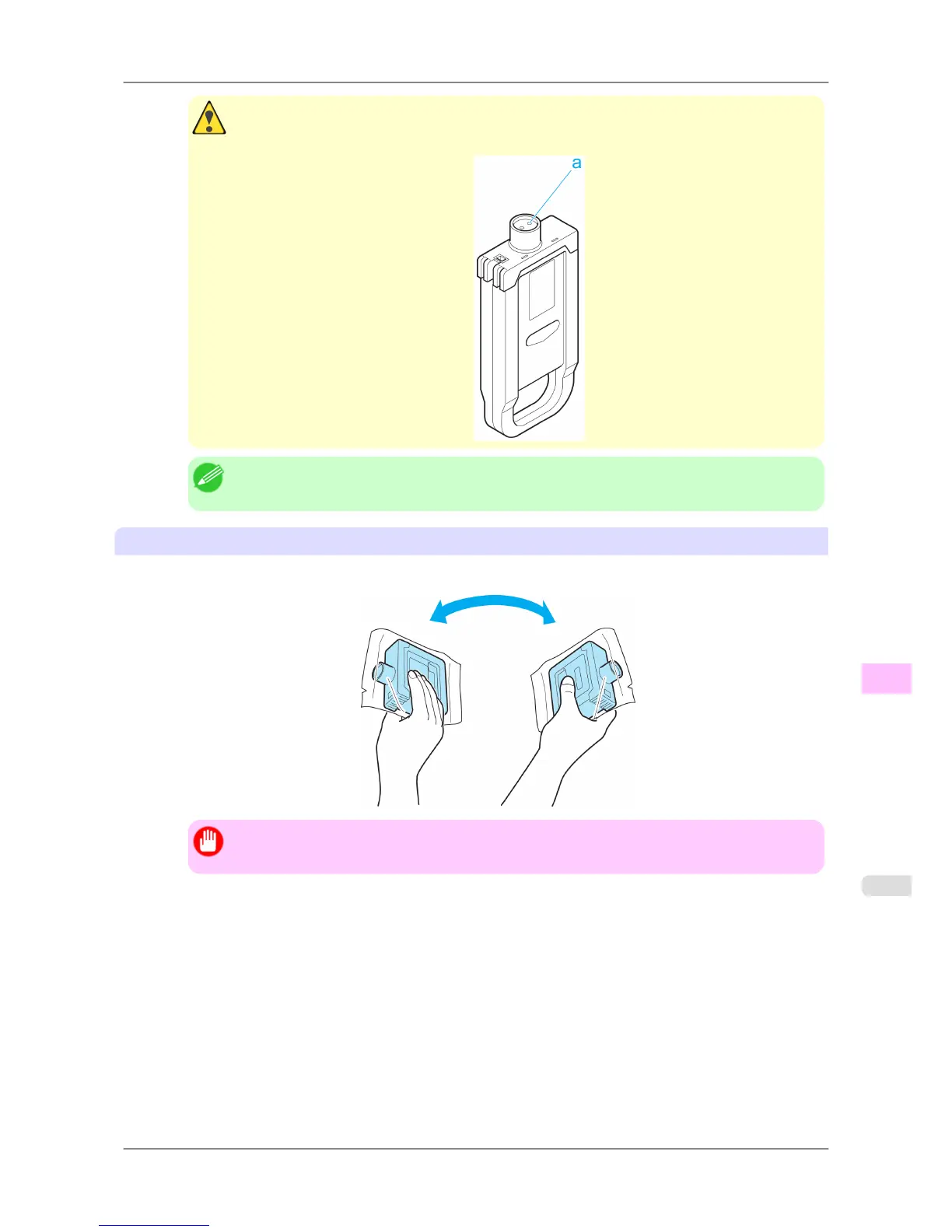
• If there is still ink in the Ink Tank you removed, store it in the box with the ink holes (a) facing
up. Otherwise, ink may leak and cause stains.
Note
• Dispose of used ink tanks according to local regulations.
Load the ink tank (330 ml)
1. Before opening the pouch, tilt the Ink Tank to the left and right gently seven or eight times.
Important
• If you do not agitate the Ink Tank, the ink may sediment, which may affect printing quality.
Maintenance
>
Ink Tanks
>
iPF825 Replacing Ink Tanks
11
747














 To Next Page