Operation
R-Concept
105 / 564
6.3.1 Colour terminal R-Touch
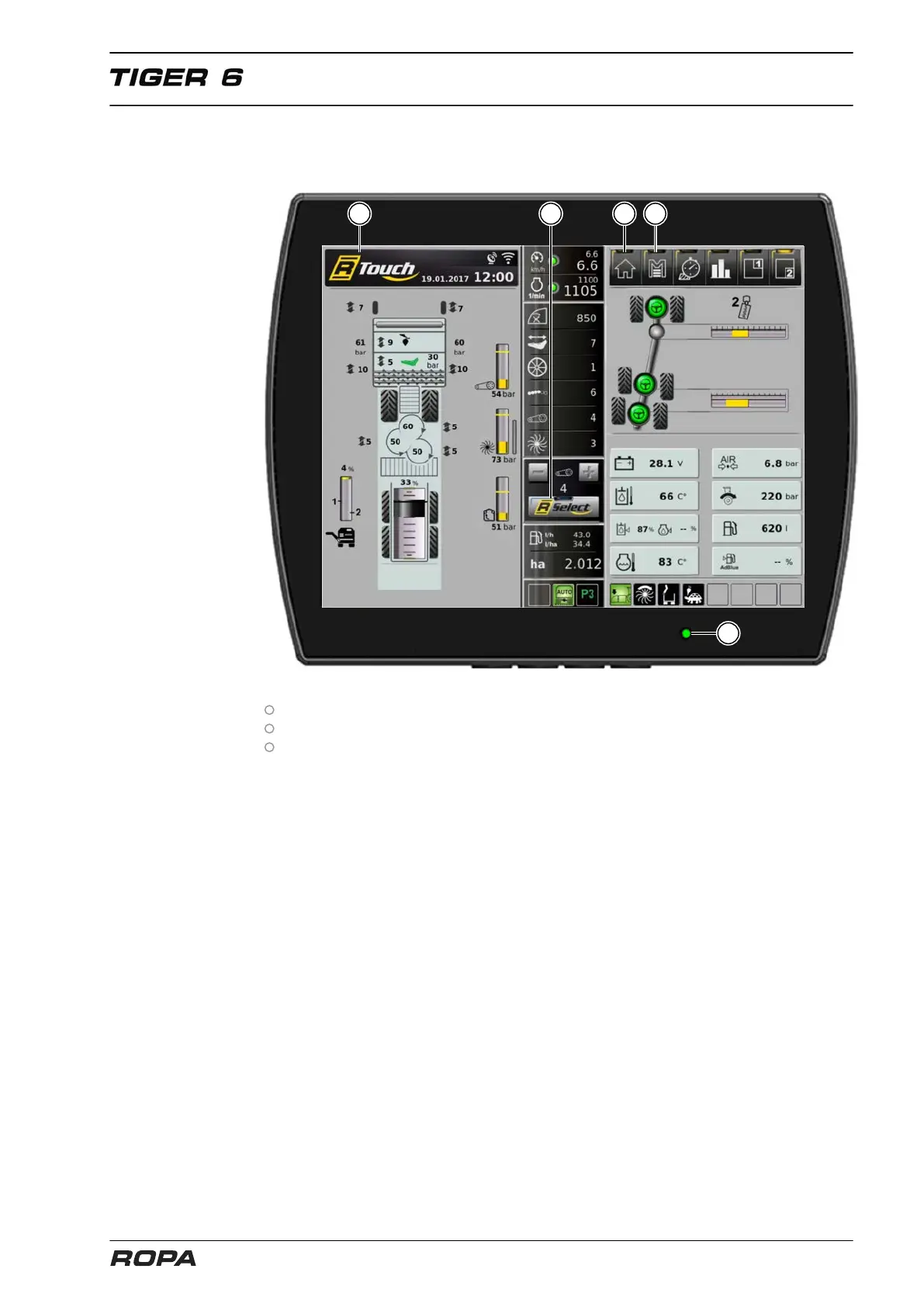
The machine is operated with 3 essential elements:
R-Touch, a user-friendly touch screen (1).
R-Direct, a push/rotating wheel for operating the menu (2) (yellow).
R-Select, a push/rotating wheel for operating the machine settings (3) (blue).
In all menus you move by turning and pressing the rotating wheel, left and right, verti-
cally and horizontally through the menu. It can be seen by a blue or yellow cursor (4).
In menus R-Direct or R-Select this cursor shows your current position in the function
selection, in addition, the selected field is highlighted.
Lightly pressing the middle of the rotary wheel (enter function) confirms the current
position of the cursor. In this manual we do not dwell on the touch operating, as it is
similar to the rotating/pushing. This does not include functions that can only be per-
formed by touching.
The R-Touch colour terminal is activated as soon as the status LED (5) shows green.



 To Next Page