Operation
R-Concept
136 / 564
6.3.2.3.6 Data import R-Transfer Professional
Distance
Time
Consumption
consumption/time
consumption/ha
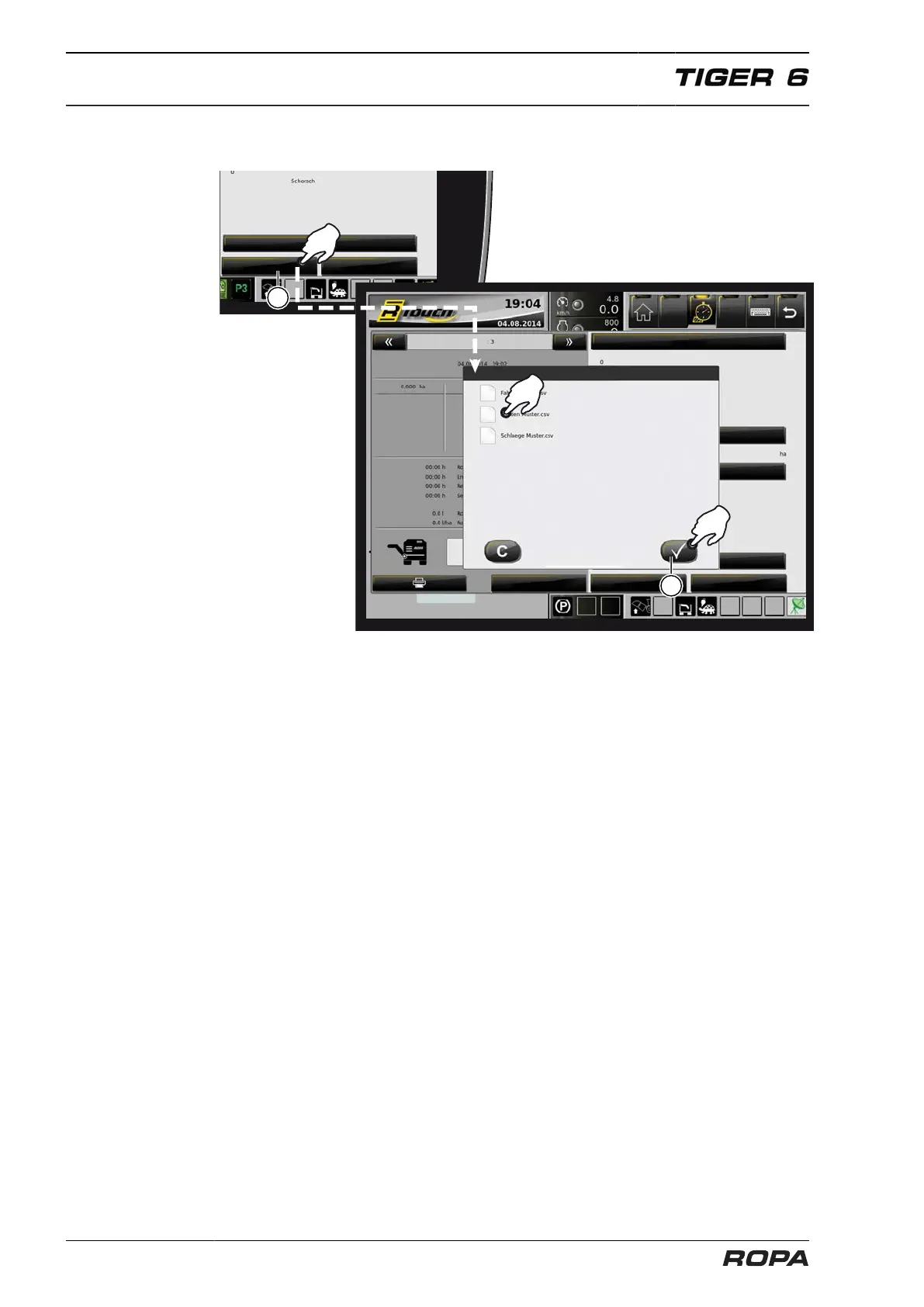
With the "R-Transfer Professional" system the database for clients, fields and dri-
vers can be imported via a USB stick or a smartphone with ROPA app. Insert a USB
stick into the USB port, confirm the message "The USB stick is ready". Click on the
field „Import data“ (28). Choose from the displayed selection field the file/files to be
imported. After clicking on the confirmation field (26) the selected files will be imported.
Upon completion of the data import, you will see the message "Data successfully
imported!". The actual sample files for data import and the ROPA App are available in
the Media Centre at our home page: www.ropa-maschinenbau.de.



 To Next Page