Operating Components
Operating console R-Concept
76 / 564
5.6.2 R-Select
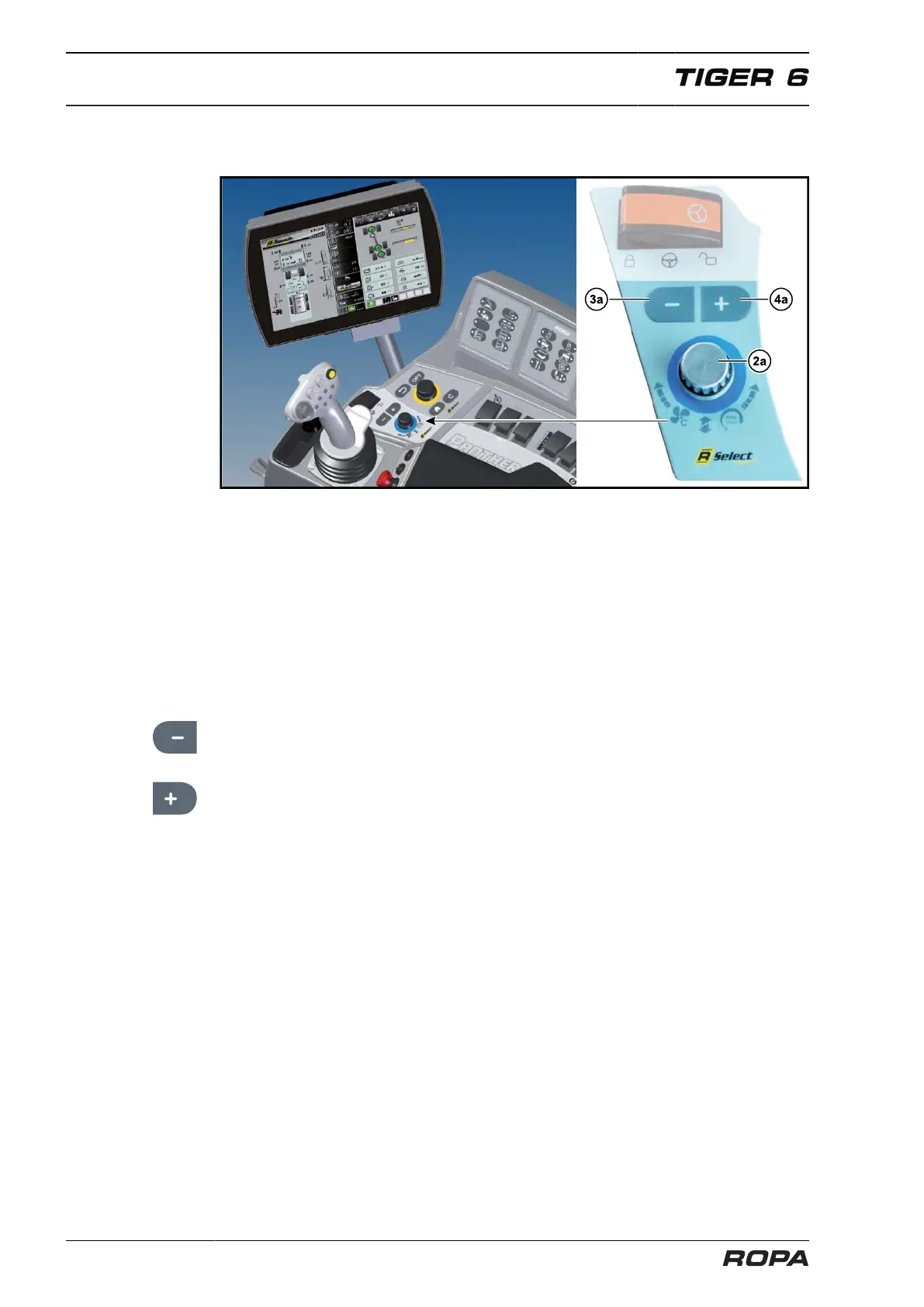
The R-Select (2) (BLUE screen and operating panel colour) allows the driver to per-
form about 20 different functions without knowing the menu structure. There are no
submenus here which require additional knowledge. Generally, there are two possibili-
ties to operate the R-Select mode.
When touching R-Select touch field (2b) in the middle of the screen, the R-Touch
switches into R-Select mode.
R-Touch also switches into R-Select mode, when you turn R-Select wheel (2a).
Now you can move the desired function in the middle of the R-Touch only turning or
touching.
(3a) – Key:
Thus the selected function is slowed respectively rpm, pressure or speed are reduced.
(4a) + Key:
Thus the selected function is accelerated respectively rpm, pressure or speed are
increased.



 To Next Page