Operation
Operating mode "Field" and "Road"
165 / 564
6.6 Operating mode "Field" and "Road"
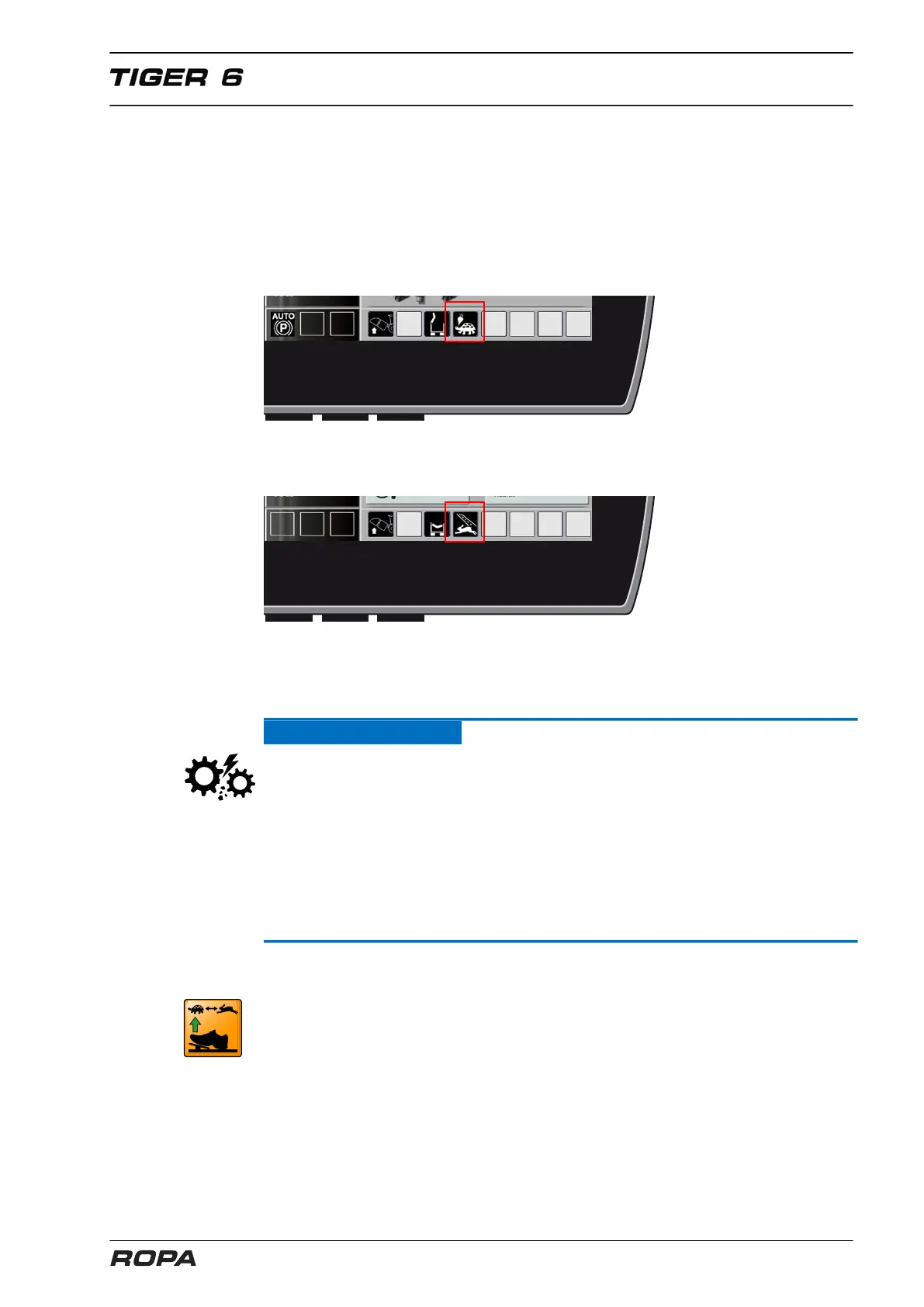
The icon ("Field"/"Road") of the currently active operating mode is displayed on the R-
Touch.
This machine can be operated in the following modes:
Operating mode "Field":
Max. 17 km/h, always 3 drive motors are active.
Operating mode "Road"
Max. 40 km/h, the latest from 17 km/h only 2 drive motors are active.
The third drive motor is switched on permanently in the CVR gearbox at the operating
mode "Field" via a multiple disc clutch.
Over 17.5 km/h the 3rd drive motor in the CVR gearbox must be switched off.
ATTENTION
Hazard of severe damage to traction drive!
In the operating mode "Field", especially when driving downhill with full bunker, never
drive faster than 17.5 km/h.
In the operating mode "Road", especially when driving downhill, never drive faster
than 45 km/h.
– Adjust your way of driving
– Drive on steep slopes downhill at reduced speed
– Slow down in emergency cases the vehicle with the foot brake
6.6.1 Operating mode change
– To switch the operating mode completely release the drive pedal and stop the vehi-
cle.
– Select the desired operating mode using keys (10) and (11) on the keypad I.



 To Next Page