Operation
Bunker unloading
333 / 564
(54) End of bunker unloading
This key is used to switch bunker unloading OFF. The conveyors stop immediately, the
unload conveyor runs empty and swings into operating position.
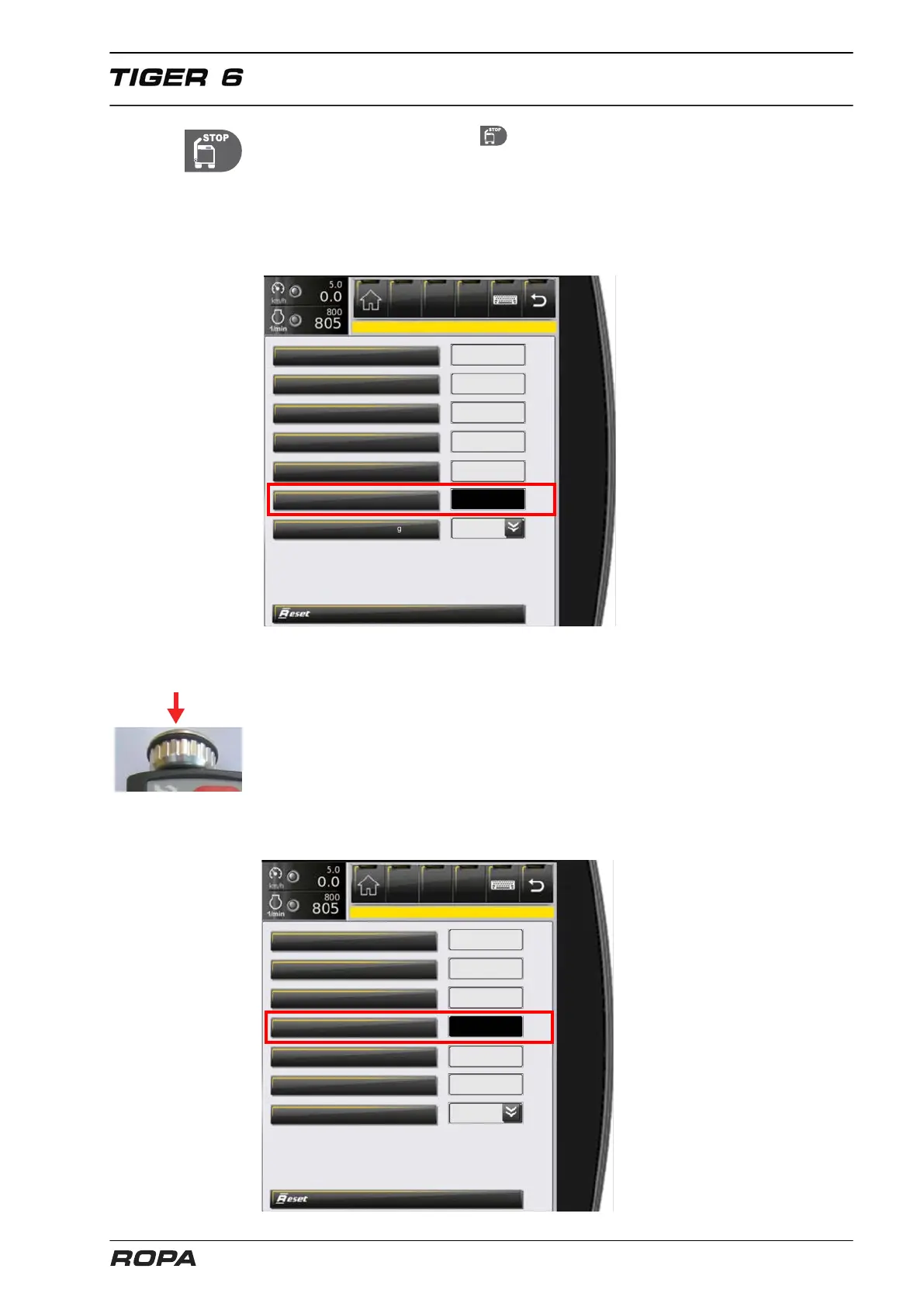
The time taken for the unload conveyor to run empty can be adjusted in the menu
"Main settings", submenu "Bunker", line "Unload conveyor lag (sec)". If the value is
increased, the unload conveyor runs longer.
Unloading engine rpm pile
Unloading engine rpm lifting
Unloading stage 2 speed %
Start delay unloading stage 4
Unload elevator lag (sec)
Leaf-spreader speed by overloading
6.19.2 Adjustment of unloading stage 2 cross conveyor speed
The speed of the cross conveyor can be adjusted in 10 % steps using the rotary wheel
(45). For this purpose, ONLY AT unloading stage 2 press the rotary wheel and turn it
simultaneously. In this case the light bar in the display (55) is switched by pressing the
rotating switch and indicates the set cross conveyor speed.
As an alternative to pressing/turning the rotary wheel there is a 2nd speed adjustment
option of unload stage 2:
You can also adjust the speed in the menu "Main settings", submenu "Bunker", line
"Unloading stage 2 speed %".
Unloading engine rpm pile
Unloading engine rpm lifting
Unloading stage 2 speed %
Start delay unloading stage 4
Unload conveyor lag (sec)
Leaf-spreader speed by overload



 To Next Page