Operation
Steering
209 / 564
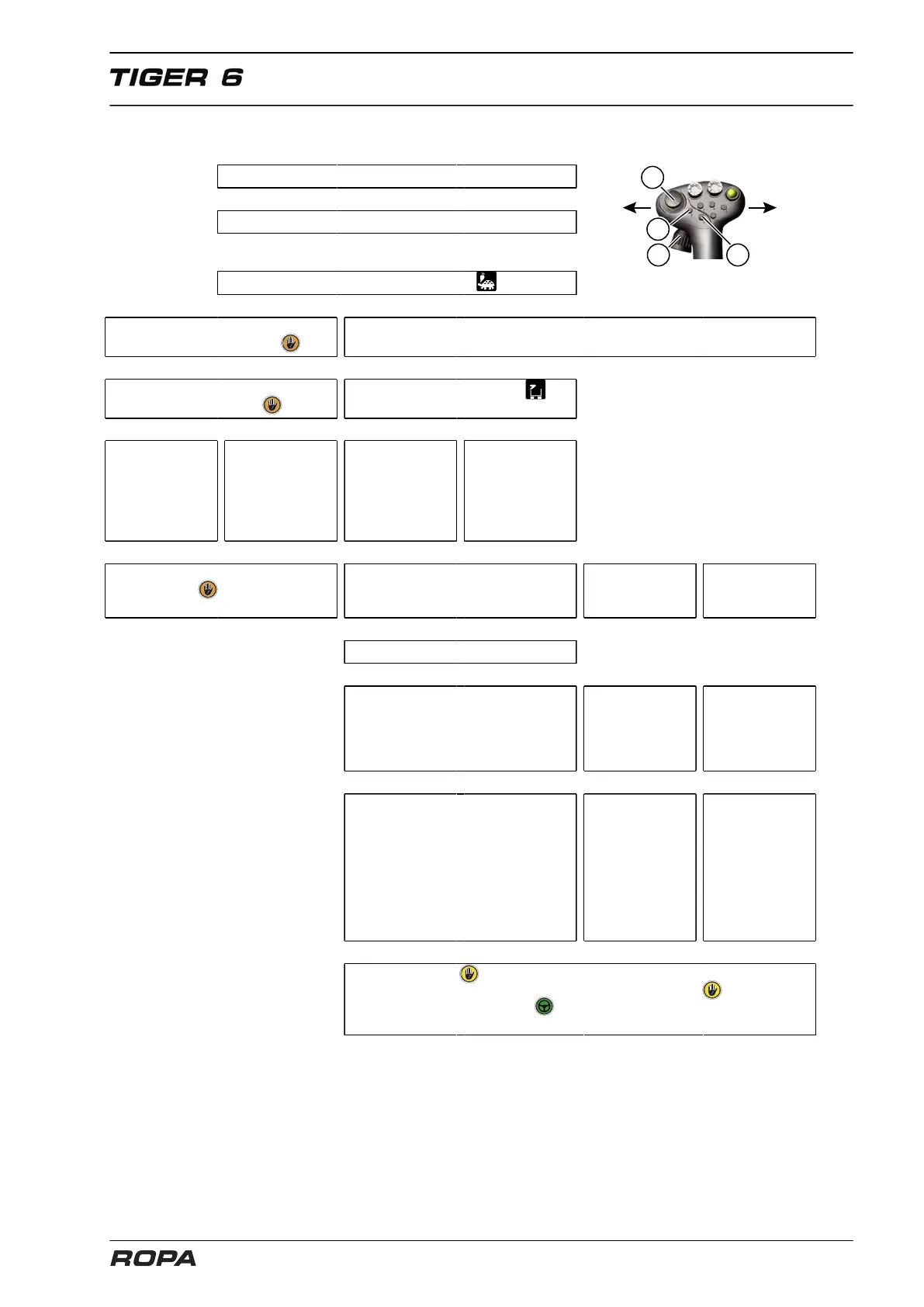
6.10.2.10 Quick description: steering modes in operating mode "Field"
Start engine.
↓
Unlock the main steering switch.
↓
Switch to operating mode "Field" .
↓ ↓
Activate R-Direct menu "Special
functions manual control" .
Drive at least 0.5 km/h. *
↓ ↓ ↓ ↓
On the R-Touch = man-
ual control active .
Unload elevator swung out: .
↓ ↓
↓ ↓
Using the joystick,
steer the rear
wheels to the left
(L) or right (R).
Press key (3) and
hold it; using the
joystick, steer
the articulation
to the left (L) or
to the right (R).
Mini joystick (1) to
offset-steer left.
Mini joystick
(1) to off-
set-steer right.
↓ ↓
↓
↓ ↓
↓ ↓
On R-Touch = manual con-
trol off, disappears.
Set hand potentiometer (14) to posi-
tion "straight ahead" before activation.
Briefly press
the key (2):
U-turn steer.
Press and hold
the key (2): All-
wheel steer.
↓ ↓ ↓
Briefly press the key (3): * Offset-steer. ↓ ↓
↓
↓ ↓
The rear part is steered to the pre-
selected offset-steer stage. The
rear wheels may be corrected
using the hand potentiometer (14).
Articulation and
rear wheels steer
with the front axle
(smallest turning
clearance circle).
Articulation is
straightened and
remains straight.
Rear wheels steer
with front axle.
↓ ↓ ↓
Manual override using the joystick
(L or R): Articulation remains in
preselected position. Rear wheels
may be steered using the joystick.
Manual override
using the joystick
(L or R): Articula-
tion steers like
the front axle.
Rear wheels
are steered
with joystick.
Manual over-
ride using the
joystick (L or
R): Articulation
remains straight
and locked.
Rear wheels
are steered
with joystick.
↓ ↓ ↓
The icon appears for manual override of rear wheels. After
activation of steering using the key (2 or 3), the icon dis-
appears and the icon (autopilot) appears again. The rear
wheels move again in the same way as before manual override.
* Note: When the lifting unit is lowered, the steering mode may also be activated by pressing on the foot
switch "Autopilot", instead of using the key (3).



 To Next Page