Operation
R-Concept
134 / 564
6.3.2.3.4.2 Finish order at R-Transfer Professional
With R-Transfer Professional you can select from the imported by you data (See
Page 136) the customer name, field name and driver name. This data will be
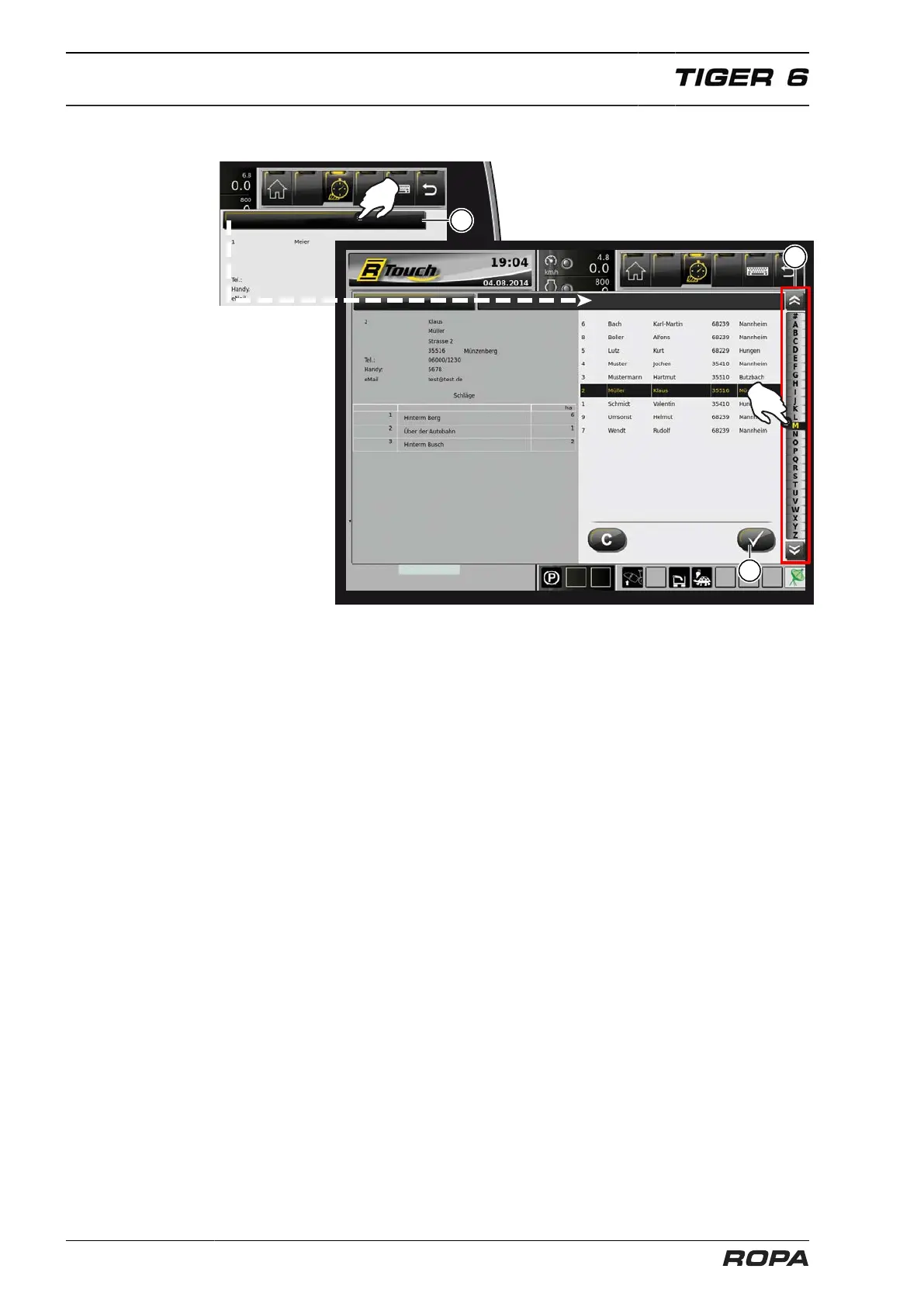
associated along with the machine data to the current order. Click first on the field
"Client" (17), then choose from the sidebar (25) the first letters of the last name. In the
left half of the screen you will see the complete contact details and the fields assigned
to this client.
Complete your entry by pressing the confirmation key (26). Then you will be directed
to the field selection. If you do not find the required customer in the customer data-
base, you can enter it as described on the page 133. The customer entered by you
will not be recorded in the customer data base, but only saved in the order data base.



 To Next Page