Operation
R-Concept
131 / 564
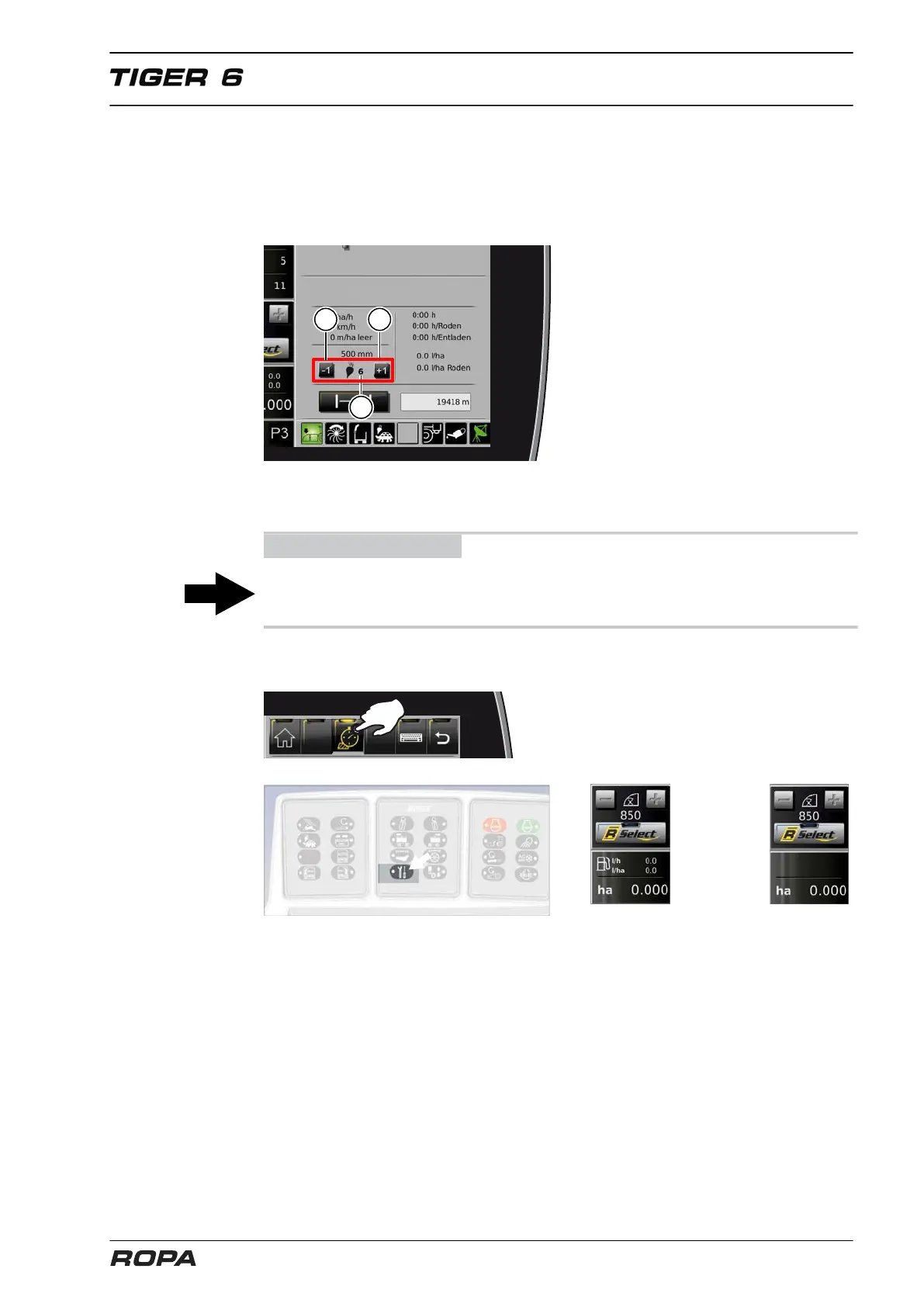
6.3.2.3.2 Number of rows setting
The number of rows may only be set on the machines, for which this function has
been released. When the lifting unit has been lowered, the number of rows (6) can be
gradually changed in the order data quick overview exclusively by clicking the field
(16).
(6) Number of rows used to calculate the lifted area
(16) Rows number adjustment
ADVICE
When the lifter is raised, the number of rows is automatically set again to the largest
number of rows.
6.3.2.3.3 Hiding fuel consumption
In every menu of order management, you may hide all data concerning fuel consump-
tion by pressing the service key. When pressing the service key again, this data are
displayed again. If your machine is fitted with a printer, then you may also suppress
printing of fuel consumption data using this method.



 To Next Page