Operation
R-Concept
132 / 564
6.3.2.3.4 finish order
Distance
Time
Consumption
consumption/time
consumption/ha
consumption/km
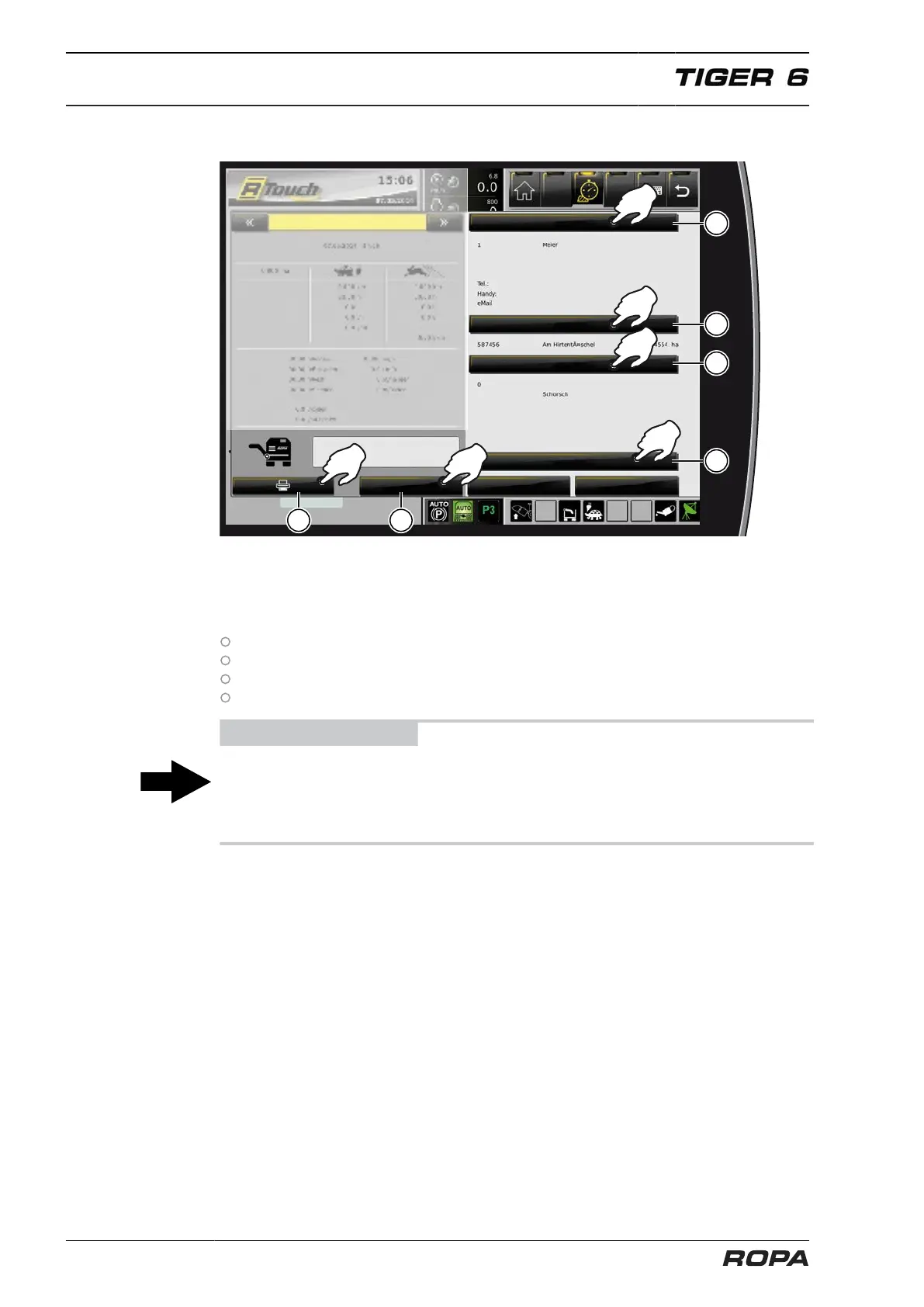
All orders for a season are recorded in the order management. All recorded orders
can be printed with the printer (option) clicking on the field (22).
For this purpose, you should enter the following data in the fields provided before
completion of an order (21):
Client name (17)
Field name (18)
Driver name (19)
Optionally, you can also enter an additional info (20).
ADVICE
The order management described here is a standard equipment. In case you do not
want to enter the data (17-20) when completing the order, so you can deactivate
this function by ROPA service team. Deactivation is not possible if the machine is
equipped with R-Transfer.



 To Next Page