Maintenance and Service
Infeed conveyor
444 / 564
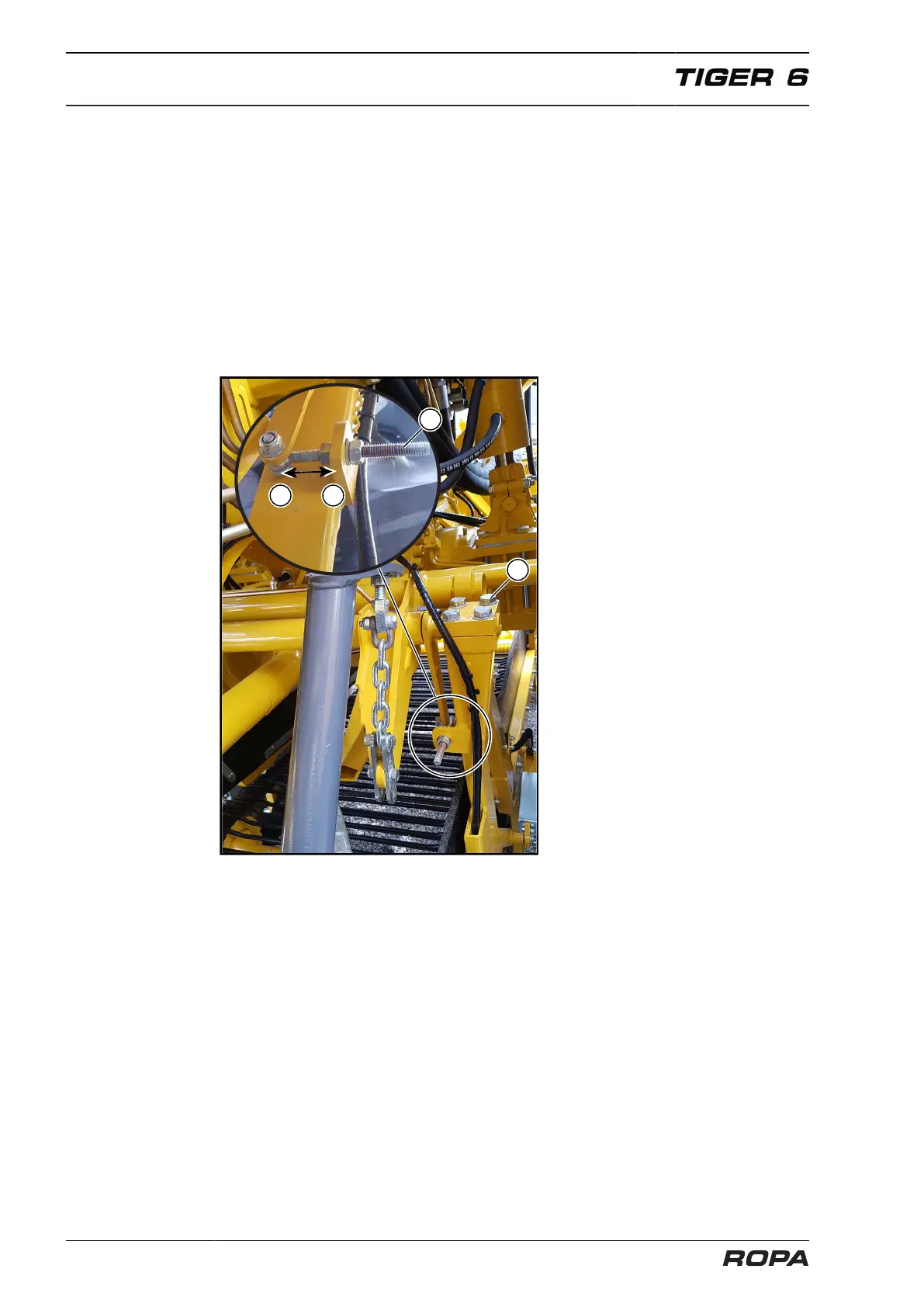
7.10.2 Setting synchronism
If the infeed conveyor moves onto the bar of the drive wheel more on the left or right
side, then immediately set synchronism, because otherwise the strainer chain is sub-
ject to increased wear.
Proceed as follows:
– Loosen the four clamping bolts (1).
– Then, turn the nuts on the setting bolt (2) for 1-2 revolutions.
– Retighten the four clamping bolts (1) and let the infeed conveyor run for several
minutes. Check by visual inspection whether the conveyor runs evenly straight. If
this is not the case, then repeat the setting process for so long until the conveyor
runs evenly in the centre.
Setting note
Conveyor runs to the right → turn nut backward (arrow B).
Conveyor runs to the left → turn nut forward (arrow A).



 To Next Page