Operation
R-Concept
129 / 564
6.3.2.3 Order management
Once the diesel engine is started, all data of diesel engine operational time, fuel con-
sumption, distance, driving speed, etc. are recorded in the current order separately for
the operating modes "Field" and "Road". An order is always active, the termination of
an order by the driver automatically starts a new one. All orders are stored in the order
database. The order database can be deleted by deleting the statistics of the season.
The order database is a standard equipment, but the orders are only available in the
R-Touch and cannot be restored if the R-Touch is defective. No backup is possible.
With the system "R-Transfer Basic" (optional) the order database can be exported on
a USB stick or via Wi-Fi on a smartphone with ROPA app. It makes comfortable orders
evaluation possible.
With the system "R-Transfer Professional" (optional) the order database can be
exported on a USB stick or via Wi-Fi on a smartphone with ROPA app. Furthermore,
it allows import of databases for customers, fields and drivers via USB stick or smart-
phone with ROPA app.
ADVICE
We recommend you to export the order database after each operating day for backup.
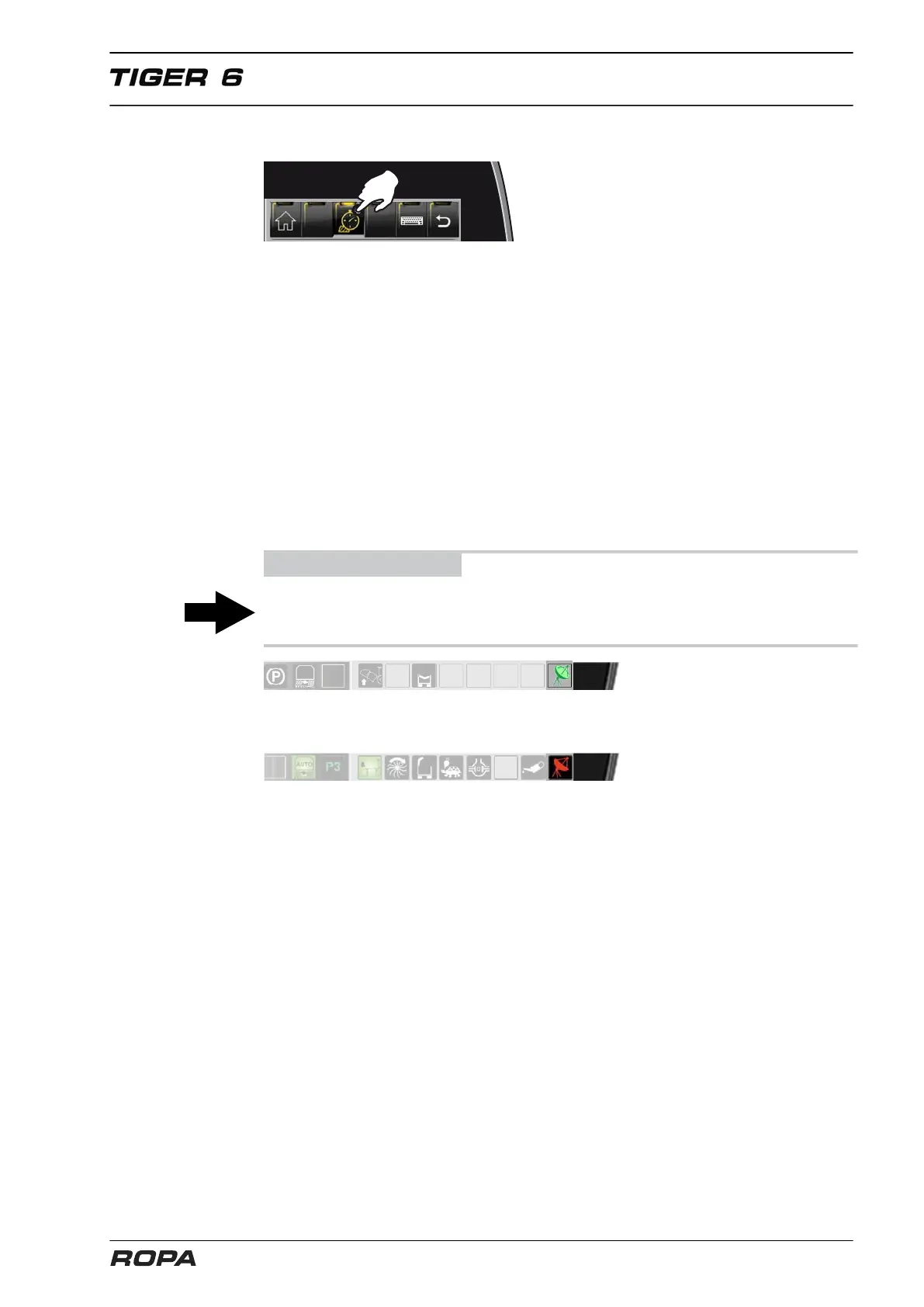
For machines with GPS driving speed measurement (option) the green satellite indi-
cates that the area calculation via non-slip velocity is active.
The red satellite indicates that non-slip velocity is switched off (no GPS reception).
The area is then still calculated with the gear signal. The driving speed display always
indicates the driving speed calculated on the basis of the gear signal, even when the
GPS signal is active.



 To Next Page