Operation
Driving
177 / 564
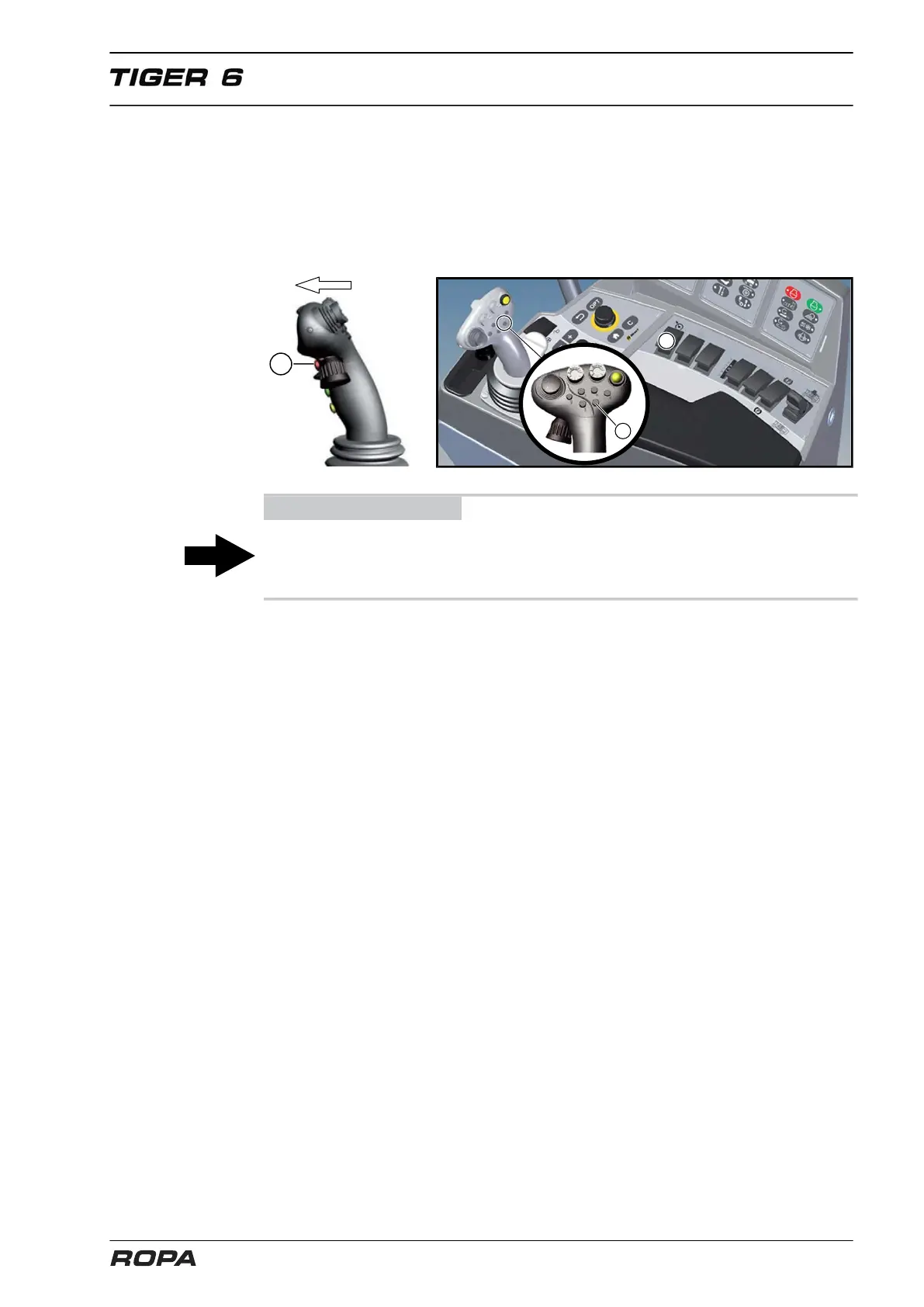
Ways to switch on the cruise control:
– Press the toggle switch (34) "Cruise control on/off"
– Hold the multifunctional key (11) pressed, while briefly pressing the joystick all the
way forward.
– Press briefly the key (10) on the joystick
Green LED lights on the R-Touch. Cruise control is switched on.
ADVICE
If the speed set by the drive pedal before switching on cruise control was lower than
the set speed displayed on the R-Touch, then the machine accelerates to the set
speed.
6.7.4.5 Change set speed of cruise control (operating mode "Field")
ROPA provides two different strategies for setting the desired speed of cruise control.
1st strategy
Adjusting the desired speed in steps of 0.2 km/h each. For this purpose:
– Very shortly push the joystick forward to the stop and immediately release it. In
each case, the desired speed is increased by 0.2 km/h.
– Very shortly push the joystick backward to the stop and immediately release it. In
each case, the desired speed is decreased by 0.2 km/h.
2nd strategy (driving lever mode)
– Push the joystick forward and hold it in this position. The cruise control increases
the speed until the joystick is released. The further forward the joystick is pushed,
the faster the acceleration is.
– Pull the joystick backward and hold. The cruise control reduces the speed until the
joystick is released. The further backward the joystick is pulled, the faster it slows.



 To Next Page