Operation
Steering
215 / 564
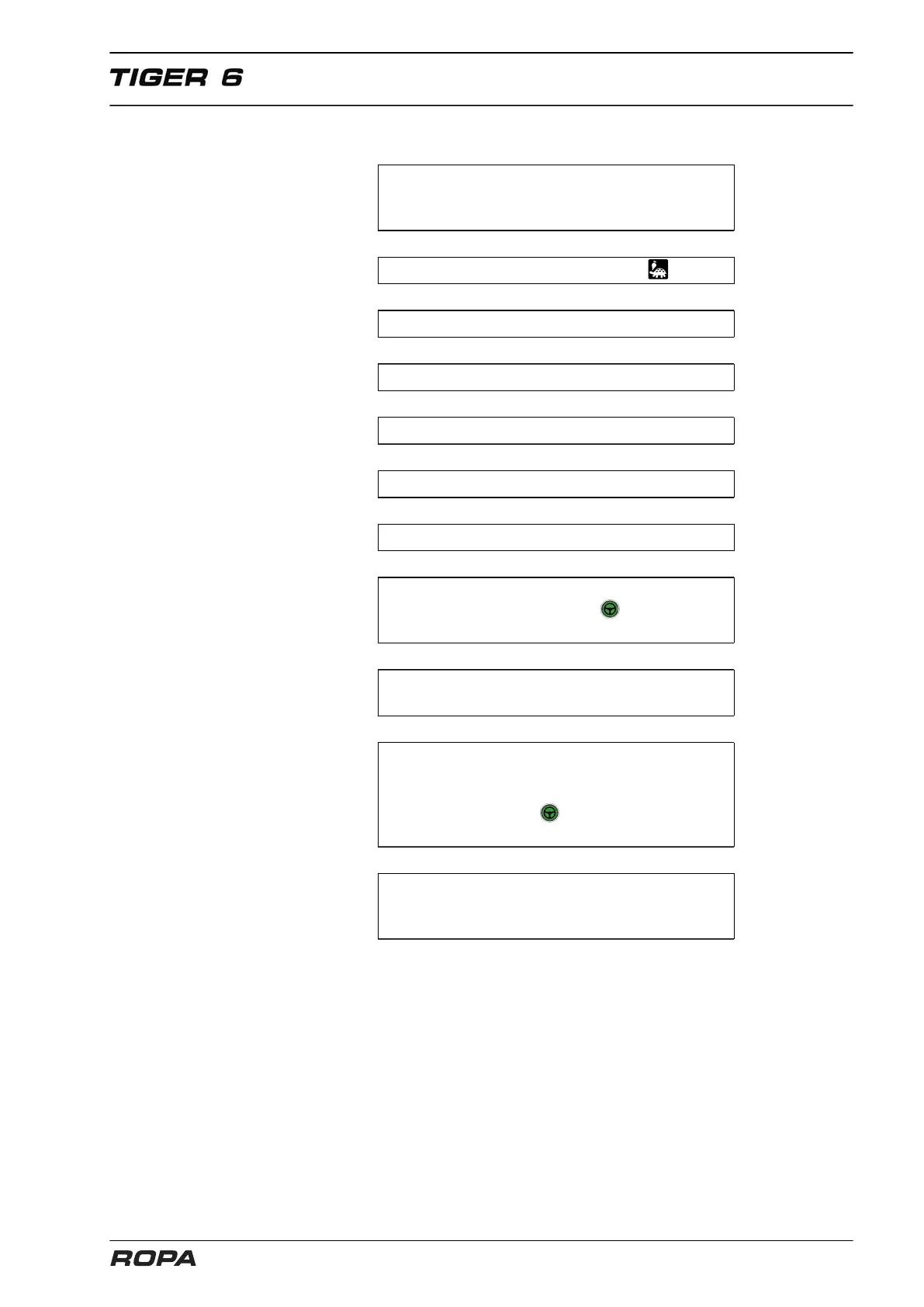
6.10.3.5 Quick description: automatic activation of rear wheels autopilot
On R-Touch in menu "Autopilot", "Front
axle signal of" set on "Share" or "Row
+share", and "Activation rear axles" on "Auto".
↓
Select operating mode "Field" .
↓
Unlock main steering switch.
↓
Switch on machine.
↓
Lower three-point suspension.
↓
Drive at least 1 km/h.
↓
Preselect offset-steer.
↓
Press the foot switch autopilot once or key
(3) on the joystick (the icon appears on
the front axle). Front axle autopilot is active.
↓
Initiating automatic activa-
tion of rear wheels autopilot.
↓
The rear wheels have reached the setting of the
steering angle preset by the hand potentiometer.
The rear wheels autopilot assumes steering of the
rear wheels. The icon appears on R-Touch on
the front axle and rear wheels. Autopilot is active.
↓
Automated steering is switched off
when the steering wheel is moved or
the three-point suspension is lifted.



 To Next Page